The usual argument for a wired keyboard is latency, and it is the wrong argument. Modern 2.4GHz keyboards are within a millisecond or two of a cable, which is far below the threshold at which a human notices anything. If someone tells you a cable wins you gunfights, they are selling you something.
The real case for wired is a bill of materials. A wireless board has to pay for a radio, a battery, a charging circuit and the firmware to manage all three, and that money comes out of the same budget as the switches, the plate and the keycaps. Take the radio out at a fixed price and the money lands on the parts you actually touch. That is why the best keyboard you can buy for forty dollars is always wired, and it is the organising idea of this page. Prices come from the live price layer and carry the date we retrieved them.
What the cable actually buys
Three things, none of them speed. First, a keyboard that is never flat: no charging reminder, no dead board on a Monday morning, no AA hunt. Second, no pairing layer — a wired keyboard works in a BIOS, in a boot menu and on a machine that has not finished installing an operating system, which a Bluetooth board frequently does not. Third, and most important, more keyboard per dollar.
A wired board is polled as a standard USB human interface device, and that polling has been fast enough for a decade. Our wired vs wireless keyboard guide has the detail, including the one case where wireless genuinely wins: a desk you want to be able to clear.
Switches, and what to ignore
Linear switches move straight down with no bump, tactile switches have a bump partway through, and optical switches use a beam break instead of a metal contact. Most gaming marketing treats linear as the gaming choice and tactile as the typing choice. That is a reasonable starting point and a bad law — plenty of competitive players use tactile switches because the bump tells them where the actuation point is.
The spec that genuinely separates these boards is whether the switches can be replaced at all. A hot-swappable socket turns a failed switch from a dead keyboard into a two-minute repair with a five-dollar part. That is the single best durability feature in the category, and it is the reason our hot-swap roundup exists separately. On the boards here, treat soldered switches as a fixed-lifespan component and budget accordingly. Our switch types explainer covers feel, noise and travel properly.
Keycaps are the spec nobody shops for
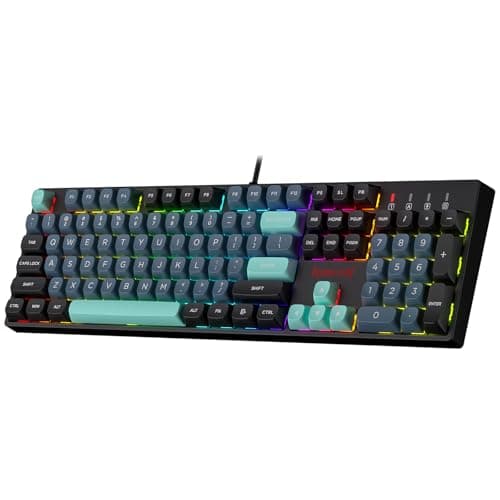
Keycaps are the part your fingers are on, and the plastic matters more than the legend font. ABS is cheaper, slightly louder, and develops a glossy shine on the keys you use most within months. PBT is denser, resists that shine, and feels drier under a fingertip. The K582 SE shipping PBT at its price is the single reason it leads this page.
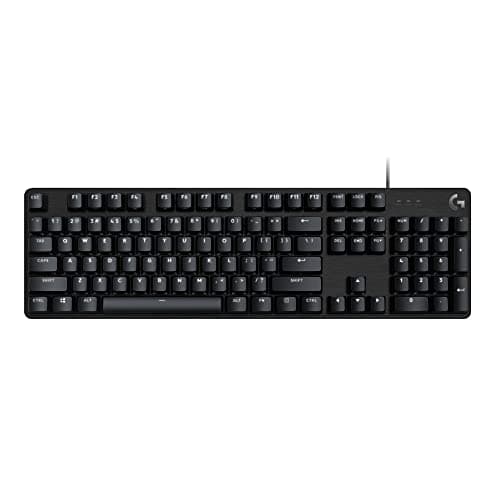
Aluminium top plates are the other construction spec worth noticing, and the G413 SE has one. A metal plate does not make typing faster; it stops the board flexing when you bottom out a key hard, which is the difference between a keyboard that feels solid in year three and one that creaks. The K552 uses a steel plate for the same reason at a lower price.
Layout, and the mouse-room trade
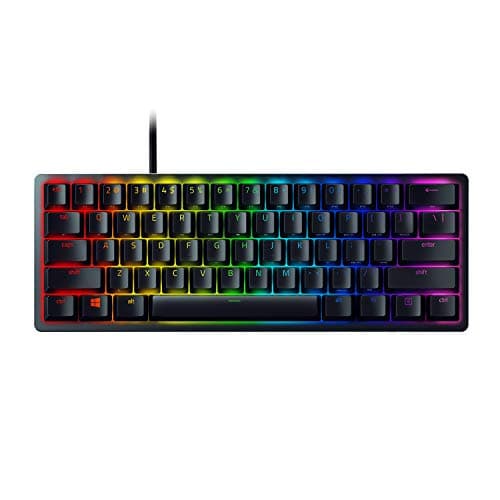
A full-size board keeps the number pad. A tenkeyless board removes it and recovers roughly two inches of desk. A 60% board removes the function row, the arrows and the navigation cluster as well, which recovers a great deal more. For a low-sensitivity player whose mouse sweeps a large arc, that desk space is a real competitive variable rather than an aesthetic one.
The trade is that a 60% board puts arrows and function keys behind a layer you have to learn, and if you also work on this keyboard, that learning tax arrives every day. Our keyboard sizes explainer walks each layout, and our full-size roundup is the page for anyone who already knows they need the number pad.
When a membrane board is the right answer
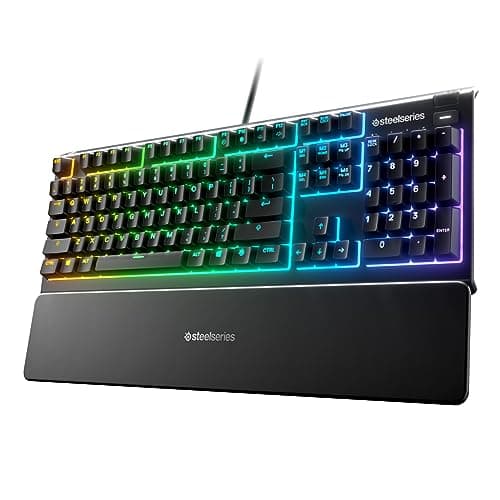
Two picks here are membrane, and that is not a filler choice. A rubber-dome keyboard is quieter than almost any mechanical board, which matters in a shared room or on a stream with an open microphone, and it is far easier to make water resistant because there is a continuous sheet under the keys instead of dozens of individual holes. The Apex 3 carries an IP32 rating for exactly that reason.
What you give up is consistency and feel: a dome collapses rather than clicking over, the actuation point drifts as the sheet ages, and you generally have to bottom out every press. If you have never typed on a mechanical board and want to know whether the upgrade is real before you spend, our mechanical-keyboard question is the honest version of that answer.
Which wired board, by what you are optimising for.
The most keyboard per dollar: the Redragon K582 SE. Full-size, mechanical linear, PBT keycaps.
Tactile switches and a brand that answers the phone: the Logitech G413 SE, with an aluminium top plate.
FPS at a low sensitivity: the Razer Huntsman Mini. Optical switches, 60% layout, and the most mouse room on this page.
Drinks live on your desk: the SteelSeries Apex 3, rated IP32.
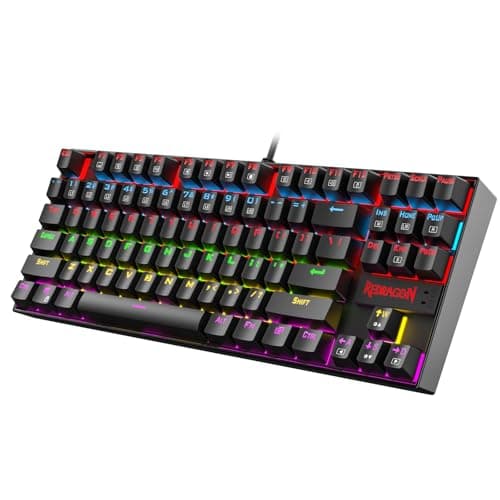
You want mechanical but need the desk space: the Redragon K552 Kumara, tenkeyless with a steel plate.
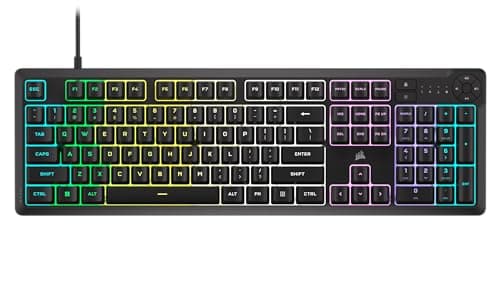
Cheapest thing that works: the Corsair K55 CORE RGB. Membrane, quiet, spill resistant, with real media keys.