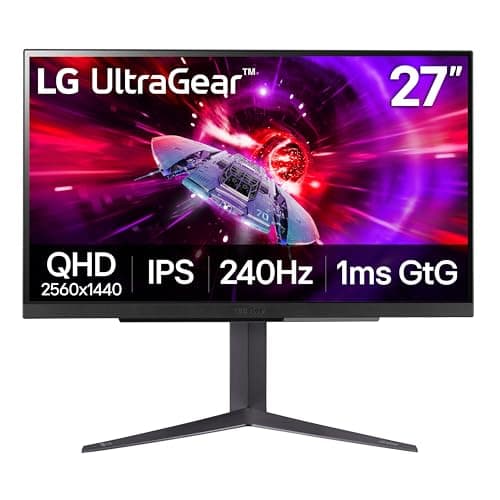
If you want one recommendation for a PlayStation 5, buy the LG UltraGear 27GR83Q-B. It is the one panel here whose spec sheet explicitly lists an HDMI 2.1 port, which is the connection a PS5 needs for 1440p or 4K at 120Hz — so it is the only pick on this page where we are not asking you to confirm that yourself. On every other monitor here, check the listing for HDMI 2.1 before you buy. Choosing a monitor for a console is a different job from choosing one for a PC, because the PS5 decides what it can output and the port on the back of the monitor decides whether it gets there. Get the connection right and the rest is about size, panel type and resolution. Get it wrong and you can pay for a high refresh rate the console will never send. This page is built around that one honest distinction.
What a PS5 can actually output
Start with the console, because it sets the limits. A PlayStation 5 can output up to 4K resolution at 120Hz, or 1440p at 120Hz, and it gained that 1440p video mode through a system software update in 2022 — earlier in the console's life it did not offer 1440p at all. It also supports variable refresh rate (VRR), which smooths out the frame-rate dips that make console games stutter. The official PlayStation support pages are the authority on which video modes your console and its current firmware support, and they are worth checking before you buy.
The crucial point is that all of those headline modes — 4K at 120Hz, 1440p at 120Hz, and VRR — travel over an HDMI 2.1 connection. HDMI 2.1 is the version of the cable and port standard that carries enough bandwidth for those high-resolution, high-refresh signals, and it is the single spec that decides whether a monitor can show a PS5 at its best.
The HDMI 2.1 catch: check the port before you buy
Here is the honesty this page exists for. A monitor can advertise a high refresh rate and a 4K panel and still cap the PS5 well below its potential, because if its HDMI ports are the older HDMI 2.0 standard, there is not enough bandwidth to carry 4K at 120Hz — the console falls back to a lower refresh over that connection. So the number that matters most for a PS5 is not the panel's peak refresh rate; it is the HDMI version on the back.
Of the monitors on this page, only the LG 27GR83Qexplicitly lists an HDMI 2.1 port on its spec sheet, which is why it is our top pick for a console. For every other monitor here, we are not going to assert an HDMI generation we cannot see on the listing — instead, the honest instruction is to confirm the panel's HDMI version yourself before buying if 4K or 1440p at 120Hz matters to you. If a listing does not clearly state HDMI 2.1, treat the high-refresh 4K modes as unconfirmed for a PS5 over that port. This is not a detail to guess on; it is the whole ballgame for a console buyer.
Very high refresh is a PC number, not a PS5 number
The second thing to be clear-eyed about is refresh rate. A PS5 tops out at 120Hz. So when a monitor on this page advertises a much higher figure — a 240Hz panel, for instance — that refresh rate is something a gaming PC would use, not the console. Plug a PS5 into a 240Hz monitor and the console still outputs at most 120Hz; the extra refresh is simply headroom for a PC you might connect later. That is not a reason to avoid those panels — several are superb — but it is a reason not to pay a premium for a refresh number your console can never reach. Buy the high-refresh headline for the PC in your life, if you have one; for the PS5 itself, 120Hz over HDMI 2.1 is the ceiling that counts.
4K or 1440p for a PS5?
With the connection settled, the real choice is resolution, and both good options run at up to 120Hz over HDMI 2.1. 4K gives you the sharpest image the console produces and looks its best on a bigger 27-to- 32-inch panel where the extra pixels have room to show — the trade is that native 4K at 120Hz is the most demanding thing a PS5 does, and not every game reaches it. 1440p is the easier target: it is a clear step up from 1080p, more games hold a high frame rate at it, and a 27-inch 1440p panel is the size and sharpness sweet spot most console players are happiest with. Our 1440p vs 4K guide lays out the trade in full, and if you lean toward the sharper image, our best 4K monitors page goes deeper on that tier.
One more resolution note specific to consoles: because the PS5 only added 1440p output in 2022, a monitor that accepts a 1440p signal cleanly is genuinely useful, and all of the 1440p and 4K panels here will take the console's output — the constraint is the refresh, which comes back to the HDMI version every time.
Panel type, size and HDR
The rest of the decision is the ordinary monitor stuff, and it still matters. IPS panels — the LG, the two 4K Samsungs and the value 4K options here — give you clean motion and accurate color with the usual grayish blacks. The 32-inch curved VA panel trades some motion clarity for much deeper contrast and a wraparound feel that suits single-player and racing games, a trade our curved vs flat guide and IPS vs VA guideboth cover. The QD-OLED showpiece lights every pixel individually for per-pixel blacks and the best image on the page by a distance, at the highest price and with a burn-in risk to manage — our OLED vs IPS guide explains what that buys and costs.
On HDR, be realistic: the entry-level HDR certifications most of these panels carry brighten highlights a little but do not deliver the punch a true HDR display does, and only the OLED here changes that picture meaningfully. Our is HDR worth it guide is the honest take on which HDR badges mean something. The standards behind HDR tiers and VRR come from VESA, whose DisplayHDR labels are the least misleading way to compare HDR claims across brands.
One cable, and the right one
The cable is the detail people skip and then quietly lose frames to. The high-resolution, high-refresh modes a PS5 sends over HDMI 2.1 need a lead that can carry that bandwidth, so an old HDMI cable from a drawer can bottleneck a perfectly capable monitor and leave you wondering why 120Hz is grayed out. Most HDMI 2.1 monitors include a suitable cable in the box; if yours did not, or you are reaching for a spare, use one rated for the full bandwidth rather than assuming any HDMI cable is equal. It is the cheapest link in the chain and the easiest one to get wrong.
It is also worth setting expectations about what any single monitor delivers on a PS5, because the console and the game share the decision with the panel. A monitor cannot make a game run at 4K and 120Hz if the game itself targets 30 or 60; what the right panel and the right HDMI port do is remove the display as the bottleneck, so that whenever a game offers a high-frame-rate or 120Hz mode, your screen can actually show it. That is the whole goal here — not to chase a number, but to make sure the monitor is never the reason you are stuck below what your console and your games can do.
The one feature genuinely worth switching on once everything is connected is variable refresh rate. A PS5 supports VRR over HDMI 2.1, and it is the setting that smooths the frame-rate dips console games are prone to, turning a stuttery drop from 60 into something that still feels steady. It costs nothing, it is available on the panels here that carry the right port, and it is the single most-felt improvement after the resolution and refresh are sorted.
How the picks rank
The LG 27GR83Qwins because it is the one panel here whose spec sheet explicitly lists HDMI 2.1, so a PS5 can run 1440p at 120Hz with VRR over it without you having to confirm the port generation yourself first. It is 1440p rather than 4K — which, as the FAQ below says, is the easier target for a console to hold at 120Hz anyway — and its 240Hz headline is a PC number the PS5 will not reach.
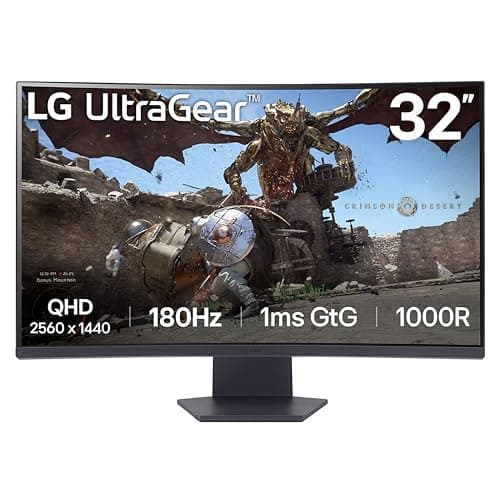
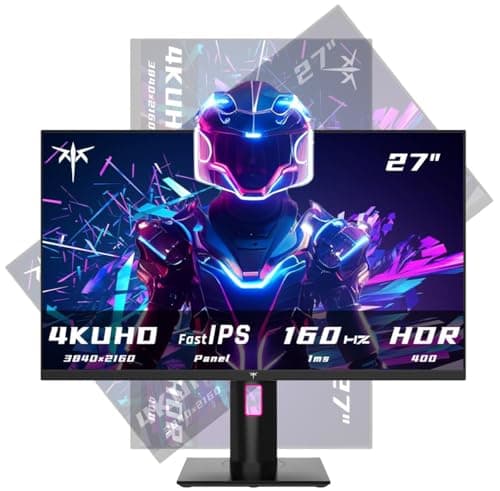
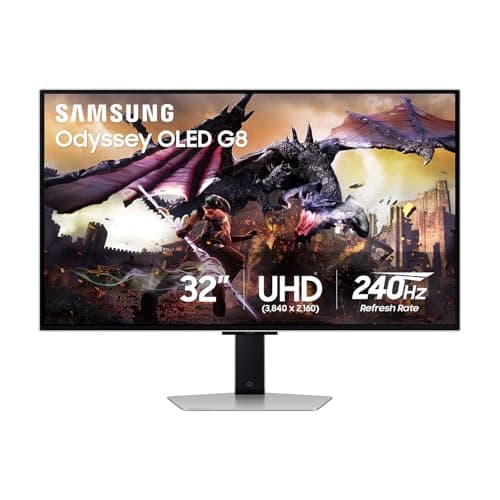
The 32GS60QC is the immersion pick: a 32-inch curved 1440p VA panel that wraps racing and single-player games in a way a flat 27 cannot, at the cost of VA dark-scene smear and softer sharpness spread across 32 inches. The KTC 27-inch 4Kis the sharp value 4K option — 4K clarity on a 27-inch fast IPS without a flagship badge tax, with the usual caveats about lesser-known-brand support and confirming the HDMI version for high-refresh 4K. And the Samsung Odyssey OLED G8 is the showpiece: a 32-inch 4K QD-OLED with the best image here by a wide margin, whose very high refresh headline is a PC number the PS5 will not reach, whose price is flagship, and whose OLED panel asks you to manage burn-in over years of static HUDs.
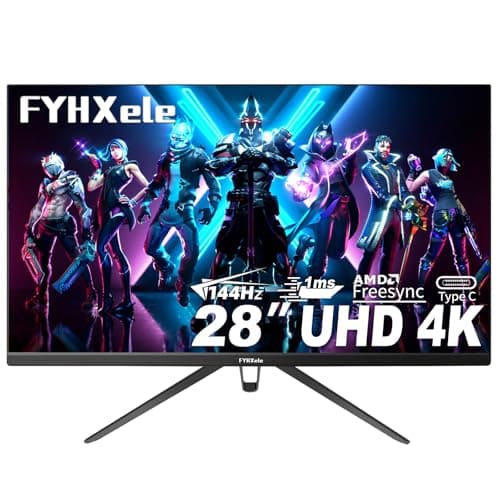
Last on the list are the two panels that had no buyable Amazon offer at the most recent price check: the Samsung G70D, a 32-inch 4K IPS with the warranty and support off-brand panels lack, and the 28-inch 4K, the value 4K route with a slightly larger canvas than a 27. Both are described accurately below and both are worth your attention if they come back in stock, but neither can be bought today, which is why neither is ranked above a panel you can actually order.
Buy the connection first, then the panel
The order of operations for a PS5 monitor is simple: confirm the HDMI 2.1 port if you want 4K or 1440p at 120Hz, ignore any refresh figure above 120Hz as a PC bonus rather than a console feature, then choose resolution, size and panel type the way you would for any monitor. Do that and you will not be the person who paid for a 240Hz 4K panel and discovered the console runs it at 60Hz over the wrong port. When you have the screen sorted, the other half of a good PS5 setup is audio — our best gaming headsets for PS5page covers that — and if a PC shares the desk, the best 144Hz monitors and how to choose a gaming monitor guide will help you weigh the PC side of the decision too.