HUB 01
Handhelds & Steam Deck
Accessories for the Steam Deck, ROG Ally and Legion Go — ranked, priced live, and honest about which ones you can skip.
Handheld accessories are a category built on confusion. Cards advertise speeds the hardware cannot reach, docks are sold as necessities when a $16 hub does the job, and every listing claims compatibility with everything. We tell you where the real limits are.
We earn a commission when you buy through our Amazon links, at no extra cost to you. It never affects our rankings, and we say so when the cheaper product is the better buy. How this works.
Start here
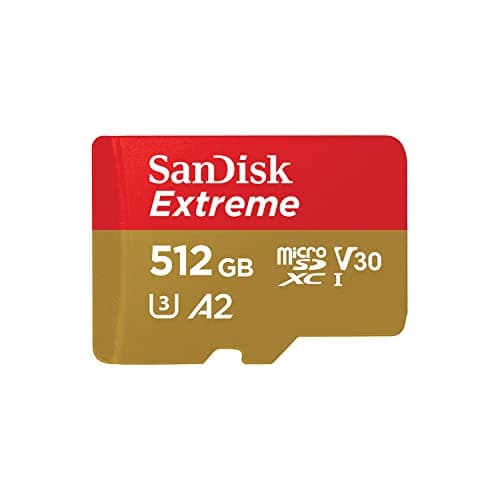
The Best SD Cards for Steam Deck
Five microSD cards ranked for the Steam Deck's UHS-I slot. The expensive ones aren't faster here — and we show you why.
Read the guide →
Everything in this hub
All handhelds & steam deck guides
Roundup
The Best SD Cards for Steam Deck
Five microSD cards ranked for the Steam Deck's UHS-I slot. The expensive ones aren't faster here — and we show you why.
5 products · 5 with live prices
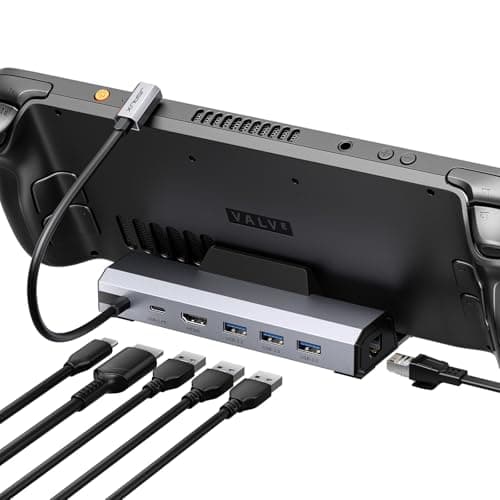
Roundup
The Best Steam Deck Docks
Docks and hubs for the Steam Deck. Ethernet is the only feature that justifies the price gap — everything else is a stand.
5 products · 4 with live prices
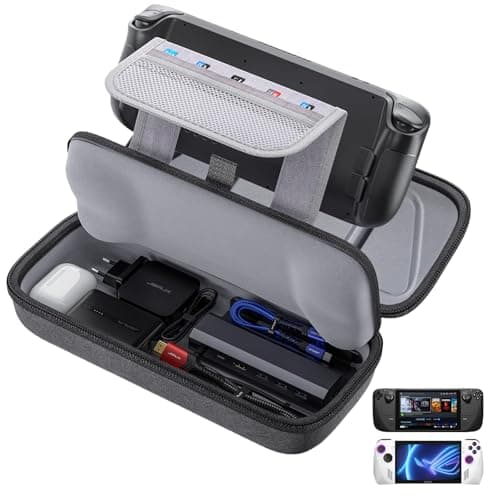
Roundup
The Best Steam Deck Cases
Grip cases protect the Deck while you hold it; carry cases protect it in a bag. Most people buy the wrong one.
4 products · 4 with live prices
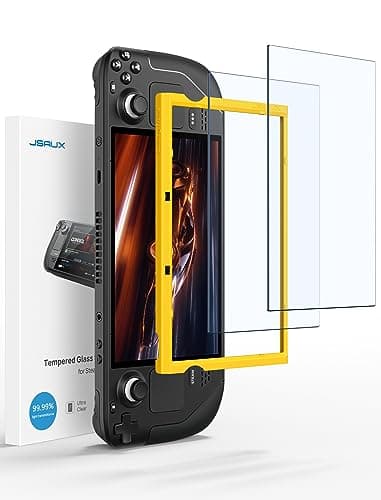
Roundup
The Best Steam Deck Screen Protectors
Tempered glass for the Deck. Glossy keeps the panel's punch; anti-glare kills reflections but dulls an OLED you paid extra for.
4 products · 4 with live prices

Head to head
Steam Deck vs ROG Ally
The Ally X wins on raw performance and Windows compatibility. The Deck wins on everything about being a handheld. Anti-cheat is the tiebreaker.
2 products · 2 with live prices

Roundup
The Best ROG Ally Accessories
Screen protector first, case second, dock third. The power bank is the honest fix for Windows battery life.
5 products · 5 with live prices
Roundup
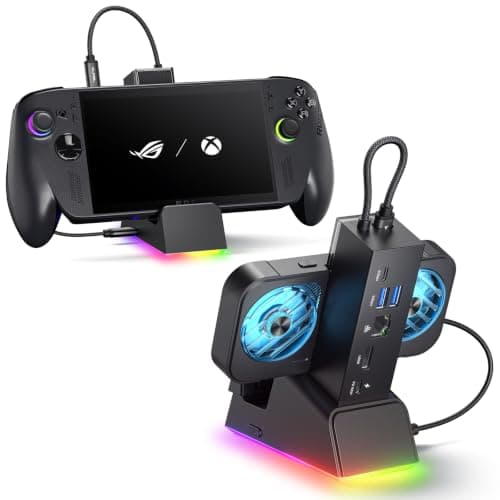
The Best ROG Ally Docks
Docks and hubs for the ROG Ally and Ally X. Ethernet and a stable cradle are the only reasons to pay dock prices.
5 products · 4 with live prices

Roundup
The Best Controllers for Steam Deck
Five controllers for a docked Steam Deck. The Deck has Bluetooth built in, so pairing is the easy part — drift-proof sticks and comfort are the real decisions.
5 products · 4 with live prices
Roundup
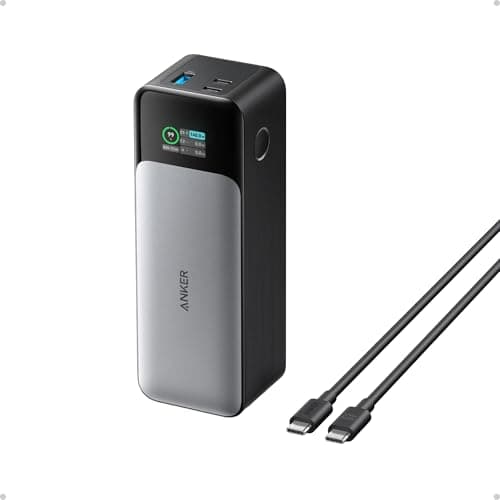
The Best Power Banks for Steam Deck
Five power banks for the Steam Deck. Capacity gets the headlines, but USB-C PD wattage is what lets a bank charge the Deck faster than it drains.
5 products · 5 with live prices
Roundup
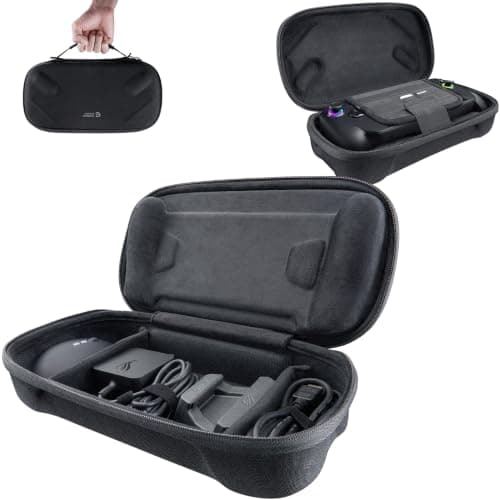
The Best ROG Ally Cases
Five cases for the ROG Ally and Ally X. Hard shell versus slim sleeve is the real choice — after you've checked the case actually fits your exact model.
5 products · 5 with live prices
Roundup
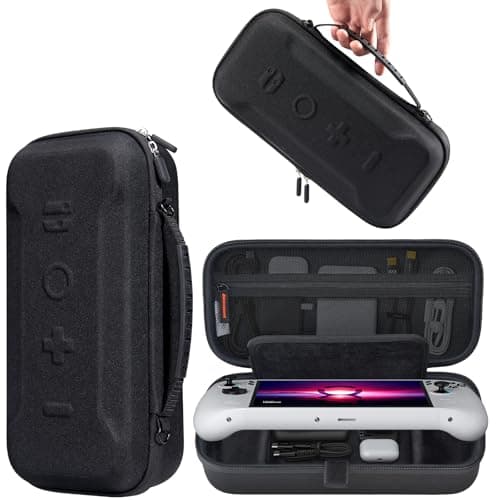
The Best Lenovo Legion Go Accessories
Five accessories for the Lenovo Legion Go. Protect the big screen first, add a dock only if you play on a TV, and note that two of these work with a Steam Deck or ROG Ally too.
5 products · 5 with live prices
Roundup
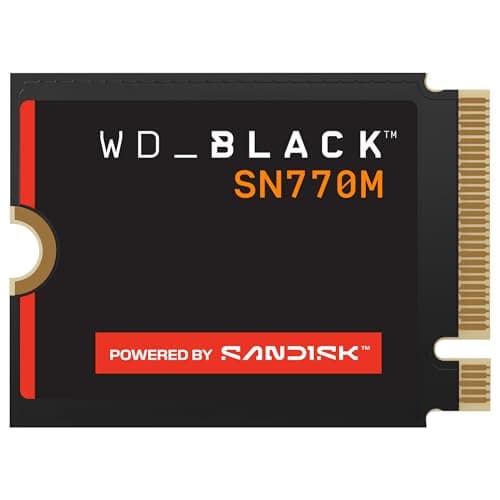
The Best SSDs for Steam Deck
Four M.2 2230 NVMe drives for a Steam Deck internal-SSD upgrade — an advanced job most people should skip in favor of a microSD card. The size must be 2230, and Gen4 speed is capped by the Deck's slot.
3 products · 2 with live prices
Roundup
The Best Steam Deck Accessories
The Steam Deck accessories worth owning, one per category. A screen protector and case are the cheap buy-it-day-one pair; a dock is optional but transformative; a microSD card, a power bank and a grip case round it out. Honest on essential versus skippable.
6 products · 6 with live prices

Roundup
The Best ROG Ally Power Banks
Power banks for the ROG Ally and Ally X, ranked on the two specs that matter — capacity and USB-C PD wattage — plus a plain warning about the airline limit before you fly.
5 products · 5 with live prices
- Buyer's guide
Buyer's guide
Steam Deck Storage Explained: Why That Fast SD Card Isn't
The microSD slot is UHS-I. UHS-I caps at 104MB/s. Every card advertising more than that is selling you headroom the hardware cannot use.
- Buyer's guide
Buyer's guide
Steam Deck Cooling: What Actually Helps
How the Steam Deck handles heat, whether cooling fans and stands do anything real, and the honest, mostly-free ways to keep it running cool.
- Buyer's guide
Buyer's guide
Steam Deck OLED vs LCD
The OLED upgrades the screen, the battery, the weight and the Wi-Fi over the original LCD. The LCD is the cheaper entry point. Which is worth it — plus the accessory-compatibility differences most people miss.
- Buyer's guide
Buyer's guide
Steam Deck vs Nintendo Switch
Why these are fundamentally different devices, the library and exclusives question, how power, size, weight, battery and price compare, and an honest read on who each one genuinely suits.
- Buyer's guide
Buyer's guide
Is the Steam Deck Worth It?
An honest read on who the Steam Deck is really for versus who should skip it, the OLED vs LCD decision, the ongoing costs (storage, case, dock) nobody mentions, the learning curve, and the alternatives.
- Buyer's guide
Buyer's guide
ROG Ally vs Legion Go: Which Windows Handheld?
How the ROG Ally and Legion Go compare on screen size and aspect, detachable controllers, ergonomics and weight, the kickstand, performance parity, and the accessory ecosystems around each.
- Buyer's guide
Buyer's guide
How to Set Up Your Steam Deck
A step-by-step first-boot guide: Wi-Fi and Steam sign-in, the system update, inserting and formatting a microSD, installing games and managing storage, per-game frame and TDP limits for battery, and adding non-Steam games.
- Buyer's guide
Buyer's guide
How to Install an SSD in a Steam Deck
A safe walkthrough for upgrading the Steam Deck's internal SSD: the M.2 2230 form factor requirement, backing up first, the LCD versus OLED teardown differences, reimaging SteamOS from the recovery image, and why a microSD card is the zero-risk alternative for most people.
- Buyer's guide
Buyer's guide
How to Connect a Steam Deck to a TV
Playing a Steam Deck on a TV without needing an official dock: what a plain USB-C hub must have (DisplayPort Alt Mode plus power pass-through), the resolution and refresh caveats, pairing a controller, and the common no-signal fixes.
- Buyer's guide
Buyer's guide
How to Improve Steam Deck Battery Life
The levers that actually stretch a Steam Deck charge, ranked by impact: capping the frame rate (the biggest one), limiting TDP, controlling refresh rate and brightness, per-game profiles, and the OLED versus LCD efficiency difference.
- Buyer's guide
Buyer's guide
ROG Ally X vs ROG Ally
A spec-accurate head-to-head: the ROG Ally X keeps the original Ally's Z1 Extreme APU and screen but adds a much larger battery, more RAM, more storage, revised ergonomics and better ports. Who each suits, and why the upgrade is about livability, not raw speed.
- Buyer's guide
Buyer's guide
Steam Deck: SD Card vs SSD Upgrade
The trade-off between adding a microSD card and upgrading the Steam Deck's internal SSD: cost, speed, effort and risk, why a card is the right call for most libraries, and when the faster permanent SSD upgrade genuinely pays off.
- Buyer's guide
Buyer's guide
How to Format an SD Card for the Steam Deck
Why you format a Steam Deck microSD card inside SteamOS rather than on a PC (the Deck uses a Linux ext4 file system), the exact in-menu steps, why formatting erases the card, and the common mistakes like formatting on Windows first.
- Buyer's guide
Buyer's guide
Can the Steam Deck Play AAA Games?
What the Steam Deck can realistically do with demanding modern games, why it targets handheld settings rather than maxed PC visuals, how the Deck Verified system tells you a game runs, the anti-cheat exception, and the battery and thermal trade-offs.
- Buyer's guide
Buyer's guide
How to Connect a Controller to a Steam Deck
How to pair a Bluetooth controller to the Steam Deck through its settings, how to connect a USB or dongle controller via a dock or hub, notes on Xbox, PlayStation and third-party pads, and when an external controller is actually worth using.
- Buyer's guide
Buyer's guide
How to Fix Steam Deck Wi-Fi Issues
The ordered fixes for slow Steam Deck downloads and Wi-Fi drops: use the 5GHz band and get closer to the router, change the download region, disable the low-power Wi-Fi option during downloads, and restart the network stack.
- Buyer's guide
Buyer's guide
Is the ROG Ally Worth It?
An honest look at whether the ASUS ROG Ally is worth buying: its bright high-refresh screen and Windows flexibility versus the friction of Windows on a handheld, battery realities, and who should choose it over a Steam Deck.
- Buyer's guide
Buyer's guide
Steam Deck vs Gaming Laptop
How a Steam Deck and a gaming laptop compare on power, portability, price, screen and versatility, why they suit different players, and when it makes sense to own one, the other, or both.
- Buyer's guide
Buyer's guide
How to Clean a Steam Deck
A safe cleaning routine for a Steam Deck or handheld PC: powering down, microfiber and distilled water for the screen, careful cleaning of thumbsticks and buttons, and gently clearing dust from the vents.
Buyer's guide
Can You Install Windows on a Steam Deck?
Windows on the Steam Deck: what Valve officially supports, what you give up versus SteamOS, the three installation routes (internal replacement, dual-boot, external drive), the hardware you need, and how to get SteamOS back.
4 products · 4 with live prices