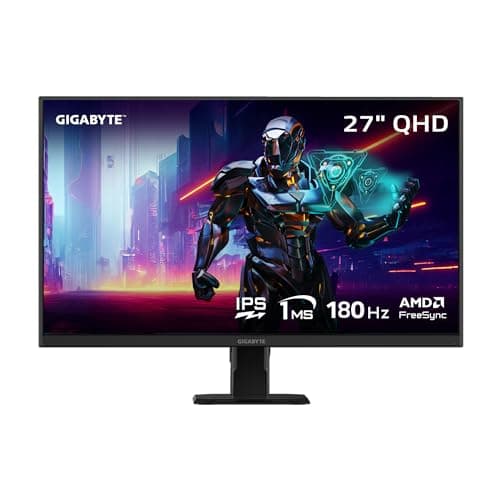
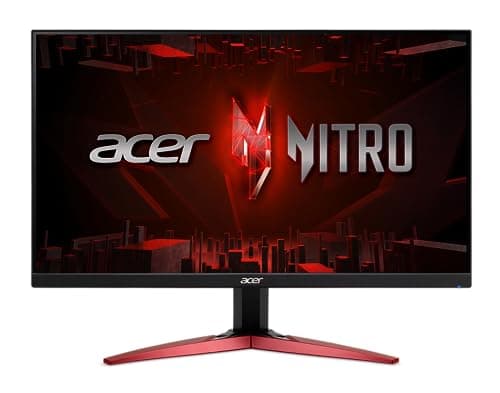
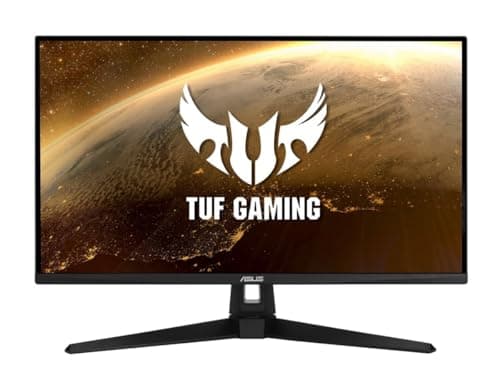
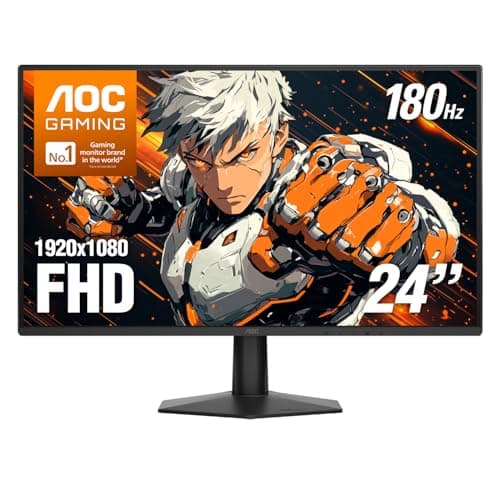
Buy the AOC 24G51F2 — 24 inches, 1080p, Fast IPS, 180Hz. It is the configuration competitive players actually use, and it is now genuinely cheap. If you want the bigger visual upgrade and you own a capable graphics card, the 27-inch 1440p GIGABYTE is the more exciting purchase.
The trap in this category, and it is an expensive one
A 1440p monitor is the single most noticeable upgrade on this page. It is also the one that can make your games run worse, because rendering at 2560x1440 costs roughly 78% more pixels than 1080p — and that cost lands on your graphics card, not your monitor.
Buying a 1440p panel and then having to render at 1080p to hit a playable frame rate is the most common and most expensive mistake in this category. You end up with an upscaled, softer image than you started with, on a monitor you paid extra for.
The honest rule: if your graphics card is entry-level, buy the AOC and put the money you saved toward the GPU. If your card can genuinely drive 1440p at high frame rates, the GIGABYTE is the best purchase on this page by a distance.
IPS vs VA, in one paragraph
IPS gives you accurate color and wide viewing angles, and mediocre contrast — blacks look gray in a dark room. VA gives you deep, genuinely impressive contrast, and smears on dark, fast-moving transitions. For competitive shooters, take IPS; the smear is exactly the artifact that hurts you. For dark, atmospheric single-player games, VA looks better and costs less.
Why 24 inches and 1080p is not a downgrade
It looks like the budget option, and it is also what a large proportion of competitive players deliberately choose. At 24 inches you can see the whole screen without moving your eyes, and 1080p is far easier for a mid-range GPU to push at high frame rates. Serious players are not using it because they cannot afford better.
How to buy a monitor under $200
Match the resolution to the graphics card, not the budget
This is the whole game. A monitor is cheap; the GPU that feeds it is not. Work out what your card can realistically render before you choose a resolution.
Refresh rate above 144Hz has diminishing returns
The jump from 60Hz to 144Hz is enormous and everybody notices it. The jump from 144Hz to 180Hz is real, and most people do not. Do not pay a premium purely for the last 36Hz — and definitely do not pay it if your GPU cannot produce 144 frames in the first place.
Adaptive Sync is free now — use it
Every monitor here supports variable refresh rate, which eliminates screen tearing by syncing the display to your GPU's output. It works with both AMD and NVIDIA cards now. Turn it on; it costs nothing.
Check the stand before you buy
Budget monitors save money on the stand, and a tilt-only stand that sits too low will give you neck ache for years. The Acer and the AOC here are both tilt-only, and the Acer additionally sits low — if your desk is low, that saving evaporates the moment you buy a monitor arm.
Response time claims are mostly fiction
Every monitor here claims a 1ms-or-faster response time. These figures are measured under favorable conditions chosen by the manufacturer and are not comparable between brands. We could not verify any of them independently — we do not have a lab — so we have not ranked on them, and neither should you.