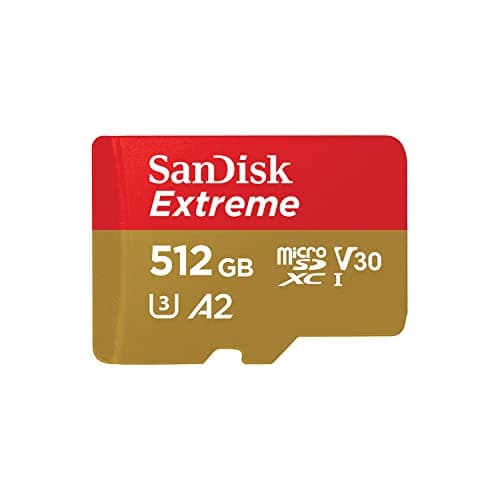
Top pick · Best SD Card
The A2 rating is the part that matters, and this is the safe default.
Price as of October 21, 2026. Prices change — Amazon's is the one that counts. #ad · we may earn a commission from this link to SanDisk Extreme microSDXC (512GB)
Buy the SanDisk Extreme 512GB. In a Steam Deck almost any A2 card performs the same, because the slot — not the card — is the limit, and this is the one that stays reliably in stock. The cheaper SanDisk Ultra gives up very little in this device, which is the whole argument of this page.
Before the list: the reason this page ranks differently from every other one you'll read is that we started from the hardware spec instead of the packaging. Valve lists the Deck's slot as UHS-I, and the SD Association caps UHS-I at 104MB/s. A card advertising 190MB/s cannot deliver 190MB/s here. It is not a lie on the box; it is a number measured on hardware you do not own.
Which means the big sequential figure — the thing every other roundup ranks on — is the least useful spec in this category. What still varies once the bus is saturated: the A2 random-I/O rating, sustained write speed, and how much you paid.
One step people skip and then blame the card for: a new card has to be formatted by the Deck itself, not by Windows, before SteamOS will install games to it. Our how to format an SD card for Steam Deck guide is the two-minute version.
The short answer
#ad · Live prices from the Amazon Creators API, as of October 21, 2026. Where we have no verified live price, we show none — we would rather leave a gap than print a number that has rotted.
In detail
Most people, most of the time
512GBUHS-IA2 · U3 · V30C10
The A2 rating is the part that matters, and this is the safe default.
- Compatibility
- 10
- Build quality
- 9
- Performance
- 8
- Portability
- 10
- Value
- 7
Pros
- +A2 rating targets random I/O, which is what actually loads a game
- +The bus, not the card, is the limit here — so you are not paying for headroom you can't use
- +SanDisk's warranty and RMA process is the least painful in the category
Cons
- −Costs meaningfully more than a UHS-I card that would perform near-identically in this slot
- −The headline sequential speed on the box is unreachable in a Steam Deck
Don't buy this if…
…you are buying it for the big sequential number printed on the card. In a Steam Deck that number is unreachable — the slot caps out first. Buy the cheaper Ultra and put the difference toward games.
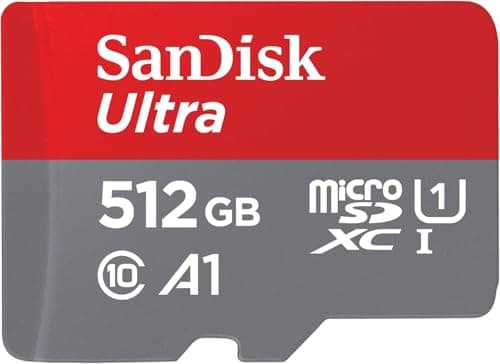
Cheapest sensible option
512GBUHS-IC10 · U1 · A1SanDisk rates it up to 150MB/s
The cheap one that is good enough, and we're going to say so out loud.
- Compatibility
- 10
- Build quality
- 8
- Performance
- 6
- Portability
- 10
- Value
- 9
Pros
- +The lowest cost-per-GB here by a clear margin
- +In a UHS-I slot the real-world gap to the premium cards is far smaller than the price gap
- +A1 still covers the random-I/O basics
Cons
- −A1, not A2 — the weakest random-read rating in this list
- −Slowest of the group on paper, and you will feel it on very large installs
Don't buy this if…
…you routinely move 60GB+ games on and off the card. The write speed is where this card actually gives ground, and that is the one place you'll notice it.
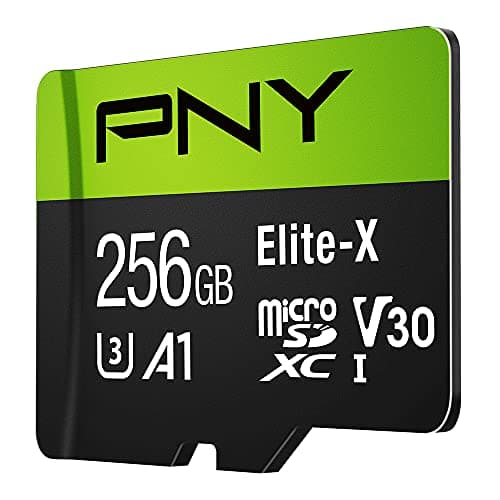
Lowest price per GB
256GBUHS-IC10 · U3 · V30PNY rates it up to 100MB/s
Meets the spec that matters. The brand tax is the thing you're skipping.
- Compatibility
- 9
- Build quality
- 6
- Performance
- 6
- Portability
- 10
- Value
- 9
Pros
- +Hits U3/V30, which is the class the Deck actually cares about
- +Consistently the cheapest way to add a usable chunk of storage
Cons
- −PNY's failure-rate reputation is weaker than SanDisk's or Samsung's
- −Rated speed is the lowest here
Don't buy this if…
…the card is going to hold anything you'd be upset to lose. Cheap flash is cheap partly because the failure tail is longer — keep saves in the cloud.
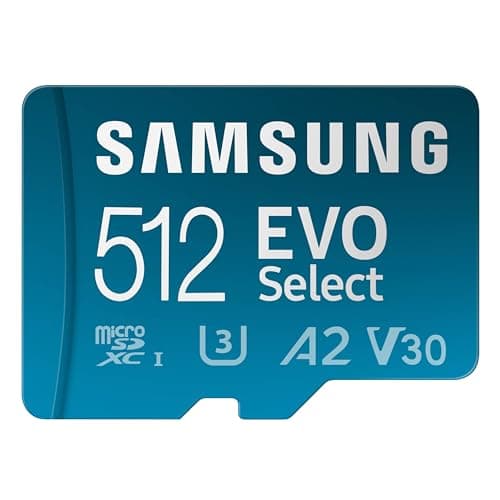
The best-value pick
512GBUHS-IU3 · V30Includes adapter
The one we'd buy. Same practical speed as the premium cards in this slot, less money.
- Compatibility
- 10
- Build quality
- 9
- Performance
- 8
- Portability
- 10
- Value
- 9
Pros
- +Priced below the flagship cards while hitting the same UHS-I ceiling in a Deck
- +Samsung's endurance record in this category is genuinely good
- +512GB is the capacity most people actually end up wanting
Cons
- −Not A2-rated, so random-read performance is a notch below the Extreme on paper
- −Nothing about it is exciting, which is fine — a memory card should be boring
Don't buy this if…
…you install and uninstall constantly and want every last millisecond off shader-cache loads. The A2-rated SanDisk Extreme is the marginally better tool for that, though the gap is small.
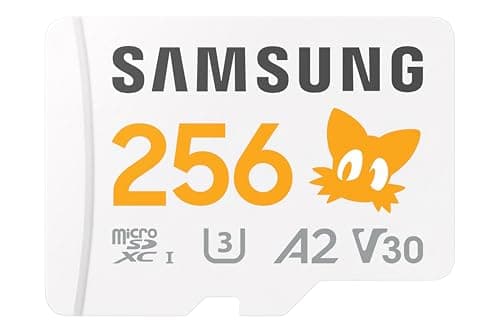
A second card for a smaller library
256GBUHS-IU3 · V30 · A2Includes adapter
A good card at a capacity most Deck owners outgrow.
- Compatibility
- 10
- Build quality
- 9
- Performance
- 8
- Portability
- 10
- Value
- 5
Pros
- +A2-rated, so random I/O is in the top tier
- +Samsung build quality with the better random-read rating the EVO Select lacks
Cons
- −256GB is two or three modern games and then you are card-shopping again
- −At its live price the cost-per-GB is poor next to the 512GB cards here
Don't buy this if…
…this is your only card. Modern installs are big enough that 256GB fills fast — go 512GB the first time and skip the second purchase.
How to buy a Steam Deck SD card without overpaying
Ignore the headline speed
Any card rated above ~104MB/s sequential is selling you headroom the Deck cannot reach. Two cards rated 150MB/s and 190MB/s will perform identically in this device. This is the single biggest source of overspending in the category.
Look for A2, not V90
The App Performance Class (A1/A2) governs random reads and writes — which is what loading a game actually is. A2 sets a higher minimum than A1. The video-speed classes (V30, V60, V90) describe sustained sequential write for video recording, which is not what a Deck does.
Buy capacity, not speed
Speed is capped. Capacity is not. Given a fixed budget, the correct move in this category is almost always to take the bigger card at the lower speed class — you will notice a full card every week and you will never notice the speed difference.
Never buy UHS-II or microSD Express for a Deck
Both are real technologies that genuinely go faster — on hardware that supports them. The Steam Deck does not. They fall back to UHS-I, and you have paid a large premium for nothing.
The card is always slower than internal storage
If a game stutters when streaming assets, moving it to internal storage will fix it and a better card will not. Keep the game you are actively playing on the internal drive, and use the card as the library.
How we picked
We researched published specifications, third-party lab measurements, manufacturer documentation and aggregated owner reviews, then scored each product against a published rubric. The scores are judgments from documented research — they are not measurements we took, because we do not have a lab and we are not going to pretend we do. Where a number came from someone else's lab, we name them and link them in Sources.
Questions
What is the best SD card for the Steam Deck?+
The SanDisk Extreme 512GB, for most people. It reaches the Deck's UHS-I ceiling like every other card here, it carries the A2 rating that helps with random reads, and it is the one that stays reliably in stock. If you want to spend less for near-identical performance in this device, the SanDisk Ultra is the cheaper answer.
Is a more expensive SD card faster in the Steam Deck?+
Past about 104MB/s, no. The Deck's slot is UHS-I and that is the bus ceiling, so extra sequential speed has nowhere to go. The A2 rating (random I/O) is the one spec where a more expensive card can still genuinely help.
What size SD card should I get for Steam Deck?+
512GB is the size most people settle on. 256GB holds only a handful of large modern games and frequently leads to buying a second card, at which point you have spent more than the 512GB would have cost.
Does the Steam Deck OLED use a different SD card?+
No. Both the LCD and OLED models use a UHS-I microSD slot, so the same cards and the same 104MB/s ceiling apply to both.
Receipts
We do not run a testing lab, and we do not pretend to. Where a measured number came from someone else's lab, we name them and link them. Where we could not verify something, we say so on the page rather than quietly leaving it out. Read our full method.