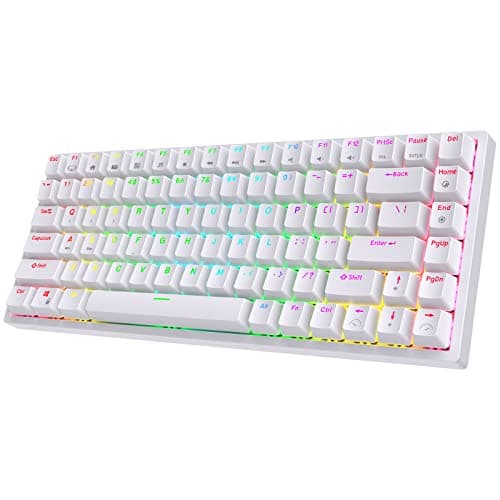
Buy the RK ROYAL KLUDGE RK84. It is mechanical, wireless, 75%, and — critically — hot-swappable, which means you can change the switches without soldering when you decide you want something different.
Hot-swap is the only feature here that changes the math
A traditional keyboard has its switches soldered to the circuit board. When they wear out, or when you decide you hate them, the keyboard is finished. A hot-swap keyboard has sockets: you pull the old switch out with a $2 tool and push a new one in.
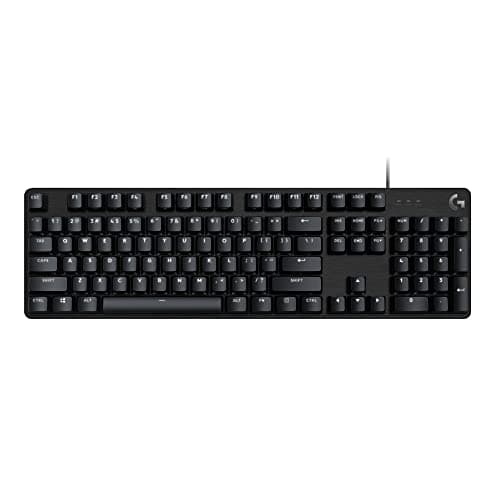
That turns a keyboard from a product into a platform. It is also the reason we rank the RK84 above the objectively better-built Logitech G413 SE — the G413 is a lovely sealed appliance that will be exactly what it is forever, and the RK84 is a slightly rattly board that can become almost anything.
Membrane versus mechanical, honestly
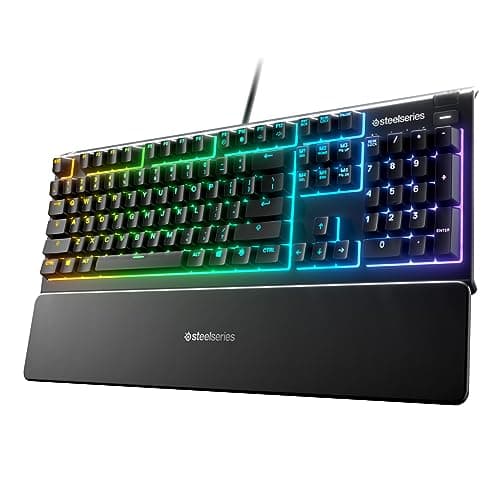
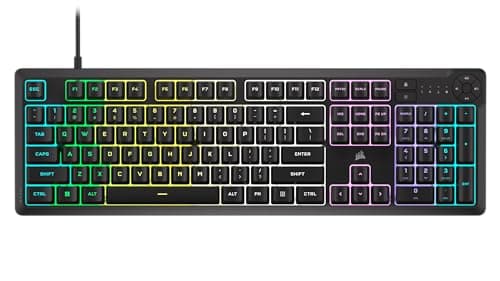
Two boards on this list (the Apex 3 and the K55 CORE) are membrane, not mechanical. We are not going to sneer at them: they are quiet, they are cheap, they are spill-resistant, and if you take calls at the same desk you game at, they may genuinely be the right choice.
But be clear about the trade. Membrane switches feel mushy, they have no tactile event, and once you have typed on a good mechanical you will not want to go back. If there is any chance you will care about that, spend the extra and buy mechanical the first time.
Size is a real decision, not a style choice
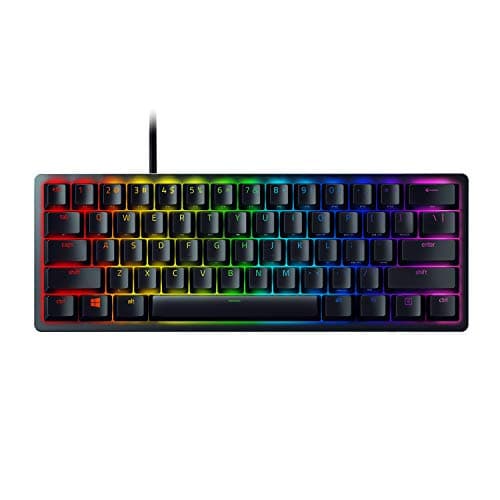
A 60% board (the Huntsman Mini) has no arrow keys, no function row and no navigation cluster. In a game, that is fine and the extra desk space genuinely helps low-sensitivity aim. In a spreadsheet, it is miserable. Do not buy a 60% board if the same computer does your work.
75% (the RK84) is the compromise that keeps the arrows and the F-row while still freeing mouse space. It is the size most people should buy.
If the computer does notdo your work and competitive shooters are the whole reason you are here, that calculus flips and the small board wins — our best gaming keyboards for FPS page ranks this same class of board against switch type, footprint and rollover rather than against general use.
How to buy a keyboard under $100
Hot-swap first
It is the difference between owning a keyboard for two years and owning it for ten. It also lets you fix the one thing budget boards always get wrong — the stock switches — without replacing the whole thing.
Ignore the switch color marketing
Red is linear (smooth, no bump), brown is tactile (a bump), blue is clicky (a bump and a noise). That is the entire taxonomy. "Gaming" switches are linear reds, but plenty of excellent players use tactiles, and the difference is preference, not performance.
Budget for stabilizers, not switches
The rattle you hear on a cheap mechanical keyboard is almost always the stabilizers under the big keys (spacebar, enter, shift), not the switches. A few dollars of lubricant fixes it. This is the cheapest, highest-impact modification in the hobby.
Optical switches are a durability upgrade
The Huntsman Mini's optical switches actuate on a light beam rather than metal contacts, so they physically cannot develop the "chatter" (double-typing) fault that eventually kills mechanical switches. Nobody markets this properly and it is the best reason to buy it.
What not to pay for
RGB. Macro keys you will configure once and never use. "Gaming mode". Wrist rests that come free with cheaper boards anyway.