HUB 03
Best Value
The gear that costs a fraction of the flagship and does most of the same job. We will tell you when the cheap one is good enough.
The premise of this hub is simple and slightly against our own interests: in most peripheral categories, the sensible option costs a third of the flagship and gives up almost nothing that matters. When that is true, we say so — even though the expensive product pays us more.
We earn a commission when you buy through our Amazon links, at no extra cost to you. It never affects our rankings, and we say so when the cheaper product is the better buy. How this works.
Start here
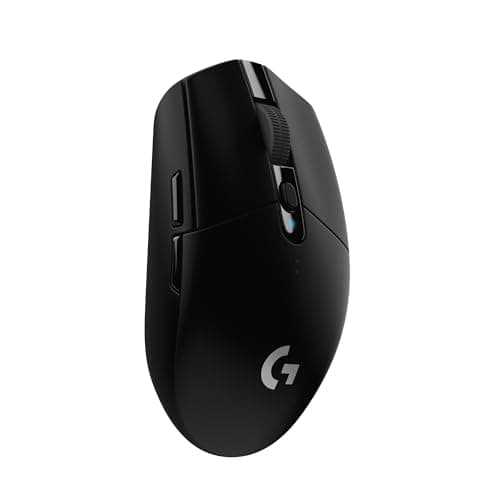
The Best Gaming Mice Under $50
Six mice under $50. The sensors are all good enough -- shape, weight and grip style are what should decide it.
Read the guide →
Everything in this hub
All best value guides
Roundup
The Best Gaming Mice Under $50
Six mice under $50. The sensors are all good enough -- shape, weight and grip style are what should decide it.
6 products · 6 with live prices
Roundup
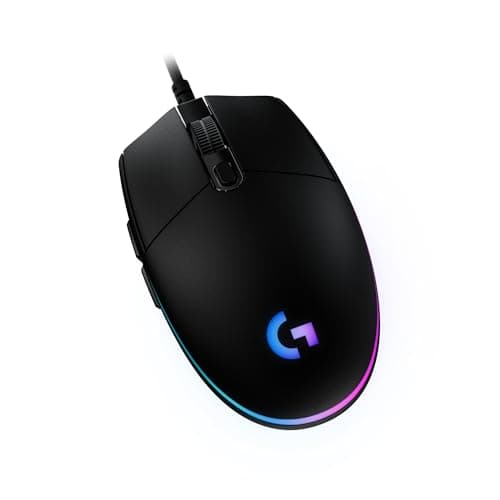
The Best Gaming Mice Under $30
Four mice under $30. At this price the sensor is already good enough -- what you give up is build, cable and shape options.
4 products · 4 with live prices
Roundup
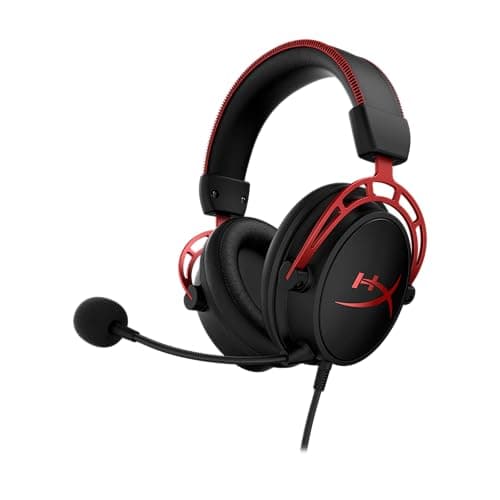
The Best Gaming Headsets Under $100
Six headsets under $100 -- the price band where the category actually makes sense. Includes the open-back that beats the flagships on imaging.
6 products · 6 with live prices
Roundup
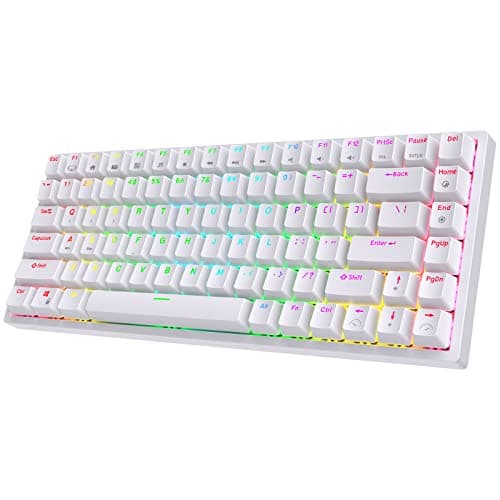
The Best Gaming Keyboards Under $100
Five keyboards under $100. Hot-swap is the feature that matters -- it turns a purchase into a platform.
5 products · 5 with live prices
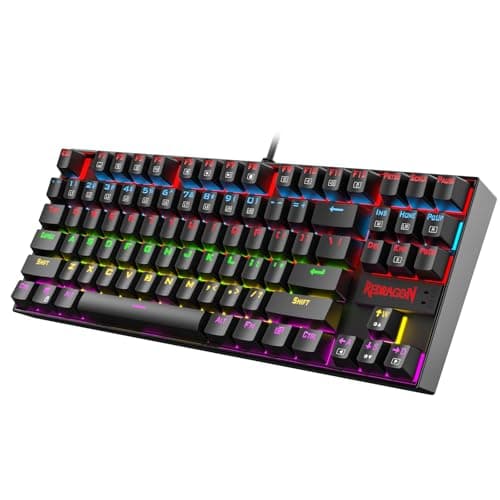
Roundup
The Best Gaming Keyboards Under $50
Six keyboards under $50. At this price mechanical is the default, not the stretch -- so the decision is layout and hot-swap, not whether you can afford real switches.
6 products · 6 with live prices
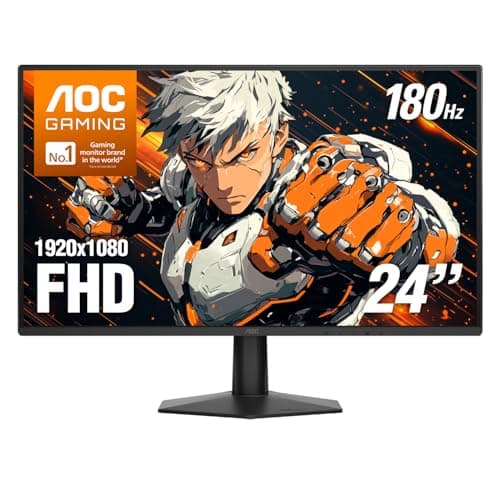
Roundup
The Best Gaming Monitors Under $200
Six monitors under $200. 1440p is the biggest visual jump -- but only if your graphics card can actually feed it.
6 products · 6 with live prices
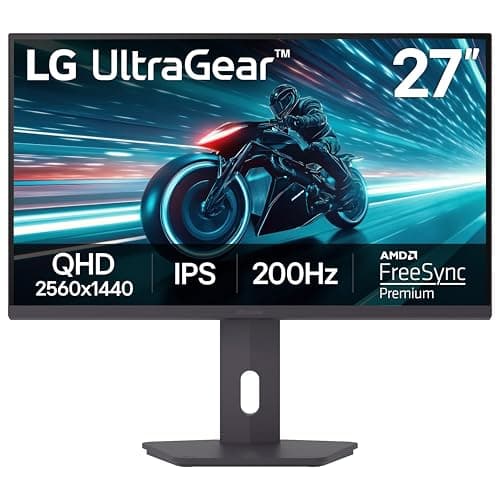
Roundup
The Best Gaming Monitors Under $300
Six monitors under $300. At this budget 1440p is standard -- so the decision becomes refresh rate, panel type and screen size, not resolution.
6 products · 6 with live prices
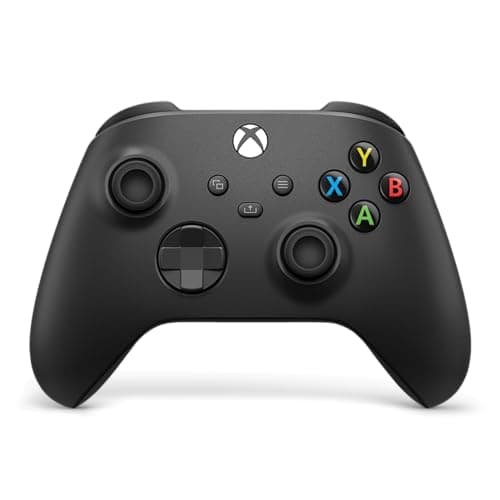
Roundup
The Best PC Controllers
Six controllers for PC gaming. The Xbox pad is still the default; the interesting decision is whether Hall-effect sticks are worth switching brands for.
6 products · 5 with live prices
Roundup
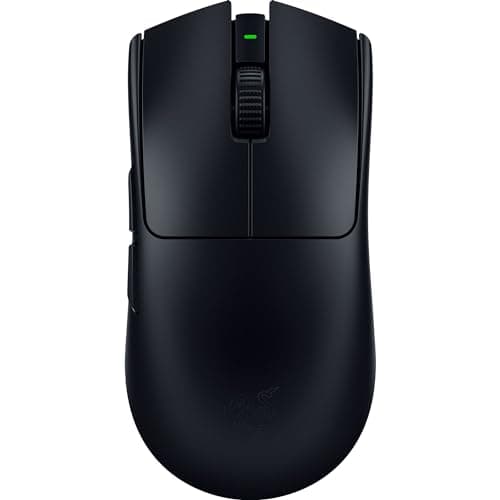
The Best Gaming Mice Under $100
Six mice under $100 -- the band where near-flagship wireless becomes affordable. The real fork is ultralight-and-symmetrical versus button-heavy-and-ergonomic.
6 products · 6 with live prices
Roundup
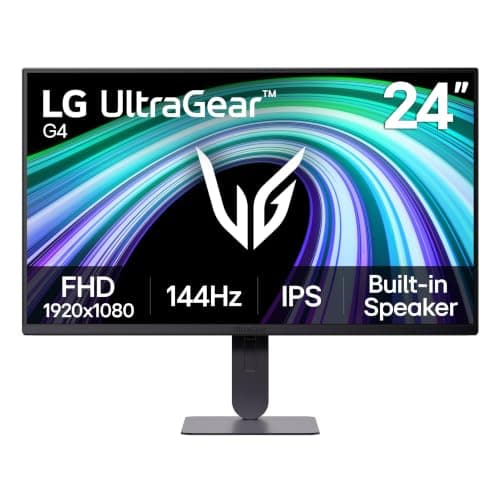
The Best Gaming Monitors Under $150
Five monitors under $150. At this budget 1080p high-refresh is where the money goes furthest -- the decision is IPS versus VA and how much stand you get.
5 products · 5 with live prices
Roundup
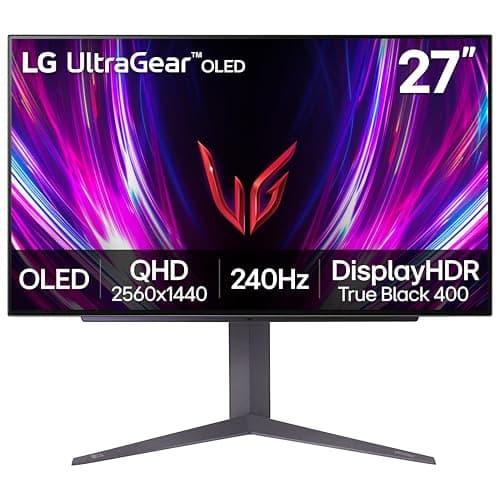
The Best Gaming Monitors Under $500
Six monitors under $500 -- the premium tier. The real fork is panel technology and resolution: OLED versus IPS, 1440p versus 4K versus ultrawide, matched to your GPU.
6 products · 6 with live prices
Roundup
The Best Gaming Controllers Under $50
Five controllers under $50. The Xbox pad still wins on compatibility -- but the real story is the Hall-effect sticks the challengers now include and it doesn't.
5 products · 4 with live prices
Roundup
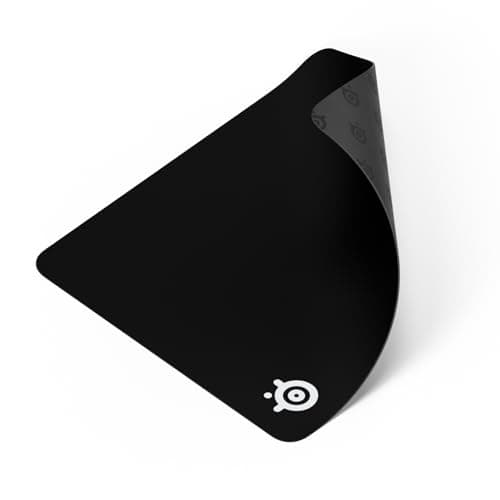
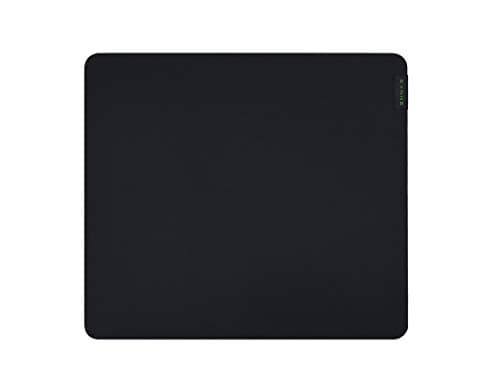
The Best Gaming Mouse Pads
Five cloth mouse pads. The SteelSeries QcK Large is the safe default -- the real decisions are size, surface feel and whether the edge is stitched.
5 products · 3 with live prices
Roundup
The Best Gaming Gifts Under $50
Five gaming gifts under $50, one per category. Each is universally useful and needs no compatibility guesswork -- the hard-to-get-wrong presents.
5 products · 5 with live prices
Roundup
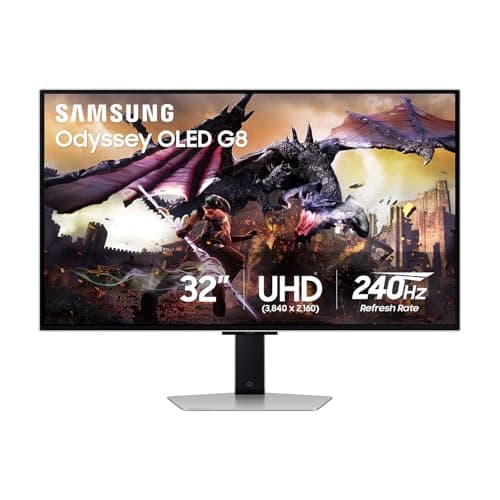
The Best 4K Gaming Monitors
Five 4K gaming monitors, from a QD-OLED showpiece to cheap fast-IPS panels. The pick depends less on the screen than on the GPU you already own.
5 products · 2 with live prices
Roundup
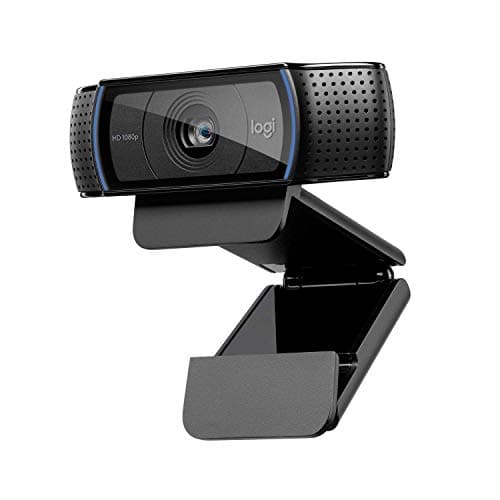
The Best Webcams for Streaming
Five webcams for streaming, from the plug-and-play C920 to a 4K Brio. The honest theme: lighting beats resolution, and most channels output 1080p regardless.
5 products · 5 with live prices
Roundup
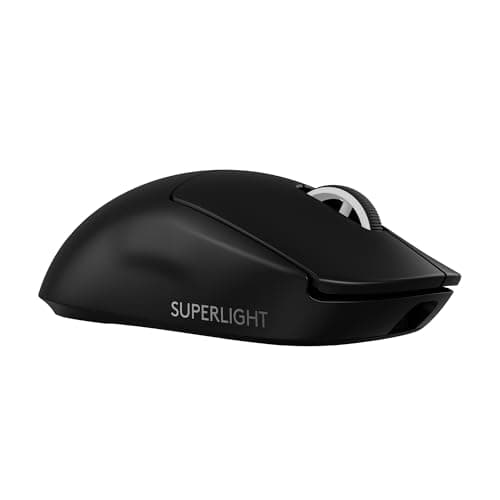
The Best Wireless Gaming Mice
Six wireless gaming mice, flagship to budget. The latency argument is settled -- these rank on shape, weight, button count, battery and value instead.
6 products · 6 with live prices
Roundup
The Best Mechanical Gaming Keyboards
Six keyboards ranked on switch type, size and hot-swap -- the things that actually differ. Includes the one membrane board honest enough to belong here.
6 products · 6 with live prices
Roundup
The Best Gaming Mice for FPS
Six mice for FPS, ranked on weight and shape -- not DPI. The sensor is solved; the fit is what wins duels.
6 products · 6 with live prices
Roundup
The Best Controllers for Xbox
Five officially-licensed Xbox controllers, ranked on stick technology, wireless and back buttons. Unlicensed pads don't work on Xbox -- these all do.
5 products · 5 with live prices
Roundup
The Best 1440p Gaming Monitors
Six 1440p gaming monitors ranked, from a do-everything value IPS to a QD-OLED showpiece. The pick comes down to panel type, refresh rate, and whether a console is in the mix.
6 products · 6 with live prices
Roundup
The Best Gifts for Gamers Under $100
Six gaming gifts under $100 across the categories everyone uses -- headset, mouse, controller, mic, earbuds and a handheld power bank -- chosen to be useful no matter what the person already owns.
6 products · 6 with live prices
Roundup
The Best Gaming Gifts Under $25
Five genuinely good gaming gifts under $25: a benchmark budget mouse, two giant-killer earbuds, the default cloth mousepad, and an ergonomic mouse -- all things a gamer actually uses daily.
5 products · 4 with live prices
Roundup
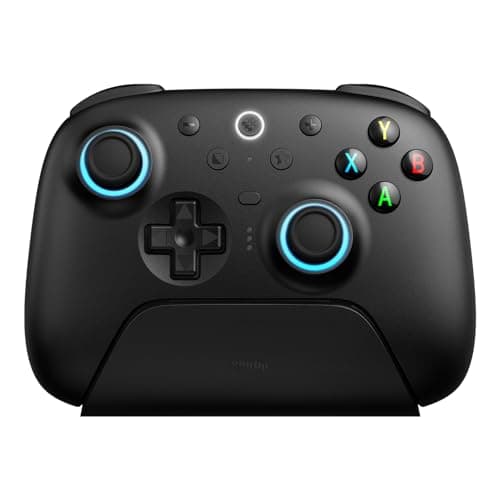
The Best Hall-Effect Controllers
Five Hall-effect controllers ranked, from an all-round value pick with sticks and triggers to a wired Xbox-licensed pad and a superb-d-pad retro option. The choice comes down to platform and how much polish you want.
5 products · 4 with live prices
Roundup
The Best Lightweight Gaming Mice
Four genuinely lightweight gaming mice ranked, from a ~54g tournament ultralight to a wired ergonomic hump. The choice comes down to shape and whether you want a fast 2.4GHz link or a cable.
4 products · 4 with live prices
Roundup
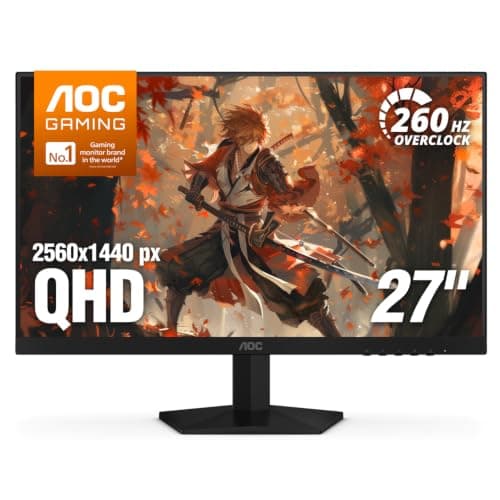
The Best 240Hz Gaming Monitors
Four 240Hz gaming monitors ranked, from the cheapest panel that genuinely does 240Hz at 1440p to a 4K QD-OLED flagship. The pick comes down to how many frames your graphics card can actually produce and whether OLED is worth the premium.
4 products · 3 with live prices
Roundup
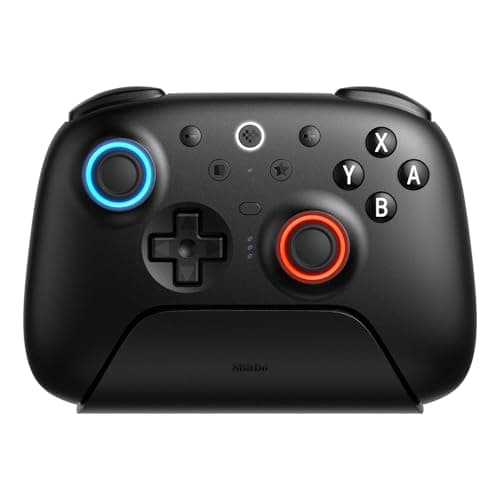
The Best Controllers for Nintendo Switch
Four Nintendo Switch controllers ranked, from a Hall-effect all-rounder that doubles as a PC pad to a handheld-mode grip and a budget wireless option. The pick depends on whether you play docked, handheld, or a lot of 2D.
4 products · 2 with live prices
Roundup
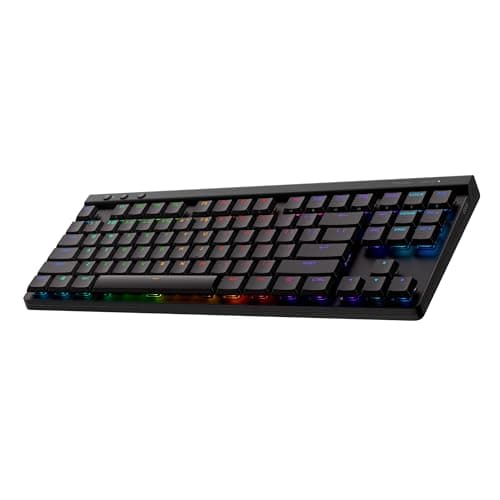
The Best Wireless Gaming Keyboards
Six wireless gaming keyboards ranked, from a slim low-profile LIGHTSPEED all-rounder to a 60% budget board. The pick comes down to the radio (2.4GHz versus Bluetooth), the layout, and whether the switches are hot-swappable.
6 products · 6 with live prices
Roundup
The Best 27-Inch Gaming Monitors
Six 27-inch 1440p gaming monitors ranked, from a complete-package value IPS to a mini-LED panel with genuine HDR, a console-ready 240Hz screen and a QD-class OLED. The pick comes down to panel type, refresh rate and whether HDR or a console matters.
6 products · 6 with live prices
Roundup
The Best 8BitDo Controllers
Four 8BitDo controllers ranked for different players: the Hall-effect flagship Ultimate 2, the retro d-pad champion Pro 2, the Switch-focused Ultimate 2 Bluetooth, and the budget Hall-effect Ultimate 2C. Includes the platform support each does and does not have -- notably, none is licensed for Xbox consoles.
4 products · 3 with live prices
Roundup
The Best 1080p Gaming Monitors
Five 1080p gaming monitors ranked, from a well-built value IPS with a proper stand to the cheapest VA panel worth owning. Every one is high-refresh, so the real choice is panel type and ergonomics.
5 products · 5 with live prices
Roundup
The Best 144Hz Gaming Monitors
Six high-refresh gaming monitors ranked refresh-first, from a complete 1440p IPS all-rounder to a budget VA entry point. The pick comes down to how many frames your GPU can feed and the panel behind them.
6 products · 6 with live prices
Roundup
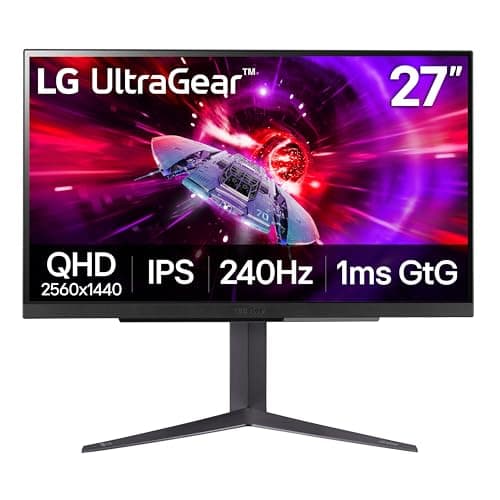
The Best Gaming Monitors for PS5
Six monitors ranked for a PlayStation 5, from a big-brand 4K all-rounder to a 4K QD-OLED showpiece. The guide is blunt about what the console can actually use versus what only a PC can, and about checking the port spec before you buy.
6 products · 3 with live prices
Roundup
The Best Wired Gaming Mice
Six wired gaming mice ranked, from a light budget all-rounder to a button-loaded heavyweight. The pick comes down to hand size, grip style, and how much weight you want to move.
6 products · 6 with live prices
Roundup
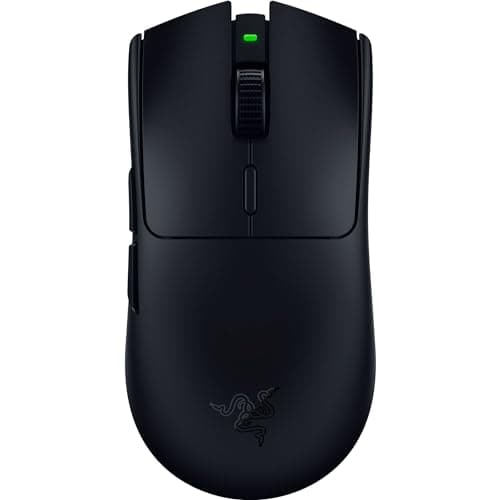
The Best Gaming Mice for Small Hands
Six smaller, lighter gaming mice that suit small hands, from a compact budget classic to a light wireless esports shape. The pick comes down to grip style and whether you want a cable.
6 products · 6 with live prices
Roundup
The Best Wireless Controllers
Six wireless controllers ranked, from a drift-resistant value champ to a premium paddle pad and a licensed Switch option. The pick comes down to connection type, stick technology, and your platform.
6 products · 6 with live prices
Roundup
The Best TKL Gaming Keyboards
Five TKL (and near-TKL) gaming keyboards ranked, from a low-profile wireless all-rounder to the cheapest true tenkeyless. The pick comes down to switch feel, wireless options, and whether 75% is close enough.
5 products · 5 with live prices
Roundup
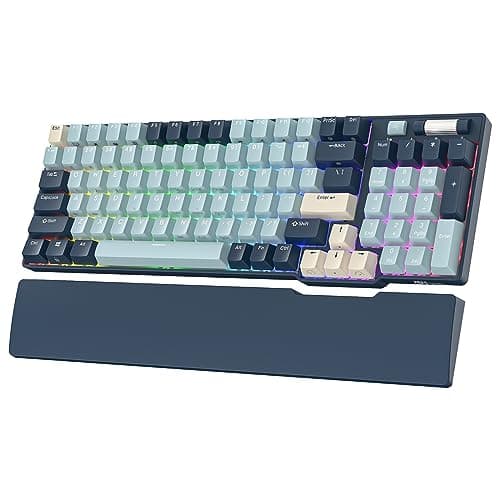
The Best Hot-Swappable Keyboards
Six hot-swappable keyboards ranked, from a 96% board that keeps the numpad to the cheapest 60% entry. The pick comes down to size, 3-pin vs 5-pin switch compatibility, and whether you want wireless.
6 products · 6 with live prices
Roundup
The Best Gaming Gifts for PC Gamers
Six gifts a PC gamer will actually use, ordered by how likely they are to be missing: a proper mouse, a desk-sized pad, a compact keyboard, a headset and a 180Hz monitor.
6 products · 6 with live prices
Roundup
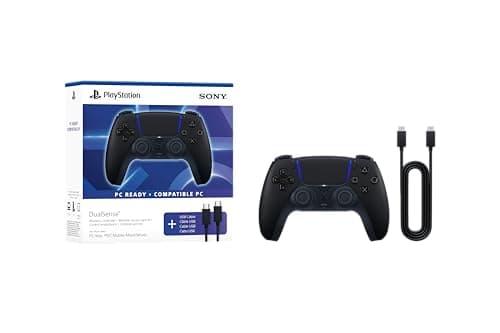
The Best Gaming Gifts for PS5 Owners
Six PS5 gifts that are actually compatible: a second DualSense, wired and wireless headsets, a giant-killer IEM, a 120Hz monitor and the Edge if budget is no object.
6 products · 6 with live prices
Roundup
The Best Gaming Gifts for Xbox Players
Six Xbox gifts that work without a compatibility argument: a spare Xbox Wireless Controller, a cheap wired pad, two 3.5mm headsets, and pro controllers at both ends of the budget.
6 products · 6 with live prices
Roundup
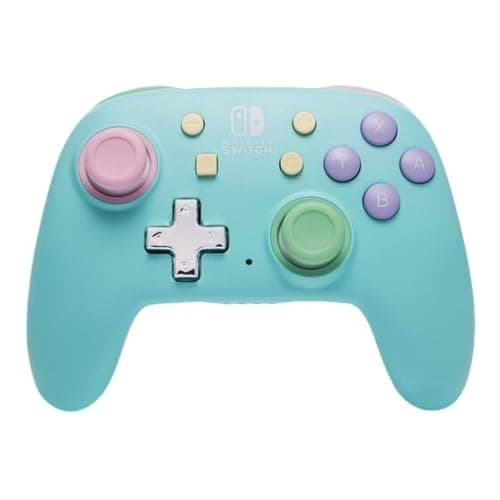
The Best Gaming Gifts for Switch Owners
Five Switch gifts that fix a real gap: extra controllers at three price points, a microSD card, and a budget IEM that plugs straight into the headphone jack.
5 products · 5 with live prices
Roundup
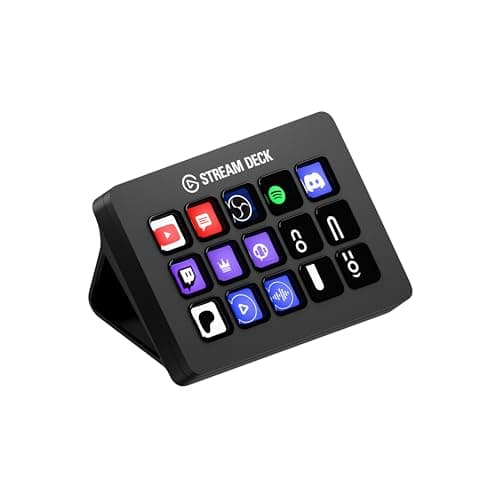
Gifts for the Gamer Who Has Everything
Six gifts for someone who owns the obvious gear: a Stream Deck, a flagship wireless headset, a real IEM, a boom arm, a compact light panel and a serious power bank.
6 products · 5 with live prices
Roundup
Stocking Stuffers Gamers Actually Use
Six small gaming gifts that survive January: two mouse pads, a proper budget mouse, two giant-killer IEMs and a pocket-sized controller.
6 products · 5 with live prices

Roundup
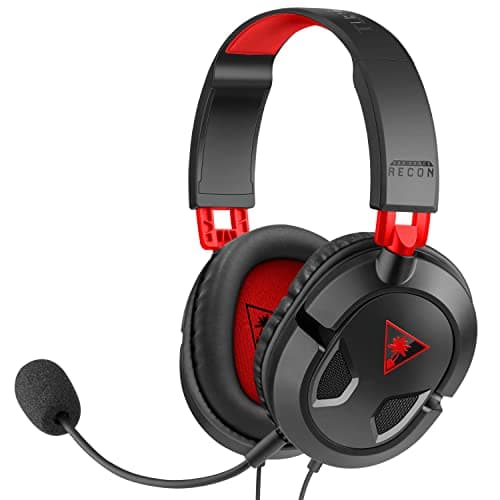
The Best Gaming Gifts for Teens
Six gifts for teenage gamers that work without knowing their setup: a headset with a good mic, two budget controllers, a proper mouse, an IEM and a cheap wireless pad.
6 products · 6 with live prices
Roundup
The Best Gaming Gifts for Kid Gamers
Six gifts for younger gamers judged on the things that actually matter at that age: wired simplicity, small-hand fit, nothing to charge, and cheap enough to survive being broken.
6 products · 5 with live prices
Roundup
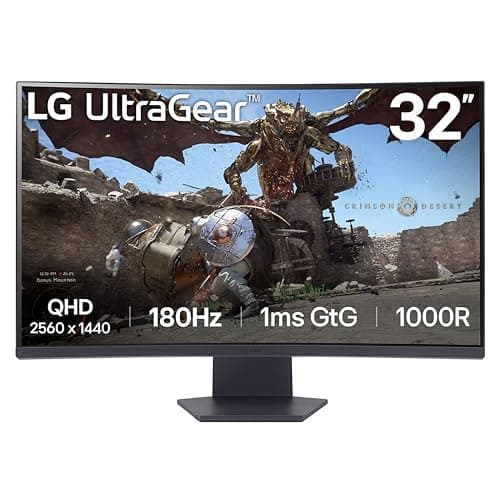
The Best Gaming Gifts Under $200
Six gifts under $200 ranked by impact rather than price: a 1440p 165Hz monitor, a flagship lightweight mouse, a wireless headset, a pro controller, a studio mic and a Stream Deck.
6 products · 6 with live prices
Roundup
The Best Pro Controllers, Compared Honestly
Six pro controllers from $60 to $200 ranked on what the money buys. The honest conclusion: the cheapest pad here has the drift-resistant sticks the two most expensive ones do not.
6 products · 6 with live prices
Roundup
The Best Controllers for PS5
Four PS5-compatible controllers, ranked. The honest conclusion: the standard DualSense wins on value by a wide margin, and every alternative gives up adaptive triggers.
4 products · 4 with live prices
Roundup
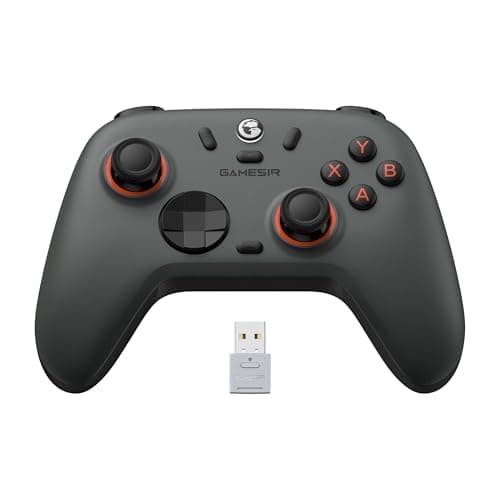
The Best Controllers Under $30
Six controllers under $30 that are worth owning, including one with Hall-effect sticks and triggers. Plus the honest platform caveat: none of these works on Xbox or PlayStation.
6 products · 6 with live prices
Roundup
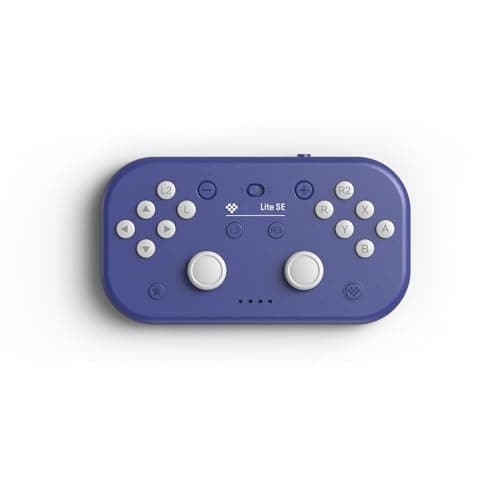
The Best Accessibility Controllers
Five controllers chosen for reduced grip force, flat table-top operation, small reach and full remapping — plus an honest note on the purpose-built devices sold direct rather than through us.
5 products · 4 with live prices
Roundup
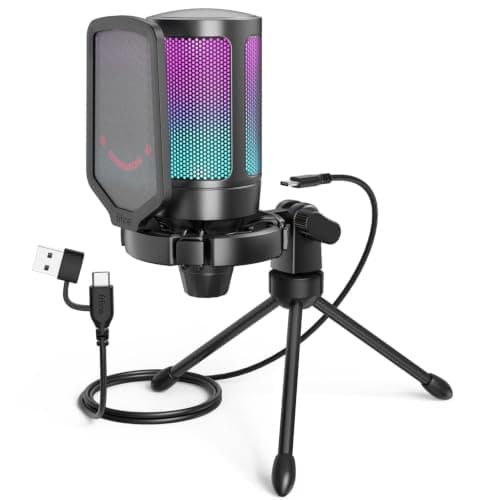
The Best Streaming Setup Under $200
Five parts that add up to a complete first-stream kit under $200: a USB mic, a boom arm, two webcam options and a cheap adjustable light. Bought in priority order, not shopping order.
5 products · 5 with live prices
Roundup
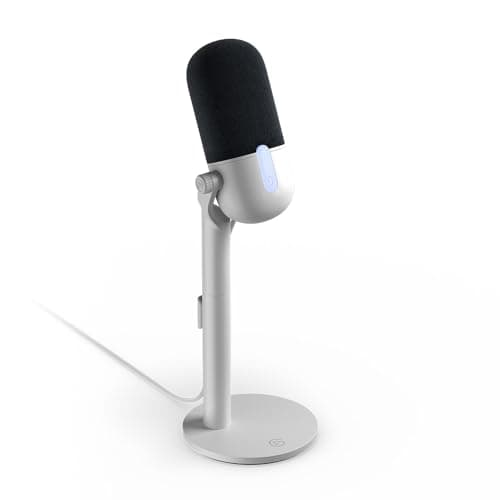
The Best Streaming Setup Under $500
Five components that build a $500 streaming setup: a tap-to-mute USB mic, a boom arm, a controllable light, an HDR webcam and a Stream Deck — with an honest read on what each changes.
5 products · 4 with live prices
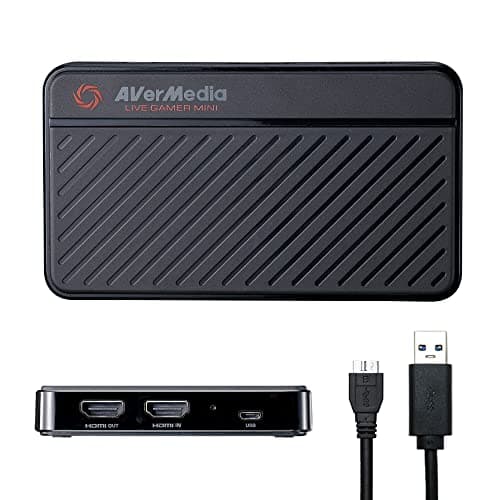
Roundup
The Best Capture Cards for Streaming
Five capture cards ranked by pass-through rather than capture resolution — the spec that actually determines what you see on your own screen while you record.
5 products · 5 with live prices
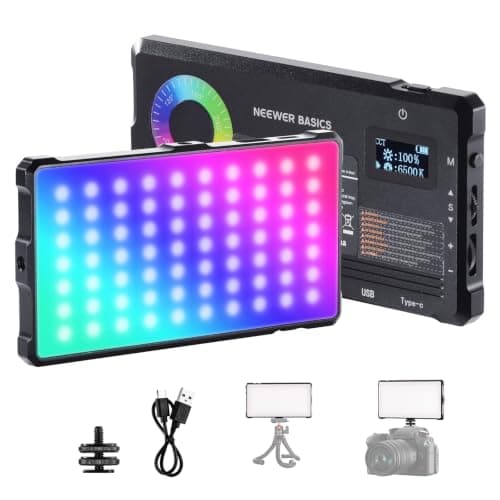
Roundup
The Best Lighting for Streaming on a Budget
Five streaming lights ranked from a pocket panel to an app-controlled studio light, plus the two things that matter more than which light you buy: where you put it, and matching its color to your room.
5 products · 4 with live prices
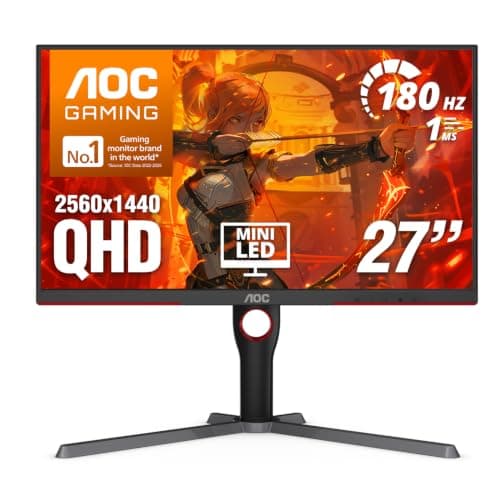
Roundup
The Best HDR Gaming Monitors
Six monitors that can genuinely do HDR — four mini-LED, two QD-OLED — ranked from the cheapest real one up. Everything with a DisplayHDR 400 LCD badge is excluded, and the page explains why.
6 products · 5 with live prices
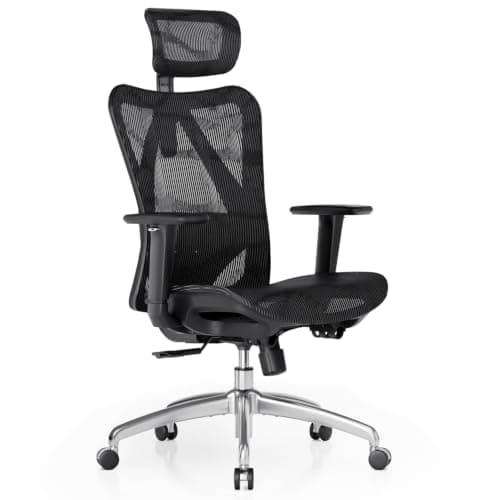
Roundup
The Best Gaming Chairs Under $200
Six chairs under $200 ranked on lumbar adjustment, armrest adjustment, breathability and seat construction — the four things that decide whether hour five hurts. Includes why the best pick here is not shaped like a racing seat.
6 products · 5 with live prices
Roundup
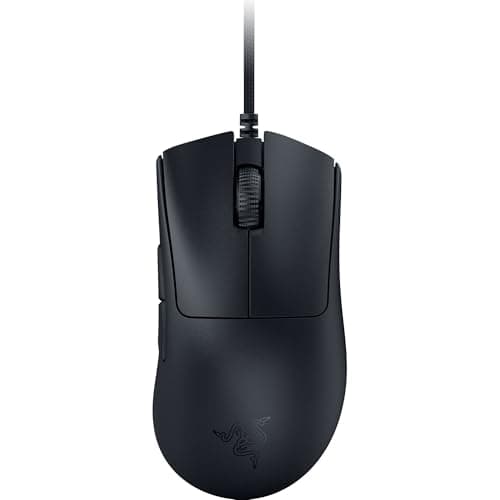
The Best Gaming Mice for Big Hands
Six genuinely large gaming mice ranked by shell length and height, from a 128 mm ergonomic shape at 59 g to a 16-button MMO mouse with a sliding thumb cluster. Includes how to measure your hand and the one naming trap to avoid.
6 products · 6 with live prices
Roundup
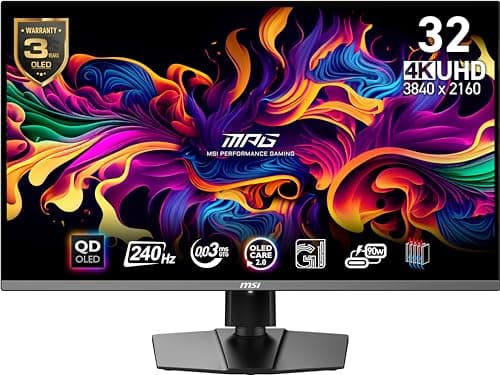
The Best OLED Gaming Monitors
Four OLED gaming monitors ranked, from a 27-inch 1440p QD-OLED rated at 360Hz to a 32-inch 4K showpiece. Covers what OLED actually buys you over a mini-LED, where it loses (bright rooms, static HUDs), and which resolution your graphics card can realistically feed.
4 products · 3 with live prices
Roundup
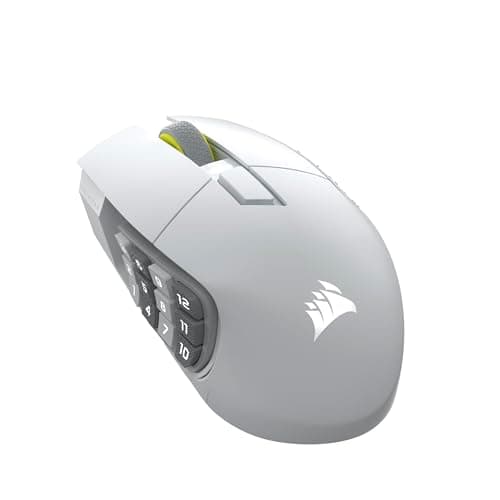
The Best MMO Gaming Mice
Four button-heavy mice ranked for MMOs and macro-heavy games, from a 16-button wireless with a thumb cluster that physically slides to a classic 11-button workhorse. Covers how many buttons you can genuinely use, why reach beats count, and when a smaller mouse is the better answer.
4 products · 4 with live prices
Roundup
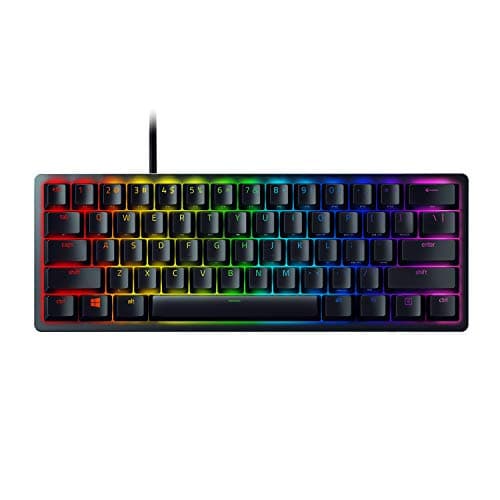
The Best 60% Keyboards for Gaming
Four compact mechanical keyboards ranked for gaming, from an optical-switch 60% built for competitive FPS to a triple-mode wireless hot-swap board under $50 — and the 75% to buy instead if losing the arrow keys turns out to be a problem.
4 products · 4 with live prices
Roundup
The Best Gaming Chairs for Back Pain
Four chairs ranked on the adjustments that actually change spinal loading: a lumbar support that moves up, down, in and out; armrests you can set to your desk height; seat depth; and recline. Includes what a chair genuinely cannot fix, and when to see a clinician instead of shopping.
4 products · 4 with live prices
Roundup
The Best Gaming Monitors for FPS Games
Four monitors ranked for competitive shooters, starting from the uncomfortable fact that the screen esports players use is 24 inches and 1080p. What refresh rate actually buys you, why response time matters as much as Hz, and when a 1440p or OLED panel is the right call instead.
4 products · 4 with live prices
Roundup
The Best 32-Inch Gaming Monitors
Four 32-inch gaming monitors ranked, with the pixel-density arithmetic that decides whether you want 1440p or 4K at this size. The cheap curved VA, the sensible 4K IPS, and the two QD-OLED flagships, plus who each one is actually for.
4 products · 2 with live prices
Roundup
The Best Gaming Keyboards for FPS
Four keyboards ranked for competitive shooters, judged on the three things that matter: linear or optical switches, a footprint that frees desk for your mouse, and N-key rollover so every simultaneous press registers. Plus why keyboard latency is the least important spec on the box.
4 products · 4 with live prices
Roundup
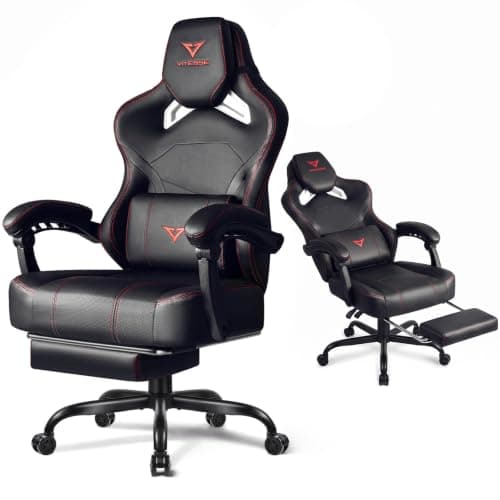
The Best Gaming Chairs for Tall People
Four gaming chairs that actually fit a taller or heavier frame, plus the four listing measurements that decide fit: backrest height, seat height range, seat depth and weight capacity. Including why the most-recommended budget ergonomic chair on the internet is the wrong chair if you are over six feet.
4 products · 3 with live prices
Roundup
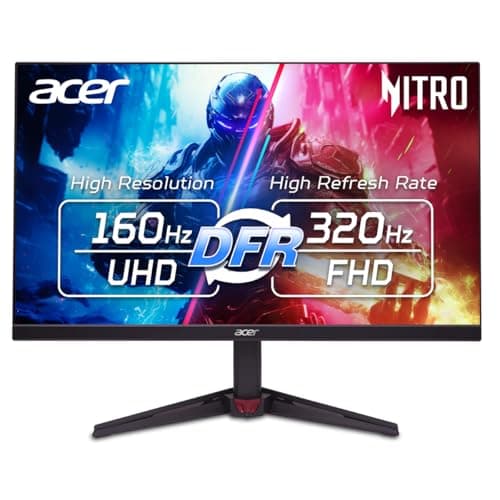
The Best Gaming Monitors Under $400
Five monitors under $400 ranked, with live prices: the 4K 160Hz panels, the mini-LED HDR panels, and the 1440p option that will feel fastest if your graphics card is mid-range.
5 products · 4 with live prices
Roundup
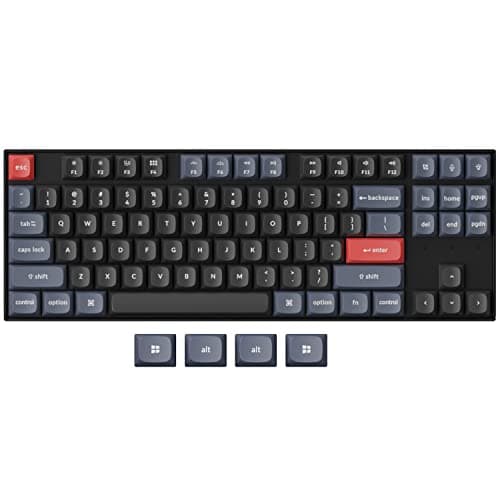
The Best Keyboards for Gaming and Typing
Four keyboards ranked for doing both jobs: why linear switches are not automatically the typing answer, when you need the number pad, and why PBT keycaps matter more than the switch brand on a board you type on all day.
4 products · 4 with live prices
Head to head
Razer Viper V3 Pro vs Logitech G PRO X Superlight 2
The two ultralight wireless flagships compared on weight, shape, polling rate and battery — plus the honest answer about whether either is worth double the price of the esports mouse one tier down.
4 products · 4 with live prices
Roundup
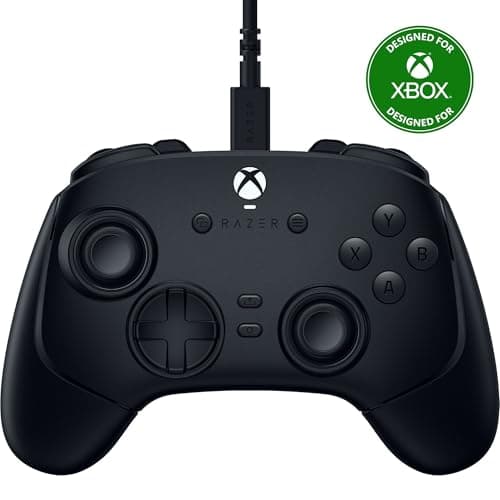
The Best Controllers for Fighting Games
Four controllers ranked for fighting games on the parts the genre actually uses: one-piece cross d-pads, face-button switch type, and why a wired pad is still the default at a tournament.
4 products · 4 with live prices
- Buyer's guide
Buyer's guide
Membrane vs Mechanical Keyboard for Gaming
How each switch type works, and the honest answer to whether mechanical makes you play better: marginally, if at all. A good membrane is fine.
- Buyer's guide
Buyer's guide
1080p vs 1440p for Gaming
The visual jump is real, but the true cost is GPU horsepower, not the monitor. Pixel density by screen size, and when 1080p is still the smarter buy.
- Buyer's guide
Buyer's guide
144Hz vs 240Hz: Is the Upgrade Worth It?
Diminishing returns above 144Hz, who actually benefits from 240Hz, the frame-rate requirement people forget, and the honest 'most people won't notice' verdict.
- Buyer's guide
Buyer's guide
How to Set Up a Gaming Monitor
The checklist people miss: enable the full refresh rate, turn on VRR, use the right cable, set resolution and overdrive correctly, and skip fake HDR.
- Buyer's guide
Buyer's guide
How to Fix Controller Stick Drift
What causes drift (worn potentiometer sticks), the DIY fixes that buy time, when it is unfixable, and the permanent fix: Hall-effect controllers.
- Buyer's guide
Buyer's guide
IPS vs VA for Gaming
IPS for color, angles and clean fast motion; VA for contrast and inky blacks with a smear risk. TN's decline, and which panel suits competitive vs immersive play.
- Buyer's guide
Buyer's guide
60Hz vs 144Hz: Is the Upgrade Worth It?
Why 60-to-144Hz is the most transformative monitor upgrade, the frame-rate requirement people forget, the motion-clarity math, and who benefits most.
- Buyer's guide
Buyer's guide
Curved vs Flat Monitor for Gaming
When a curve helps (large and ultrawide immersion), when it hurts (competitive play, design work), and the screen-size threshold where it starts to matter at all.
- Buyer's guide
Buyer's guide
Optical vs Mechanical Switches
How light-based actuation differs from metal-contact switches, the honest truth about the speed and durability claims, how they feel, and when it actually matters.
- Buyer's guide
Buyer's guide
Wired vs Wireless Gaming Mouse
Why 2.4GHz wireless is effectively as fast as wired, why Bluetooth is the exception, and the real trade-offs that remain: weight, battery life and price.
- Buyer's guide
Buyer's guide
How to Fix Monitor Ghosting
What ghosting actually is (slow pixel response), how to tune overdrive without causing overshoot, the refresh-rate and cable checks people miss, and when it is simply the panel.
- Buyer's guide
Buyer's guide
How to Reduce Input Lag
Where end-to-end latency really comes from, why V-Sync and the display dominate it, and the ordered fixes: refresh rate, VRR without V-Sync, game mode, Reflex/anti-lag, and wired peripherals.
- Buyer's guide
Buyer's guide
How to Connect a Controller to a PC
Per-platform setup for Xbox, DualSense, Switch Pro and 8BitDo pads, why wired matters for DualSense haptics, Steam Input as the universal fix, and how to solve a game that will not detect the controller.
- Buyer's guide
Buyer's guide
1440p vs 4K for Gaming
Why 4K's true cost is the graphics card and not the display, who 1440p suits versus who 4K rewards, and how pixel density and modern upscaling (DLSS/FSR) change the decision.
- Buyer's guide
Buyer's guide
G-SYNC vs FreeSync: Which VRR Do You Need?
Adaptive sync explained plainly, the difference between a true G-SYNC hardware module and G-SYNC Compatible, how G-SYNC and FreeSync cross over on today's GPUs, and whether you ever need the pricey module.
- Buyer's guide
Buyer's guide
What Is Monitor Response Time?
Response time versus refresh rate explained, the difference between GtG and MPRT, why '1ms' claims are marketing, and the overdrive trade-off between a dark trail and a bright overshoot.
- Buyer's guide
Buyer's guide
Are Ultrawide Monitors Good for Gaming?
Where 21:9 ultrawides shine (immersion and real extra field of view), where they stumble (game support, black bars, GPU cost, competitive FOV rules), and who should buy one versus stick with 16:9.
- Buyer's guide
Buyer's guide
Gaming Mouse DPI, Explained
What DPI/CPI actually controls, why competitive FPS players run 400-800 DPI, how eDPI lets you compare sensitivity across games, and why a mouse's giant max-DPI spec is a marketing number, not a quality one.
- Buyer's guide
Buyer's guide
Mouse Polling Rate, Explained
What Hz means for a mouse (125/500/1000/8000), why 1000 Hz is the sensible target, the diminishing returns and CPU cost of 4000-8000 Hz, and how wireless polling now matches wired.
- Buyer's guide
Buyer's guide
Lightweight vs Heavy Gaming Mouse
How mouse weight interacts with aim style (flick/wrist vs tracking/arm), why the ultralight trend took over, when a little heft actually helps, and whether honeycomb shells are worth it.
- Buyer's guide
Buyer's guide
How to Choose a Gaming Mouse
Why the sensor is no longer the decision, how grip type and hand size determine shape, wired vs wireless in 2026, and how button layout should follow whether you play FPS or MMO.
- Buyer's guide
Buyer's guide
Mechanical Keyboard Switch Types, Explained
The three switch families (linear, tactile, clicky), why the red/brown/blue color shorthand is imperfect across brands, what actuation force and point really mean, silent switches, and how to choose for gaming versus typing.
- Buyer's guide
Buyer's guide
Gaming Keyboard Sizes: Full, TKL, 75%, 65%, 60%
What each keyboard layout (full-size, TKL, 75%, 65%, 60%) actually drops, how much mouse swing room you gain for low-sens FPS, the function-layer trade-offs of smaller boards, and which size suits which player.
- Buyer's guide
Buyer's guide
Hot-Swappable Keyboards, Explained
What hot-swap sockets do, how you change switches with no soldering, the 3-pin vs 5-pin difference and why it matters when swapping, why enthusiasts value it, and whether it is worth paying for as a gamer.
- Buyer's guide
Buyer's guide
How to Clean a Mechanical Keyboard
A safe step-by-step routine: power off and unplug, surface clean with compressed air and a brush, pull and wash keycaps, deep-clean around the switches carefully, dry fully, and the mistakes that damage a board.
- Buyer's guide
Buyer's guide
Wired vs Wireless Controller for Gaming
Why there are three latency tiers, not two, why 2.4GHz matches wired while Bluetooth lags, the battery-versus-never-charging trade, what the wireless premium buys, and which genres actually care.
- Buyer's guide
Buyer's guide
Hall Effect vs Potentiometer Sticks
What actually causes stick drift (worn potentiometer contacts), how Hall-effect and TMR magnetic sensors avoid physical contact and resist drift, the real trade-offs and cost, and which controllers use them.
- Buyer's guide
Buyer's guide
How to Build a Gaming Setup: A Beginner's Guide
The budget priority order for a gaming setup: monitor first for feel, then mouse and keyboard, then audio, then desk and chair. Where each dollar matters most, and how to match the gear to what you play.
- Buyer's guide
Buyer's guide
Gaming Desk Setup and Cable Management
The ergonomics that make a desk comfortable (monitor height, distance, elbow angle, mouse room, desk depth) and the practical way to route and tame cables with ties, an under-desk tray and a powered hub.
- Buyer's guide
Buyer's guide
OLED vs IPS for Gaming
Why per-pixel light gives OLED true blacks and near-instant motion, where IPS wins on brightness, burn-in and price, how real the burn-in risk actually is, and a straight which-should-you-buy verdict by room and by game.
- Buyer's guide
Buyer's guide
How to Choose a Gaming Monitor
The full buying framework: resolution versus GPU cost, matching refresh rate to real frame rates, panel-type trade-offs, size and pixel density, response time versus raw Hz, VRR, the truth about HDR badges, and the connectivity that matters for consoles.
- Buyer's guide
Buyer's guide
How to Choose a Gaming Keyboard
The buying framework: switch type (linear, tactile, clicky), switch tech (membrane, mechanical, optical), layout and size versus mouse room, hot-swap future-proofing, wired versus wireless latency, keycap material, stabilizers and build — and where the returns stop being worth it.
- Buyer's guide
Buyer's guide
How to Choose a Gaming Controller
The buying framework: platform compatibility (why Windows favors Xbox input and how PlayStation and Nintendo pads fit in), stick sensor type and drift, connection and latency tiers, the features that matter (paddles, triggers, d-pad), and matching ergonomics to the genres you play.
- Buyer's guide
Buyer's guide
Can You Use a PS5 Controller on PC?
Yes, the PS5 DualSense works on PC over USB-C or Bluetooth. How pairing works, why many games need Steam Input or a remapper to read it as an Xbox pad, where the haptics, adaptive triggers and built-in mic actually work, and how the friction compares to an Xbox controller.
- Buyer's guide
Buyer's guide
How to Connect a Controller to a Phone
How to pair a controller to an Android or iOS phone over Bluetooth, how to enter pairing mode generally, using a phone clip or mobile controller, 2.4GHz dongles versus Bluetooth on mobile, and why cloud gaming and remote play are the killer use case.
- Buyer's guide
Buyer's guide
DualSense vs Xbox Wireless Controller
A head-to-head between the PS5 DualSense and the Xbox Wireless Controller: haptics, adaptive triggers, built-in mic and in-box battery versus universal PC compatibility, a parts and mod ecosystem and trigger feel — plus the AA-battery and drift-prone-stick trade-offs, and a clear verdict by platform.
- Buyer's guide
Buyer's guide
How to Fix a Controller That Won't Connect
A step-by-step fix for a controller that won't connect: check the battery, re-enter pairing mode, clear old Bluetooth pairings and re-pair, go wired to isolate radio issues, update firmware, solve 'the game doesn't see my pad' with Steam Input, rule out interference and range, and know when the real problem is a worn stick.
- Buyer's guide
Buyer's guide
Wired vs Wireless Gaming Keyboard
Why there are three latency tiers not two, why 2.4GHz matches wired while Bluetooth lags, the battery-versus-never-charging trade, why a wired board often out-specs a wireless one at the same price, and which players actually need wireless.
- Buyer's guide
Buyer's guide
Bluetooth vs 2.4GHz Wireless for Gaming
The two wireless radios explained across mice, keyboards, controllers and headsets: 2.4GHz as a dedicated low-latency dongle versus Bluetooth as the universal, power-efficient link, and how they differ on latency, range, interference, pairing and battery.
- Buyer's guide
Buyer's guide
How to Clean a Gaming Mouse
A safe step-by-step routine: what dirt does to the feet, sensor, scroll and switches, the safe materials (isopropyl, microfibre, compressed air), how to clean each part, and how to tell a grimy or double-clicking mouse you can fix from a worn switch you cannot.
- Buyer's guide
Buyer's guide
What Resolution Should I Game At?
How to choose between 1080p, 1440p and 4K based on GPU load, screen size and pixel density, and viewing distance -- with the honest case for 1440p as the modern sweet spot for most gamers, and the situations where 1080p or 4K is the smarter call.
- Buyer's guide
Buyer's guide
Is HDR Worth It for Gaming?
What HDR actually requires (peak brightness, local dimming, wide color gamut), why cheap DisplayHDR 400 panels mostly cannot deliver it, which tiers -- real local dimming, mini-LED and OLED -- are genuinely worth it, how console and PC HDR differ, and the honest case that HDR is often not worth it on a budget monitor.
- Buyer's guide
Buyer's guide
Monitor Panel Types Explained: IPS vs VA vs OLED
The three modern gaming-monitor panel types compared: IPS for color and viewing angles, VA for contrast and deep blacks, OLED for the best of both with a burn-in asterisk. Color, contrast, motion, price and who each suits.
- Buyer's guide
Buyer's guide
Mouse Grip Styles Explained: Palm vs Claw vs Fingertip
The three main mouse grips (palm, claw, fingertip), how each holds the mouse, which hand sizes and mouse shapes and weights suit each, how grip trades stability against agility, and a quick way to identify your own natural grip.
- Buyer's guide
Buyer's guide
What Is Mouse Acceleration, and Why Do Gamers Turn It Off?
What mouse acceleration is, why it breaks the consistent muscle memory aiming depends on, how Windows Enhance pointer precision fits in, how in-game raw input bypasses it, exactly how to disable it, and the rare cases where accel might help.
- Buyer's guide
Buyer's guide
How to Set Mouse DPI and Sensitivity for Gaming
DPI vs in-game sensitivity vs eDPI, how to find a sensible starting point, the low-sens vs high-sens trade-off, the 360-distance idea, a polling-rate note, and how to change DPI in software or with the on-mouse DPI button.
- Buyer's guide
Buyer's guide
Anti-Ghosting and N-Key Rollover, Explained
What key ghosting and blocking are, how anti-ghosting fixes them, N-key rollover (NKRO) versus 6-key rollover, why simultaneous inputs matter for gaming, why mechanical boards tend to do this better than membrane, and the USB angle.
- Buyer's guide
Buyer's guide
What Is a Controller Deadzone?
What a stick deadzone is, why it exists (centering tolerance and stick drift), the difference between inner and outer deadzones, how too large kills aim and too small causes drift, how to set it in-game and with Steam Input, and how Hall-effect sticks let you run smaller deadzones.
- Buyer's guide
Buyer's guide
How to Remap Controller Buttons
How to remap controller buttons on each platform: Steam Input and Windows on PC, the Xbox Accessories app, PS5 custom button assignments, Switch System Settings, and hardware-level remapping via back paddles and vendor software.
- Buyer's guide
Buyer's guide
How to Fix a Mouse That Double-Clicks
Why mice start double-clicking (switch contact bounce and wear), how to confirm it, cleaning, debounce-time software as a stopgap, replacing the switch or using warranty, and the honest point at which replacing the mouse is the better call.
- Buyer's guide
Buyer's guide
Input Lag vs Response Time
The real difference between pixel response time (gray-to-gray, which causes ghosting and smearing) and system input lag (the end-to-end click-to-photon delay), what contributes to each, why a fast response time does not mean low input lag, and how to reduce each.
- Buyer's guide
Buyer's guide
What Size Monitor for Gaming?
How to choose monitor size for gaming: why 24 inch pairs with 1080p, 27 inch with 1440p and 32 inch with 4K (pixel density), how viewing distance and desk depth matter, ultrawide considerations, and why competitive FPS players lean 24-27 inch while 32 inch and up favors immersion.
- Buyer's guide
Buyer's guide
Is 240Hz Worth It for Gaming?
Why refresh rate has diminishing returns, why a fast 144Hz panel can look cleaner than a slow 240Hz one, why you must feed the frames with your GPU, the click-to-photon latency angle, and who genuinely benefits from 240Hz versus who should spend on resolution or panel quality instead.
- Buyer's guide
Buyer's guide
How to Choose a Webcam for Streaming and Calls
Why 1080p is the sweet spot and 4K is heavier than it is worth, why 60fps looks smoother, why sensor size and low-light performance beat megapixels, autofocus versus fixed focus, field of view, and why lighting matters more than the camera — plus when a USB webcam is enough versus a mirrorless-and-capture-card setup.
- Buyer's guide
Buyer's guide
Do You Need a Mechanical Keyboard for Gaming?
The honest answer — no, but most people prefer one. What mechanical genuinely gives (consistent feel, durability, switch choice, anti-ghosting, satisfying typing) versus what it does not (no meaningful raw competitive edge over a good membrane), a quick tour of switch types and layouts, and when a good membrane or budget mechanical is the smart call.
- Buyer's guide
Buyer's guide
How to Clean a Controller
A safe, step-by-step clean for any controller: what grime does to the grips, buttons and sticks, the materials to use (and never use), how to clean each part, and why cleaning cures a sticky pad but not true stick drift from a worn stick.
- Buyer's guide
Buyer's guide
Optical vs Laser Mouse Sensors
The settled version of the optical-versus-laser debate: why almost every top gaming mouse uses an optical sensor for consistency, what laser was ever good at, why DPI is not accuracy, and why a good mousepad matters more than the sensor argument.
- Buyer's guide
Buyer's guide
How to Connect a Controller to a Nintendo Switch
The pairing methods for a Switch: the official Pro Controller, Bluetooth pads via the Change Grip/Order screen, licensed third-party gamepads, and 2.4GHz dongles that need a USB port — plus which controllers work, wired play, and button remapping.
- Buyer's guide
Buyer's guide
How to Fix a Wireless Mouse That Keeps Disconnecting
The ordered fix for a wireless mouse that keeps cutting out: check the battery, move the 2.4GHz dongle closer, rule out USB 3.0 interference and a worn cable, update drivers and firmware, and stop Windows turning the receiver off before you decide the hardware is faulty.
- Buyer's guide
Buyer's guide
How to Fix a Controller That Won't Charge
The ordered fix for a controller that will not charge: try a known-good data cable, clean lint from the port, change the power source, reseat the battery or AA cells, update firmware and hard-reset the pad before concluding a rechargeable battery is worn out. Covers Xbox, PS5 DualSense and third-party pads.
- Buyer's guide
Buyer's guide
How to Fix Screen Tearing in Games
Why tearing is a frame-rate-versus-refresh-rate mismatch, why adaptive sync (FreeSync/G-SYNC) is the modern fix, how VSYNC and a frame cap work as fallbacks, and the exact order to try the fixes without adding input lag.
- Buyer's guide
Buyer's guide
How to Check Your Monitor's Refresh Rate
Why a high-refresh panel often defaults to 60Hz, how to read your current refresh rate in Windows and macOS, how to set it to the maximum, and the cable, port and driver reasons the top rate can be missing from the list.
- Buyer's guide
Buyer's guide
How to Fix a Monitor That Says No Signal
Why 'no signal' is a communication failure rather than a dead panel, the ordered checklist — input source, cable reseat, correct port, graphics output — and the less obvious causes like a GPU versus motherboard port mix-up.
- Buyer's guide
Buyer's guide
What Do You Need to Start Streaming?
The honest priority order for a first streaming setup: the PC you already have plus free software, then a good microphone (the biggest quality jump), then a webcam and lighting, and why audio beats video for keeping viewers.
- Buyer's guide
Buyer's guide
PBT vs ABS Keycaps
How ABS and PBT keycap plastics differ in durability, texture, sound and legend quality, why ABS develops a shine over time, why PBT is the durability pick, and when a good ABS set is genuinely good enough.
- Buyer's guide
Buyer's guide
What Are Keyboard Stabilizers?
What stabilizers do for wide keys like the spacebar and Enter, why they rattle or feel mushy, the difference between plate-mount and screw-in types, and why tuning them is the highest-impact cheap upgrade to how a board feels.
- Buyer's guide
Buyer's guide
How to Lubricate Keyboard Switches
What lubing switches actually improves (scratch, ping, smoothness), the tools and lubricant you need, the honest time cost, why linear switches benefit most, and why a hot-swappable board makes the whole job far easier.
- Buyer's guide
Buyer's guide
How to Fix Mouse Lag and Stutter
The ordered fixes for a stuttering or laggy mouse: rule out wireless interference and battery, check the polling rate and USB port, free up a maxed-out CPU, fix a poor tracking surface, and separate mouse lag from display or network lag.
- Buyer's guide
Buyer's guide
What Is Mouse Lift-Off Distance?
What lift-off distance (LOD) is, why it matters most to low-sensitivity FPS players who lift and reposition, what a good LOD is, how surface and sensor affect it, and how to adjust it in mouse software.
- Buyer's guide
Buyer's guide
How to Calibrate a Game Controller
What calibration does (resets the controller's idea of stick center, range and trigger travel), how to do it on Windows, Steam, Xbox and PlayStation, when it fixes drift versus when the hardware is worn, and how it relates to deadzones.
- Buyer's guide
Buyer's guide
Are Third-Party Controllers Worth It?
When a third-party controller is the smart buy versus a false economy: the licensing and platform-support catch, which features third-party pads add (hall-effect sticks, back buttons), what they can miss, and how to buy safely.
- Buyer's guide
Buyer's guide
How to Fix Controller Input Lag
The real causes of controller input lag — Bluetooth versus a 2.4GHz dongle, interference, low battery, a busy system, TV processing — and the ordered fixes, with a wired connection as the guaranteed cure.
- Buyer's guide
Buyer's guide
Refresh Rate Explained
What refresh rate (Hz) actually means, why it only helps when frame rate keeps up, the difference each tier makes, and how it relates to response time, tearing and adaptive sync.
- Buyer's guide
Buyer's guide
240Hz vs 360Hz Gaming Monitor
The honest gap between 240Hz and 360Hz: a small, hardware-hungry step that helps competitive shooter players and almost no one else. What you need to actually feed 360fps, and where the money is better spent.
- Buyer's guide
Buyer's guide
TN vs IPS Gaming Monitor
How TN and IPS panels differ in speed, color, contrast and viewing angles, why modern IPS has become the default gaming choice, and the narrow cases where a fast, cheap TN still makes sense.
- Buyer's guide
Buyer's guide
Gaming Monitor vs TV for Gaming
When a gaming monitor beats a TV and vice versa: viewing distance, refresh and input lag, size and price. How modern gaming TVs closed the gap, and which suits console vs PC and competitive vs casual play.
- Buyer's guide
Buyer's guide
What Is Monitor Overdrive?
What the overdrive (response-time) setting does, why more is not better, how inverse ghosting looks, and a simple method to pick the right level for your monitor and refresh rate.
- Buyer's guide
Buyer's guide
Should I Turn On V-Sync?
What V-Sync does, its input-lag and stutter trade-offs, why adaptive sync (G-SYNC/FreeSync) is the better modern fix, and the exact settings to use for competitive versus single-player games.
- Buyer's guide
Buyer's guide
How to Clean a Gaming Monitor
The safe method for cleaning an LCD or OLED monitor: power off, dry microfiber first, distilled-water dampening, never spray the panel, and the household cleaners and paper products that permanently damage screen coatings.
- Buyer's guide
Buyer's guide
How to Fix a Flickering Monitor
Why monitors flicker — cables, refresh-rate mismatch, adaptive-sync brightness flicker, drivers and power — an ordered checklist that starts with the free fixes, and how to tell when the panel has genuinely failed.
- Buyer's guide
Buyer's guide
Do Mouse Feet Matter?
What mouse feet (skates) do, how material and wear affect glide and aim consistency, when replacing them is worth it, and why the mousepad is half of the equation.
- Buyer's guide
Buyer's guide
Hard vs Soft Mousepad
How hard and soft mousepads differ in glide, control, comfort and durability, which suits low- versus high-sensitivity players, and why most gamers are best served by a large soft cloth pad.
- Buyer's guide
Buyer's guide
What Size Mousepad Do I Need?
How to choose mousepad size from your sensitivity and aim style: the small/medium/large/extended tiers, why low-sensitivity players need more room, and desk-fit and full-desk considerations.
- Buyer's guide
Buyer's guide
How to Fix Keyboard Chatter
What keyboard chatter (double typing) is, why it is usually a dirty or worn switch, how to confirm which key, and the fix ladder from cleaning to debounce software to swapping the switch.
- Buyer's guide
Buyer's guide
How to Fix a Sticky Keyboard Key
Why keys stick — spills, crumbs and debris, or a fouled stabilizer on larger keys — how to remove the keycap safely, clean the switch and stabilizer, and when a spill needs a deeper clean.
- Buyer's guide
Buyer's guide
What Are Controller Back Buttons?
What controller back buttons / paddles do, why keeping your thumbs on the sticks is the real advantage, who benefits, and how to weigh a pro controller versus a clip-on adapter.
- Buyer's guide
Buyer's guide
Do All Controllers Work on PC?
Why Xbox pads are plug-and-play, why PlayStation and Switch pads need Steam Input or a driver, why some wireless pads need their own dongle, and how to tell which case you are in before buying.
- Buyer's guide
Buyer's guide
Switch Pro Controller on PC
How to connect a Switch Pro Controller to a PC wired or over Bluetooth, why the A/B and X/Y buttons come out swapped, how to fix random inputs and drops, and when to use Steam Input.
- Buyer's guide
Buyer's guide
Do You Need a Capture Card?
The four cases that genuinely need a capture card, why single-PC streaming is not one of them, what OBS does in software for free, and the HDCP problem that blocks console capture.
Buyer's guide
Is OLED Burn-In a Problem for Gaming?
Burn-in explained without the panic or the marketing: the mechanism, the usage pattern that causes it, what pixel shifting and automatic panel refresh genuinely do, what the manufacturer warranties now cover, and a short checklist for deciding whether an OLED is safe for how you actually use a monitor.
3 products · 3 with live prices
Buyer's guide
How to Set Up a Capture Card
A step-by-step capture card setup: the correct cable order, how pass-through decides what your TV sees, the HDCP setting behind the classic PS5 black screen, adding the device in OBS, and the resolution and bitrate figures the platforms actually publish.
3 products · 3 with live prices
Buyer's guide
How to Light Your Stream
Stream lighting as a placement problem rather than a shopping problem: the 45-degree key light rule, turning off the overhead, matching color temperature across every source in the room, why a ring light is a bad idea if you wear glasses, and the four lights worth buying.
4 products · 3 with live prices
Buyer's guide
HDMI vs DisplayPort for Gaming
The practical rule — DisplayPort on a PC, HDMI on a console — plus the version-number table that actually decides whether you get your monitor's full refresh rate, why the bundled cable is the usual culprit, and what DSC is doing on a 4K high-refresh panel.
4 products · 3 with live prices
Buyer's guide
Ring Light vs Panel Light for Streaming
The honest comparison: a ring light is a cheap way to get soft, even light from directly in front of you, and a panel is the more flexible tool because it can be placed off-axis. Which one wins depends on your glasses, your desk depth and whether you want shadow on your face at all.
4 products · 3 with live prices
Buyer's guide
What GPU Do You Need for 1440p 144Hz?
How to work out whether your graphics card can actually feed a 1440p 144Hz monitor: the pixel arithmetic, why the game matters more than the resolution, how to measure your own frame rate in ten minutes, and what upscaling and adaptive sync change about the answer.
4 products · 3 with live prices
Buyer's guide
How to Choose a Gaming Chair
A buying method rather than a shopping list: the five published specs that decide whether a chair fits you, why a strap-on lumbar pillow is not lumbar support, what a weight rating is really telling you, and the honest case for buying an office chair instead.
4 products · 3 with live prices
Buyer's guide
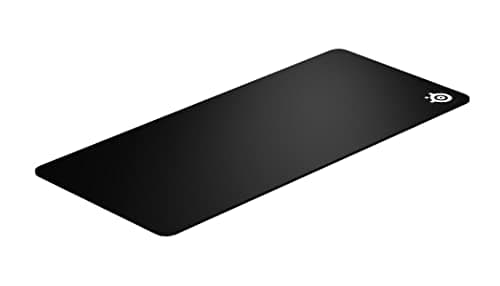
How to Clean a Mousepad
Hand-wash a cloth mousepad in lukewarm water with a little dish soap, rinse until the water runs clear, and air-dry it flat for 24 hours. The washing machine, the dryer, hot water and bleach are the four ways people ruin a pad, and some pads are simply worn out.
3 products · 3 with live prices
Buyer's guide
How to Fix a Mouse Scroll Wheel
A scroll wheel that jumps, skips, scrolls in reverse or does nothing at all: how to tell software causes from a dirty encoder from genuine mechanical wear, in the order that finds the problem fastest.
4 products · 4 with live prices
Buyer's guide
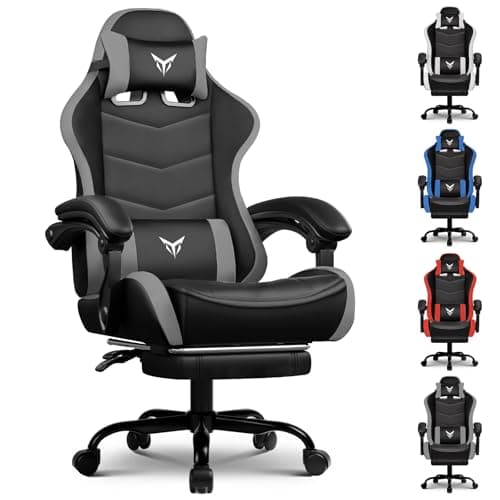
How to Make a Gaming Chair More Comfortable
The order to fix an uncomfortable gaming chair: seat height from your feet, seat depth from behind your knees, armrests from your shoulders, then lumbar support last. Plus what a cushion can and cannot fix, and the three faults that mean the chair is genuinely done.
4 products · 4 with live prices