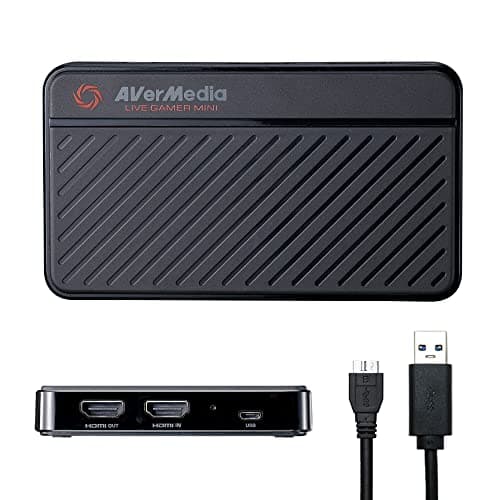
Buy the AVerMedia Live Gamer Mini unless you have a specific reason not to. It captures 1080p60 — which is what almost every stream actually delivers to viewers — it is plug-and-play, and it costs a fraction of the cards above it. The only good reasons to spend more are that your own display is 4K at high refresh, or that you are capturing a camera rather than a console. That second case trips up a lot of people, so it is worth being explicit.
Pass-through is the spec that matters
A capture card sits between your console and your TV. It does two separate things, and they have separate specs:
- Capture— the resolution and frame rate sent to your PC to be recorded or streamed. This is almost always downscaled to 1080p before it reaches a viewer anyway, so a higher capture spec often buys nothing.
- Pass-through— the signal forwarded to your TV or monitor so you can see what you are playing. This one you experience directly, in real time, every second. If the card's pass-through is 1080p60 and your TV is 4K120, you have just downgraded your own gameplay to record a stream nobody will see the difference on.
That is the whole decision. Match the pass-through to your display, then buy the cheapest card that does it. Everything else is detail.
The five, and who each is for
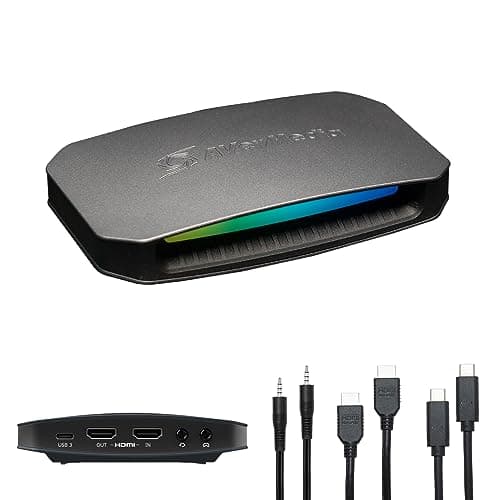
The AVerMedia Live Gamer Mini is the default: 1080p60 capture with pass-through, plug-and-play, and it appears as a source in OBS with no software of its own. Its documentation and the OBS Studio docs are all you need to get running.
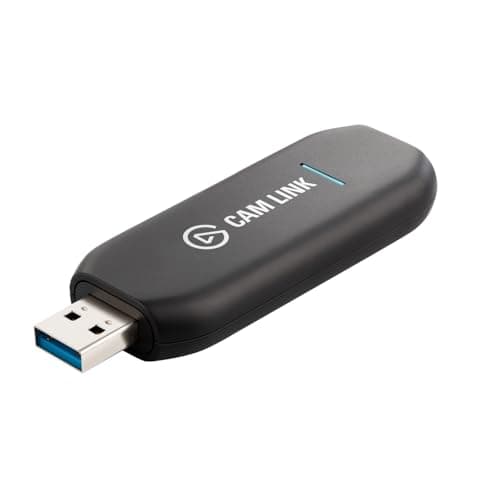
The Elgato Cam Link 4Kis the one that is not a game capture card at all — it turns a DSLR, mirrorless or action camera with clean HDMI output into a webcam. If you already own a camera, it produces an image no consumer webcam on our best webcams page can match. If you bought it hoping to record a PS5, it will not do that.
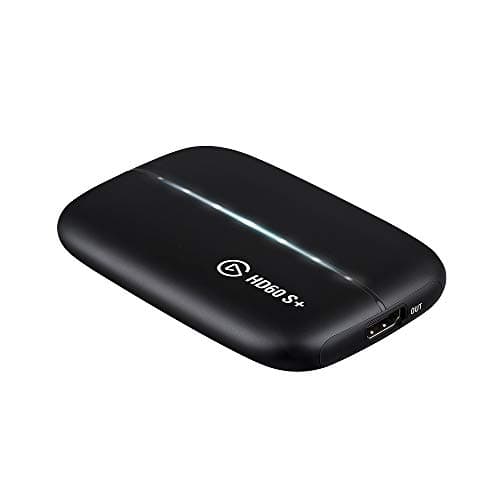
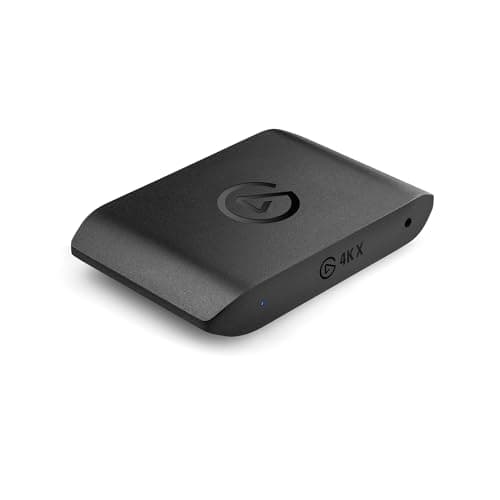
The Elgato HD60 S+ is the middle: 1080p60 capture with 4K60 pass-through, for a 4K60 TV and a 1080p stream. The AVerMedia Live Gamer Ultra 2.1 and Elgato 4K Xare the HDMI 2.1 cards — the only ones that preserve 4K at high refresh and variable refresh rate on your own display. Buy one of those only if you genuinely have a 4K120 display and a console driving it, which our gaming monitor vs TV guide can help you work out.
Two things that will catch you out
HDCP.PlayStation consoles apply copy protection to some content, which blocks capture and produces a black screen. Turning HDCP off in the console's settings fixes it for games; it stays on for video apps by design. The official PlayStation and Xbox documentation covers the setting.
You probably do not need one. If you stream from the PC you play on, OBS captures the game in software for free and a capture card adds nothing. This is the single most common wasted purchase in streaming, and our do you need a capture card guide exists specifically to talk people out of it. Start there, then come back if the answer is yes — and when you have the card in your hand, our how to set up a capture card guide covers the cable order, the pass-through rule and the HDCP setting behind the classic black screen.