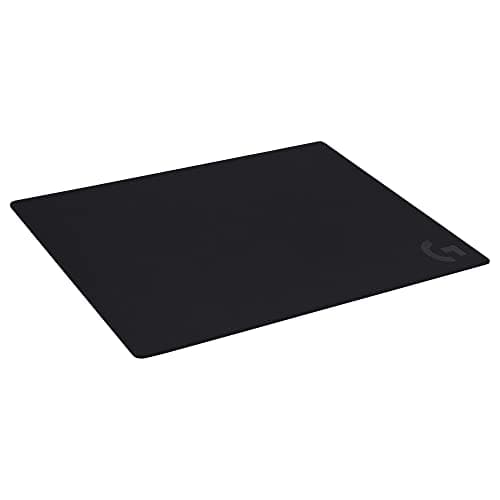
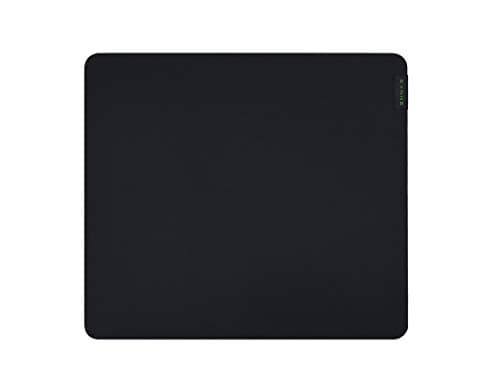
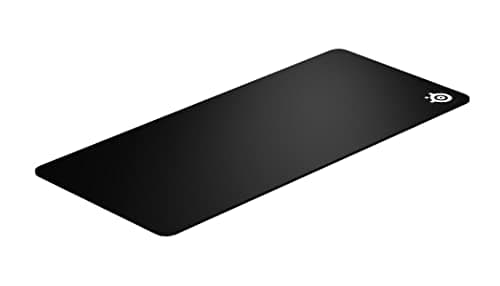
Wash a cloth mousepad by hand in lukewarm water with a few drops of dish soap, agitate the surface gently with your palm or a soft brush, rinse until the water runs clear, press the water out with a towel without wringing, and lay it flat to air-dry for about 24 hours. Do not put it in the dryer, do not use hot water, and do not use bleach or fabric softener. That is the whole method. The rest of this guide is about why each of those steps matters, what to do with a hard pad instead, and how to tell the difference between a dirty pad and a dead one.
Why a dirty pad actually changes your aim
A cloth pad accumulates three things: skin oil from the heel of your hand, dust from the room, and the fine debris your mouse feet shed as they wear. The oil is the one that matters. It soaks into the fibre surface and makes the patch where your hand rests slicker than the rest of the pad, so the mouse accelerates unevenly across the sweep. Players usually describe this as the mouse feeling “sticky then fast”, and they usually blame the mouse feet.
Dust and debris do something separate: they collect under the mouse feet and raise the sensor slightly off the surface. An optical sensor images the weave beneath it, so a layer of grit between the feet and the cloth can produce exactly the stutter our mouse lag and stutter guide gets asked about. Cleaning the pad and the feet together is a two-minute fix that people try last.
The method for a cloth pad, step by step
1. Clean the mouse first. Otherwise you put a dirty mouse back on a clean pad. Our mouse cleaning guide covers the sensor window and the feet.
2. Fill a sink or bath with lukewarm water. Body temperature, not hot. Heat is what separates the rubber backing from the cloth and causes the pad to curl at the edges permanently.
3. Add a few drops of plain dish soap.A pea-sized amount for a desk-mat sized pad. Dish soap is a mild degreaser, which is exactly the job — the enemy is oil. Skip laundry detergent with brighteners, skip bleach, and skip fabric softener, which leaves a coating that makes the surface slippery and inconsistent.
4. Agitate the surface gently.Your palm is enough for light soiling. For a pad with a visible dark patch, use a soft brush — a clean nail brush or a soft toothbrush — in small circles, with light pressure. Hard scrubbing fuzzes the weave, and a fuzzed pad glides worse than a dirty one.
5. Rinse properly. Keep rinsing until the water runs completely clear. Soap residue left in the fibre is sticky once it dries, and it is the single most common reason a freshly washed pad feels worse than it did before.
6. Press, do not wring. Lay the pad on a towel, roll the towel up with the pad inside, and press. Wringing or twisting creases the rubber base, and that crease never fully comes out.
7. Dry flat, cloth side up, for about 24 hours. Not on a radiator, not in sunlight, not in a tumble dryer. Rubber backing plus heat equals warping and delamination. A thick desk mat can take longer than a day; it has to be bone dry before the mouse goes back on it, because a damp pad drags.
Hard pads, RGB pads and pads with wrist rests
A hard plastic or glass pad does not get washed — it gets wiped. Use a cloth dampened with water, or with isopropyl alcohol for stubborn marks, and dry it immediately. Hard surfaces clean up in thirty seconds, which is one of the quiet advantages our hard vs soft mousepad comparison covers.
Never submerge an RGB or wireless-charging pad. Those pads contain electronics and a cable entry point, and water gets in and stays in. Wipe the surface with a barely-damp cloth, work around the lit edge rather than over it, and accept that the cloth will not get as clean as a washable pad would. If yours is heavily soiled, that is an argument for replacing it with a plain pad.
A pad with an attached gel or memory-foam wrist rest is in the same category: the foam holds water for days and can mildew inside. Surface-clean it only.
How often, and what cleaning will not fix
Every two to three months for a pad in daily use is a sensible rhythm, and sooner if you can see a shiny patch where your hand sits. If you eat at your desk, more often.
Washing does not restore a worn pad. Cloth surfaces physically abrade: the weave flattens where the mouse feet travel most, and once it is polished smooth, the glide in that strip is permanently different from the rest of the pad. You can feel it as a dead spot in the middle of a sweep. No amount of soap brings the nap back. Nor will washing fix a pad whose rubber base has hardened and stopped gripping the desk, or one whose stitched edge has frayed enough to catch the mouse.
A cloth pad in heavy daily use is a one-to-two-year consumable, and it is one of the cheapest meaningful upgrades on a desk — which is why the three picks below are all inexpensive, washable, large cloth pads rather than anything exotic. If you want the full ranking, including the XXL desk mats and the hard surfaces, that is our best gaming mousepads page, and what size do I need covers the sizing decision before you buy a replacement.
A note on “cleaning” the mouse feet at the same time
The feet are half of the glide. Wipe them with a cloth dampened in isopropyl alcohol and let them dry; if the PTFE has worn through to the plastic beneath, replacement feet cost a few dollars and are the single most noticeable cheap upgrade you can make to an old mouse. Our do mouse feet matter guide has the detail, including when they are the real culprit rather than the pad.