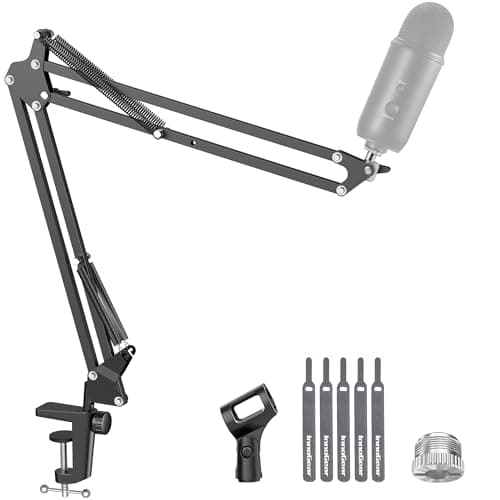
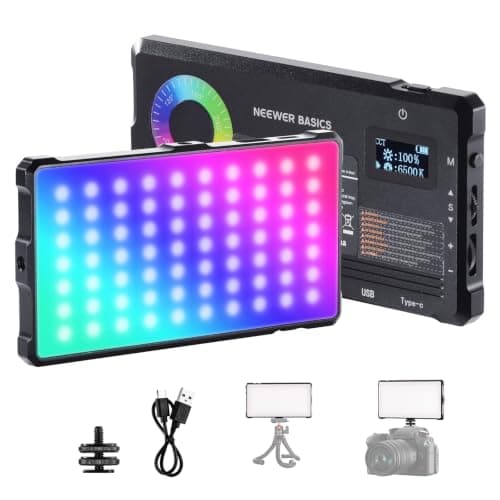
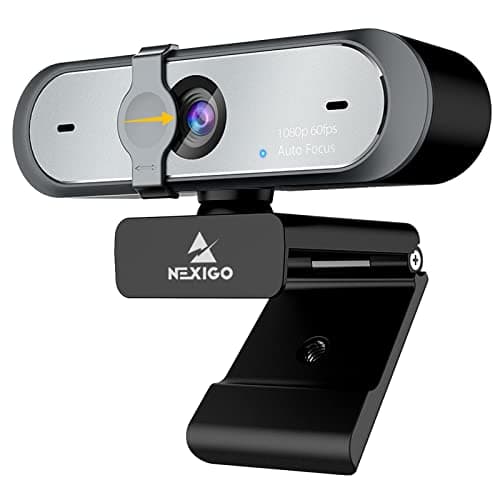
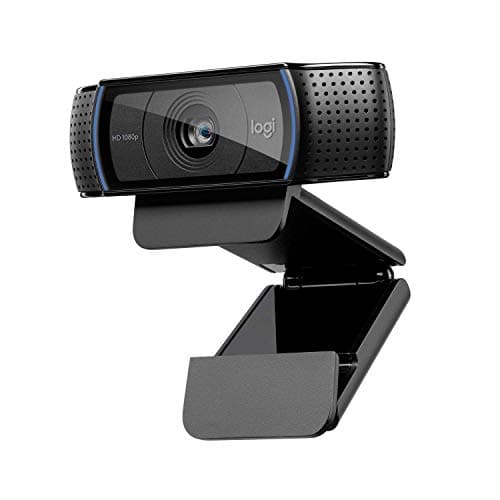
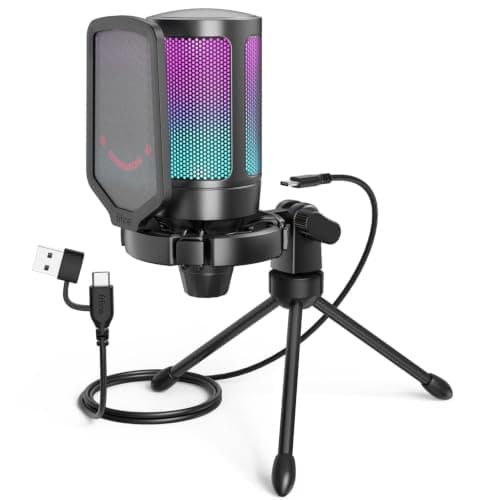
Buy the microphone first. Viewers will forgive a soft-looking camera indefinitely and will leave within seconds over bad audio, so the first $60 of a streaming budget should go on a USB mic and a boom arm to hold it near your mouth. The FIFINE A6V plus the InnoGear arm covers both for well under a third of this budget, and that pair is a bigger upgrade than anything else on this page. Here is the full kit, in the order you should buy it.
The buying order, and why it is not the obvious one
Most people buy a webcam first, because a camera is the visible symbol of streaming. That is backwards. The order that actually improves a stream is:
- A microphone, close to your mouth.Audio is the thing an audience cannot tolerate being bad. And “close to your mouth” is doing as much work in that sentence as “microphone” — which is why the boom arm is item two rather than an afterthought.
- Light on your face. A $60 webcam in good light comfortably out-performs a $140 webcam in a dark room. Every camera sensor is fighting noise; giving it more light is the cheapest possible improvement.
- The camera itself. Last, and the least important of the three.
The audio pair
The FIFINE A6V is a USB condenser that costs about as much as a new release game and sounds dramatically better than any headset boom. Pair it with the InnoGear boom arm, which does two things: it brings the capsule to within a few inches of your mouth, and it lifts the mic off the desk so your keyboard and mouse stop transmitting thumps directly into it. Our best microphones for gaming page covers the wider field, and condenser vs dynamic microphone explains which type suits your room — if your space is echoey, a dynamic mic is the better choice and the guide says so.
Light, then camera
The NEEWER Basics RGB panelis the cheapest thing here that visibly changes your image. Adjustable color temperature matters more than raw output at this level, because matching the light to your room's bulbs is what stops your face going orange or blue. Our best lighting for streaming page has the full ladder.
For the camera, the NexiGo N660Pshoots 1080p at 60fps, which is the spec that matters — a 30fps webcam looks choppy next to 60fps gameplay. The Logitech C920 is the alternative if you want the most-supported webcam ever made and do not need 60fps. Our best webcams for streaming page ranks the field, and how to choose a webcam covers the specs.
What you do not need to buy
A capture card, if you stream from a PC.OBS captures your own PC's gameplay in software, for free. Capture cards exist for recording a console or a second PC, and our do you need a capture card guide is blunt about how many people buy one they will never use.
A green screen, at first. They need their own even lighting to work well, and badly-lit chroma key looks worse than no background removal at all. A new PC. Modern GPUs have dedicated hardware encoders, so streaming costs far less performance than it used to. And a Stream Deck— genuinely useful, but it removes friction from a workflow you have not built yet. That is the first thing to add when you outgrow this kit, which is where our setup under $500 page starts. For the software side, our what do you need to start streaming guide covers OBS and settings.