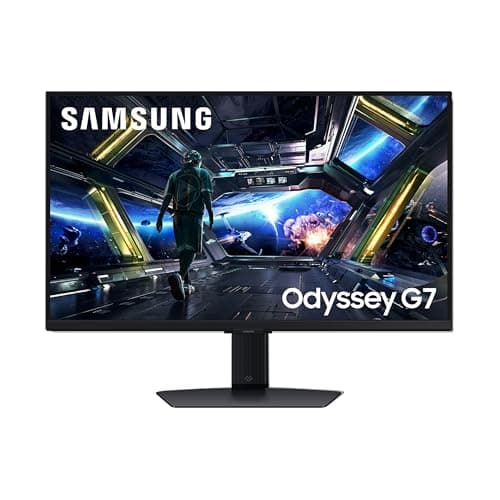
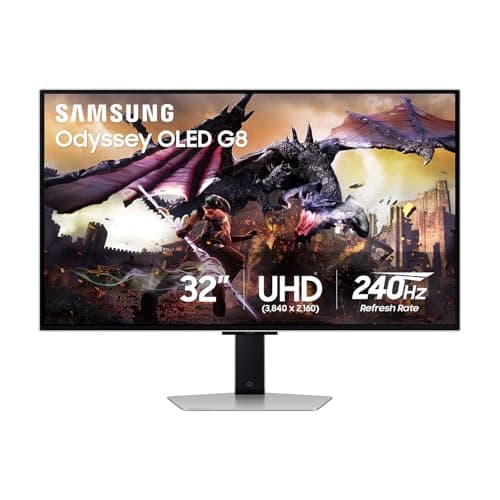
32 inches is the screen size where resolution stops being a preference and becomes arithmetic. 1440p at 32 inches is about 93 pixels per inch; 4K at 32 inches is about 138. The first looks soft at desk distance and the second looks excellent, and the gap between them is the entire buying decision on this page. Which one is right for you depends on how much graphics card you own.
A 32-inch monitor is a different object from a 27-inch one, not just a larger one. It occupies most of your field of view at a normal desk distance, which is wonderful for a racing sim and actively unhelpful in a competitive shooter — the reason our FPS monitor pagerecommends 24 inches. It also needs more desk depth than people expect: at 60cm you will be moving your eyes constantly, and 75–90cm is a better distance. Measure before you order.
The pixel-density problem, with the numbers
Pixel density is the diagonal pixel count divided by the diagonal screen size. Run it for the combinations that matter at this size:
- 1440p at 27 inches — about 109 PPI. The current sweet spot, and why 27-inch 1440p is the default recommendation across the whole market.
- 1440p at 32 inches — about 93 PPI. Usable, and visibly softer. Text edges fuzz, fine textures lose detail, and you will see individual pixels if you look for them.
- 4K at 32 inches — about 138 PPI. Sharp enough that you stop thinking about it, which is the actual goal.
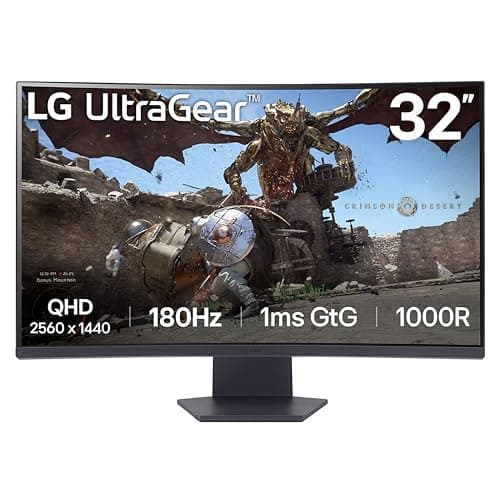
So the honest framing is not “is 4K worth it” but “at 32 inches, 1440p costs you sharpness you would have had at 27 inches for the same money.” If scale and immersion are what you want, that trade is fine and the curved VA panel here is a lot of screen for the money. If you want both scale and sharpness, you are buying 4K — and then the question becomes whether your graphics card can drive it.
4K at 32 inches is a GPU purchase as much as a monitor purchase
4K is 8.3 million pixels per frame against 3.7 million at 1440p — more than double the work for the same frame. A card that comfortably runs 1440p at 144fps will not run 4K at 144fps in the same game. That is not a reason to avoid 4K; it is a reason to be clear-eyed about what you will actually run at.
Two things take the edge off it. Upscaling — NVIDIA DLSS and AMD FSR, both documented by NVIDIA and AMD — renders at a lower resolution and reconstructs to 4K, and at this screen size the result is usually very good. And a 4K panel downscales gracefully: running a demanding game at 1440p on a 4K 32-inch screen looks better than running it native on a 1440p 32-inch screen, because you can go back to 4K for everything that is not demanding. Our 1440p vs 4K guide works through the rest of that trade.
Panel technology at this size
VAis what makes a cheap 32-inch panel possible, and its contrast is a real advantage — blacks look black in a dark room in a way no IPS panel manages. The cost is slow dark-to-light transitions, which smear in fast dim scenes. For single-player, racing and sim games that is a good trade. For competitive shooters it is the wrong one, as our IPS vs VA guide covers.
IPSgives you accurate color and wide viewing angles — the latter mattering more at 32 inches, because the edges of a big flat panel sit at a meaningful angle to your eyes. Its weakness is contrast: blacks are dark grey.
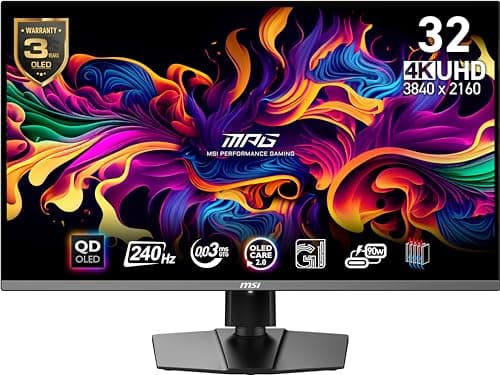
QD-OLEDis per-pixel light emission, so black is genuinely off, and pixel response is effectively instant. At 32 inches with 4K it is the most convincing image you can put on a desk short of a television. The two caveats are honest ones: full-screen brightness is lower than a good mini-LED LCD, and burn-in from static HUDs and taskbars is a managed risk rather than a solved problem — see our OLED burn-in guide for what the care features actually do.
Curved or flat at 32 inches
This is the size where the question becomes real. An aggressive 1000R curve wraps the edges back toward you, which genuinely helps immersion in a racing or flight sim and genuinely annoys people doing spreadsheet-shaped work on straight lines. A gentler curve or a flat panel is the safer default for a mixed work-and-play desk. Our curved vs flat guide has the longer argument; the short version is that the curve is a preference, not an upgrade.
Ports, HDR and the things worth checking on the listing
If a PS5 or Xbox Series X shares the desk, you want HDMI 2.1 rather than 2.0, or the console is capped well below what the panel can do — our PS5 monitor page is the one with that requirement spelled out, and HDMI vs DisplayPort explains which cable gets you the full refresh rate on a PC. For HDR, check the certification tier against VESA's published DisplayHDR criteria rather than the word “HDR” on the box; True Black 400 on an OLED is a real HDR experience and DisplayHDR 400 on an LCD mostly is not. And check the stand: a 32-inch panel is heavy, several of them tilt only, and a VESA arm is a better purchase than a monitor you cannot raise.
Adjacent pages: best 27-inch monitors if you decide 32 is too much, best 4K gaming monitors for the full 4K field, and best OLED gaming monitors if the image is the priority. Published specs here are manufacturer figures from LG and Samsung, not measurements we took.