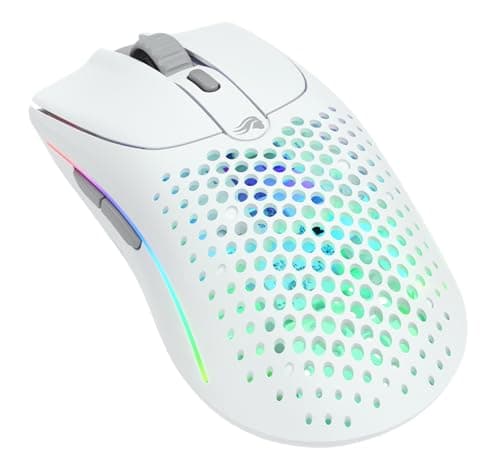
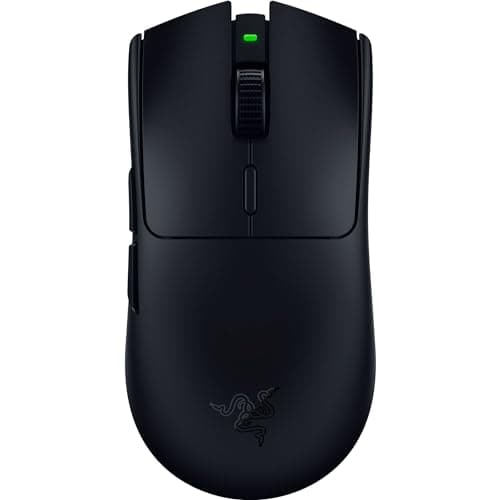
For most smaller hands, the mouse to buy is the Razer Viper V3 HyperSpeed. It is a light, symmetrical wireless mouse with a smaller footprint than the typical “one size” ergo, so it sits under a fingertip or claw grip without asking you to stretch — genuine esports-grade hardware at a price that does not assume deep pockets. The single most common mistake small-handed players make is buying a big, well-reviewed ergonomic mouse and then wondering why it never feels right. The problem is almost never the mouse; it is the fit. The six mice below are chosen because they are smaller, lighter, and shaped to let a small hand grip properly, which is the thing that actually decides comfort and control.
Fit is about your hand, not the brand on the box
A mouse does not have a hidden “quality” that makes it right for small hands; it has dimensions. Two measurements do most of the work: the length of your hand from the base of your palm to the tip of your middle finger, and the width across your palm. A mouse that is too long forces the back of the shell into the wrong part of your palm; a mouse that is too wide splays your thumb and ring finger so they cannot grip the sides. Neither has anything to do with how good the mouse is — a superb mouse in the wrong size is still the wrong mouse. That is why we rank by shape and size here rather than by sensor, and why the winner is not the “best” mouse in the abstract but the one that fits the most small hands.
How to measure your hand in two minutes
Lay your dominant hand flat on a sheet of paper, fingers together and straight. Mark the tip of your middle finger and the crease where your palm meets your wrist, and measure between them for hand length. Then measure the width across the widest part of your palm, not counting the thumb. Those two figures are the whole game. As a rough rule, smaller hands are happiest on compact shells and struggle on the large ergonomic bodies built to fill a big palm — and if your measurement comes back at the other end of the range, our best gaming mice for big hands page is the one you want instead. The numbers matter less than how they pair with your grip, which is the next piece. Our how to choose a gaming mouse guide turns those measurements into a shortlist, and independent reviewers such as RTINGS publish the exact shell dimensions we lean on, because we do not run a lab.
It also helps to know that hands are not one-dimensional. Two people with the same hand length can want very different mice if one has long fingers and a short palm and the other the reverse: long fingers reach the buttons comfortably on a slightly longer shell, while a short palm wants the hump and the click points pulled back toward the wrist. If your fingers are long relative to your palm, you can usually size up a little; if your palm is the longer part, stay compact. When you are caught between two sizes, the grip you use breaks the tie — palm grippers should take the larger of the two, claw and fingertip players the smaller.
Why an oversized ergonomic mouse forces a bad grip
Here is the mechanism, because it is the reason this page exists. A large ergonomic mouse is designed to be cradled in a full palm grip, with the hump filling the space under your palm and your fingers resting flat along the buttons. Put a small hand on that same shape and you cannot reach the far end of the buttons in a palm grip, so you unconsciously slide your hand forward and switch to a claw or fingertip grip on a mouse that was never designed for it. Now the hump is in the wrong place, the click points are too far forward, and the mouse feels nose-heavy and awkward. You did not do anything wrong; the shape simply does not fit, and no amount of getting used to it changes the geometry. A smaller shell fixes this by putting the click points and the balance where a small hand actually sits.
Grip style matters even more when your hands are small
Grip is the other half of fit, and for small hands it is the deciding half. There are three grips: palm (the whole hand flat on the mouse, most contact, most stability), claw (palm on the back, fingers arched up onto the buttons) and fingertip(only the fingertips touch, the mouse is steered rather than held). Smaller hands very often land on claw or fingertip, because a palm grip needs a shell short enough to cradle fully — and once you are clawing or fingertipping, you want a light mouse, since your fingers are doing the moving rather than your whole arm. That is why the picks here skew light and compact. If you are not sure which grip is yours, the mouse grip styles explained guide is the five-minute read that makes the rest of this page click into place, and the lightweight vs heavy guide covers why claw and fingertip players lean light.
The mistake to avoid: buying by review score
The trap that catches most small-handed buyers is trusting a top review score over their own hand. A mouse can be the highest-rated model in its class and still be wrong for you, because a review score rates the mouse, not the match between the mouse and your hand. The big ergonomic shapes that dominate best-of lists are usually built for medium-to-large palms, so a small hand inherits a shape that was tuned for someone else. Read the reviews for sensor honesty and build quality by all means — those are universal — but treat the comfort verdict as a data point about the reviewer's hand, not yours. The only comfort test that counts is whether the shell length and width match your measurements and let you hold your natural grip without stretching or cramping. When in doubt, size down: a slightly-too-small mouse is far easier to live with than a slightly-too-big one, because your fingers can always reach a compact shell, but they cannot grow to fill an oversized one.
How the ranking shakes out
The Razer Viper V3 HyperSpeedwins because it is the rare mouse that is both genuinely small-hand friendly and genuinely high-end: a light, symmetrical wireless shape with a compact footprint that suits claw and fingertip grips, built around tournament-grade internals. Its honest downsides are that it is the most expensive mouse here and it takes an AA battery, which adds a little weight and a slight balance quirk next to a built-in cell — a fair trade for the sensor and the switch quality, but a trade all the same.
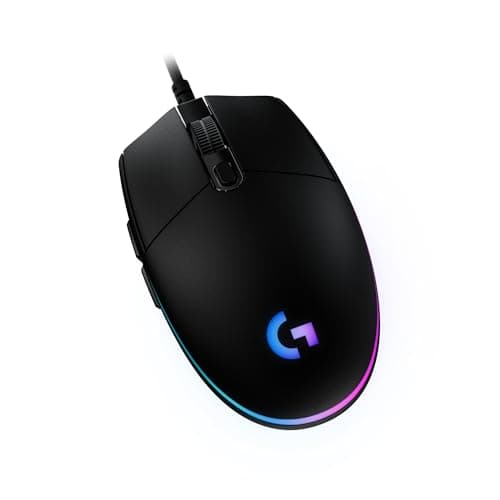
The Logitech G203is the budget answer, and it is genuinely compact: a small, light, ambidextrous shape that fits small hands well and costs very little. It is the mouse we point most people to when money is tight. The honest catch is the stiff cable, which drags unless you add a bungee, and a fairly plain feature set — but for the price, nothing here fits a small hand better for less.
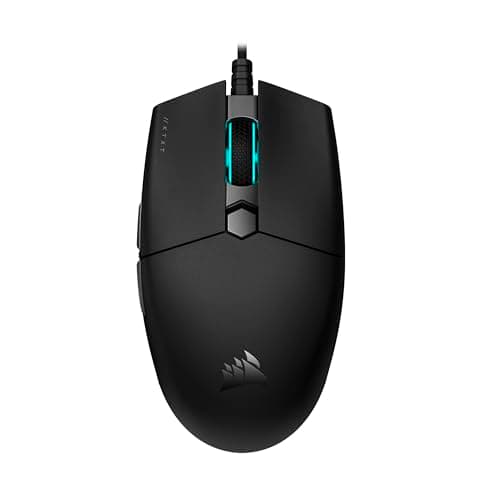
The Corsair KATAR PRO XTis the wired lightweight: small, symmetrical and claw-friendly, with a cable that already drags far less than most. For a small-handed player who wants a pure aim tool on a cable, it is ideal precisely because it is small — the thing that rules it out for big hands is what makes it work here. Its honest limit is that it is exactly that: a simple aim tool, with heavier software than it needs and little beyond the basics.
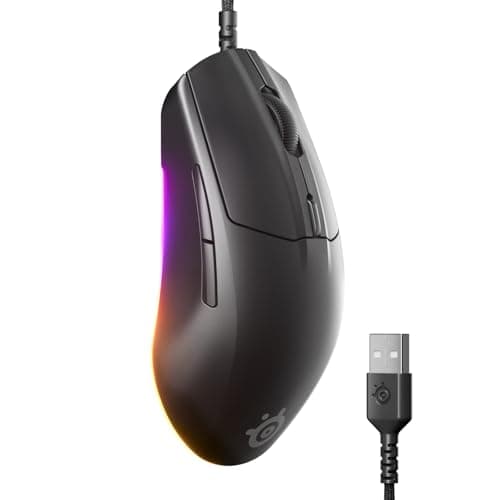
The SteelSeries Rival 3 (Gen 2)is the comfortable compact ergo: a smaller right-handed shape that is light and easy to live with, and a good fit for a small hand that wants a hint of a contour rather than a flat symmetrical slab. Its honest downside is value — it costs a little more than the G203 without clearly out-performing it, so pick it because the shape suits you.
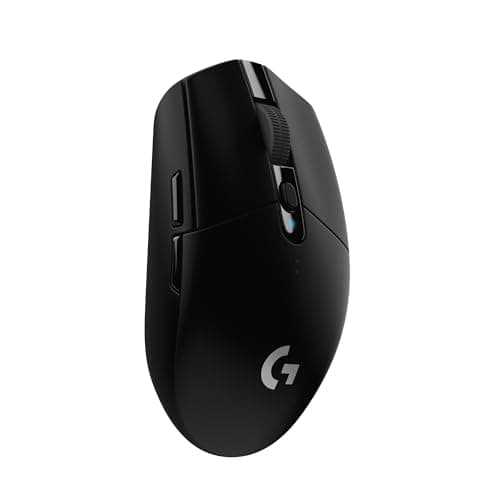
The Logitech G305 is the small-to-medium wireless option with famously long battery life from a single AA. It keeps a flagship-class sensor in a compact, familiar shell, which makes it a strong small-hand pick for anyone who wants to lose the cable without spending Viper money. The honest trade is that the AA adds weight and a slight imbalance, so it is not the lightest option for a fingertip player.
The Glorious Model O 2 Wirelessis the light ambidextrous pick: a very light, solid-shell shape that flicks fast and suits claw and fingertip grips, with dual wireless and a battery that outlasts a work day. It is a fine fit for a smaller hand that wants a neutral, symmetrical shape. Its honest downsides are a coating that gets slick once your hands warm up on long sessions, and a thin set of extras — two side buttons and little else.
Small hands are an advantage in a shooter
There is a silver lining worth stating plainly: for fast, flick-heavy shooters, a small hand paired with a small, light mouse is not a handicap at all — it is arguably an advantage. A lighter mouse changes direction faster and tires you less over a long session, and claw and fingertip grips, which small hands often use, give you quick, precise wrist and finger aim. The players who struggle are usually the ones fighting an oversized mouse, not the ones who embraced a compact one. If competitive shooters are your reason for upgrading, our best mice for FPS and best lightweight mice pages overlap heavily with this one, and for good reason.
Wired or wireless for a small hand
Neither is “better” for a small hand specifically — the fit rules above matter far more than the connection — but there is a real consideration. Several of the light wireless picks here run on a AA battery, which adds a little weight; if you claw or fingertip and want the lightest possible feel, a compact wired mouse like the KATAR or the G203 can actually suit you better than a heavier wireless one. If you would rather lose the cable, the Viper and the Model O 2 are the lighter wireless answers, and our best wireless gaming mice and best wired gaming micepages carry the wider field on each side. If a wireless mouse ever starts dropping out, that is usually a fixable interference problem rather than a dead mouse — our guide to a wireless mouse that keeps disconnecting walks through it.
Whichever you choose, do not over-index on the big numbers printed on the box. Sensor resolution and polling rate stopped being differentiators years ago — the figures quoted on every mouse here are already far beyond what any hand can use, as our DPI explainer and polling rate explainerspell out. For a small hand, fit beats every figure on the spec sheet, every time. And if your budget is the real constraint rather than your hand size, the compact picks here appear on our price-first pages too — the best mice under $30 and under $50— where these small, light shapes tend to be the standouts. Once you have the right mouse, a large, smooth surface finishes the setup; see our best gaming mousepads.