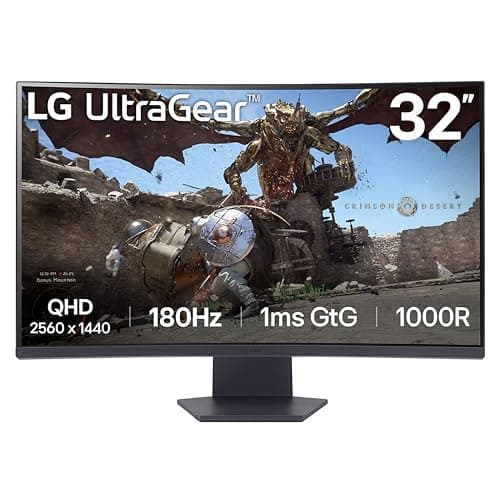
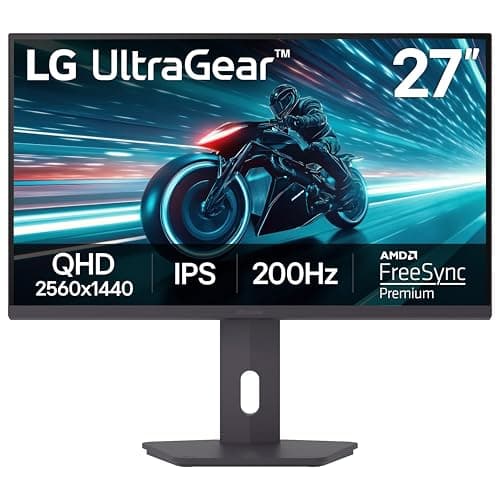
If you want one recommendation and no homework, buy the LG UltraGear 27GS75Q. It is 27-inch 1440p, IPS, 180Hz and it has a stand that actually adjusts — the complete package at a price that leaves money in the budget for the rest of your setup. 1440p (2560×1440, also called QHD) is the resolution we point most gamers to, because it is the genuine middle ground: a clear step up in sharpness from 1080p, without the roughly-four-times pixel load of native 4K that forces a much more expensive graphics card. The six monitors below are all 1440p; what separates them is panel technology, refresh rate, size, and whether you are feeding them from a PC, a console, or both.
Why 1440p is the resolution to buy right now
The case for 1440p is a case about balance. Move from 1080p to 1440p and you get about 78% more pixels, which on a 27-inch screen is the difference between visibly soft and genuinely crisp — 1080p stretched over 27 inches looks a little grainy up close, while 1440p at the same size looks sharp. Move from 1440p to 4K and you get sharper still, but you also roughly double the pixel count again, and that is work your graphics card has to do every single frame. The result is that 4K quietly demands a far stronger GPU to hit the same frame rate. 1440p sits in the pocket where the image is excellent and a mid-range card can still push high frame rates. We lay the full resolution-versus-GPU argument out in our 1440p vs 4K guide, and the step below it in our 1080p vs 1440p guide— but the short version is that for most people, on most graphics cards, 1440p is the resolution that gives up the least.
Because every panel here is the same resolution, sharpness is not the thing that separates them. Three things do: the panel type (IPS, VA or OLED), the refresh rate, and the size. Get those three decisions right and any monitor on this page is a good one.
Panel type is the decision that actually matters
At a fixed resolution, the panel technology is what you are really choosing between, and each type is a different set of trade-offs.
- IPS (the 27GS75Q, 27GP850, 27GR83Q and the AOC Q27G41ZE) gives you accurate color, wide viewing angles and fast, clean motion. Its weakness is black level: in a dark room the blacks glow slightly gray, because the backlight behind them never fully switches off. For most people in most rooms, IPS is the safe, no-regrets default.
- VA(the 32-inch 32GS60QC) trades some of that motion clarity for much deeper contrast — blacks look genuinely black, which is why VA is popular on big, immersive curved panels. The cost is slower dark-scene pixel transitions, which can show up as smearing; our IPS vs VA guide covers exactly why that contrast comes at the price of motion.
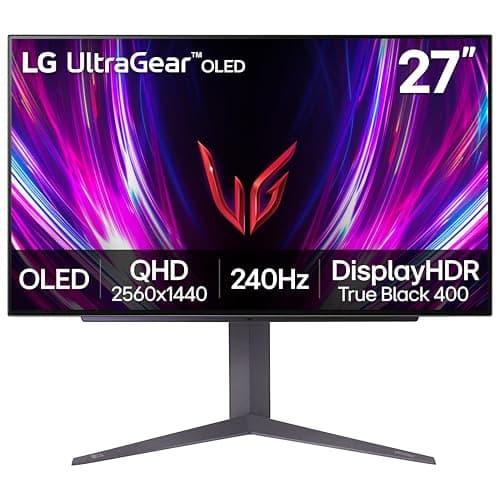
- OLED(the 27GS93QE) lights every pixel individually and switches each fully off for black, so contrast is effectively per-pixel and motion is near-instant. It is the best image on the page by a distance — and the most expensive, with a burn-in risk to manage over years of static HUDs and taskbars.
If you are unsure how panel type shows up in real motion, the honest reference is measured data, not a spec sheet: independent reviewers like RTINGS and Blur Busters publish response-time and overshoot numbers we do not take ourselves, because we do not run a lab.
Refresh rate: how much is enough
Every panel here is high-refresh, which is the point — the jump from 60Hz to 144Hz-plus is the single most-felt upgrade in gaming, as we explain in the 60Hz vs 144Hz guide. Above that, the returns taper: 180Hz is a comfortable, easy-to-drive sweet spot for the average build, while the 240Hz panels here (the 27GR83Q, the OLED, and the AOC) reward a strong graphics card and competitive shooters, where the extra frames translate to lower latency and clearer motion. Raw Hz is only half of motion clarity, though — response time is the other half, which is why a fast IPS at 180Hz can look cleaner than a slow VA at 240Hz. Our 144Hz vs 240Hz guide and response-time explainer unpack that pairing.
One practical note on frames and tearing: whichever monitor you pick, turn on its variable refresh rate (G-SYNC / FreeSync), which removes tearing without the input-lag penalty of old V-Sync. Which flavor matters less than people think, and we cover it in our G-SYNC vs FreeSync guide.
How the ranking shakes out
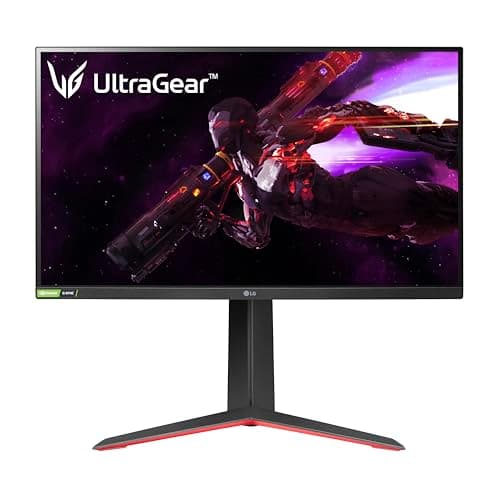
The 27GS75Qtakes the top spot because it is the most complete package for the money: 1440p IPS, 180Hz, and — unusually at this price — a properly adjustable height-and-pivot stand, which cheaper panels almost always drop first. The 27GP850 is the sensible step up: a Nano IPS panel with excellent color that is a favorite of people who want a fast, accurate screen and still have budget left for a mouse and keyboard.
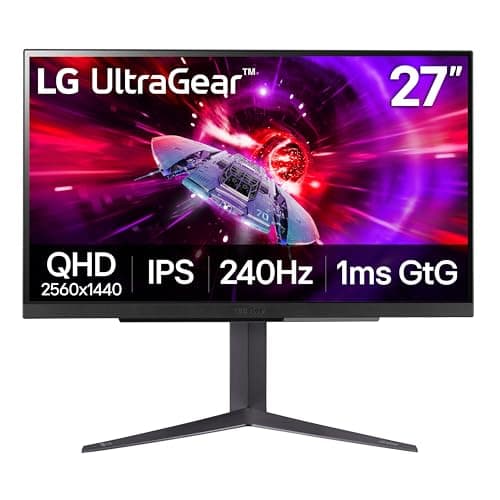
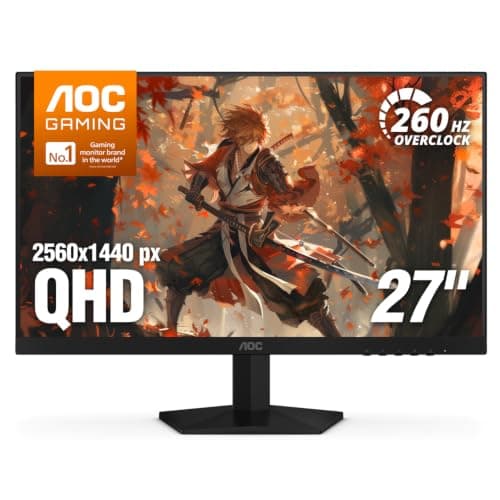
The 27GR83Q earns its place for a specific buyer: it pairs 240Hz IPS for the PC with HDMI 2.1 for a PS5 or Xbox Series X, so it is the do-it-all screen if a console shares the desk. The 27GS93QE OLEDis the showpiece — once you have seen its per-pixel blacks and motion clarity, IPS can look broken — but it eats the whole budget and asks you to mind the burn-in care features. The Q27G41ZE is the frames-per-dollar pick, putting 240Hz and 1440p together for the least money, ideal for competitive play if your GPU can feed it. And the 32GS60QCis the immersion pick: a 32-inch, 1000R curved VA wall of screen that is cheap for its size, as long as you accept VA's dark-scene smearing as the price of that contrast and scale.
Match the monitor to your graphics card, not your wish list
The one mistake to avoid is buying more refresh rate than your PC can feed. A 240Hz panel driven at 90fps is not doing anything a 165Hz panel would not have done for less. Be honest about the frame rates your graphics card actually hits in the games you play, and buy the refresh rate that matches — then spend the difference on the panel quality or the stand, which you will appreciate every day. If your budget is set by a number rather than a resolution, our price-first pages line up the same class of panel by cost: the best under $200, under $300 and under $500. And if you decide the sharper image is worth the graphics-card tax after all, the best 4K monitors are the next rung up.