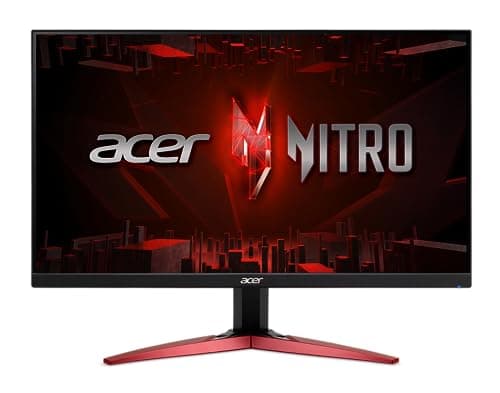
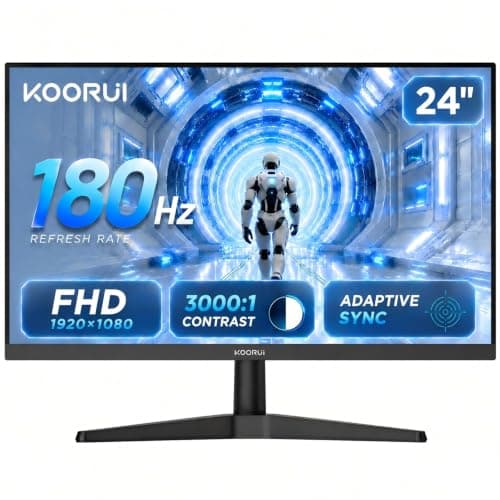
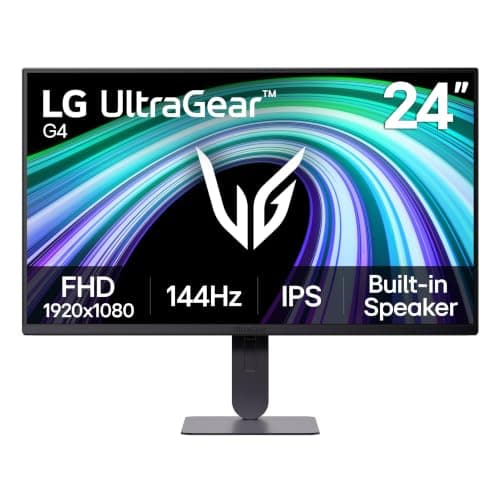
Buy the LG UltraGear 24G414B-B — 24 inches, 1080p, IPS, high refresh, and, crucially, a stand that actually raises and pivots. It is the best-built way to spend this budget, and at the entry tier a good stand and a well-tuned IPS panel matter more than any number on the box. If you want the same speed for less, the Acer Nitro KG241Y is the cheapest IPS worth owning; if dark-room contrast is your priority, the VA KOORUI is the value play.
The entry tier is where 1080p is the right answer, not the cheap one
Under $150 the temptation is to chase the biggest-sounding number — a 27-inch panel, a 1440p resolution — and it is usually the wrong instinct. The winning configuration at this budget is fast 1080p on a 24-inch panel, and it is not a compromise: it is what a large share of competitive players deliberately choose, because 1080p is far easier for a mid-range or older graphics card to push at high frame rates, and 24 inches fits inside your vision without your eyes having to travel.
The reason this matters so much down here is the same reason it matters one tier up on our under-$200 page: the monitor is the cheap part of the equation, and the graphics card that feeds it is not. A cheap 1080p panel paired with the GPU you already own will give you a smooth, high-frame-rate experience. A cheap 1440p panel paired with the same GPU can give you a slideshow, or force you to render at 1080p anyway — an upscaled, softer image on a screen you paid more for.
Should you stretch to 1440p? Read this first
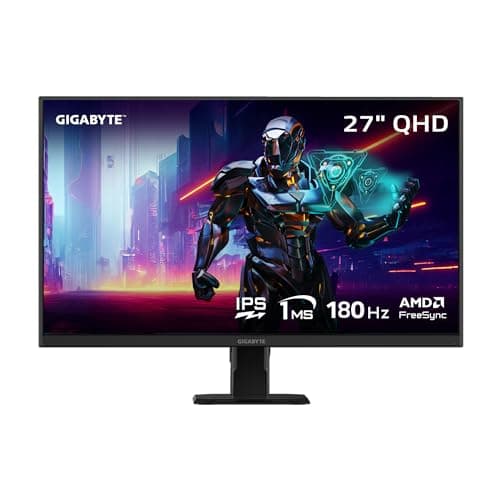
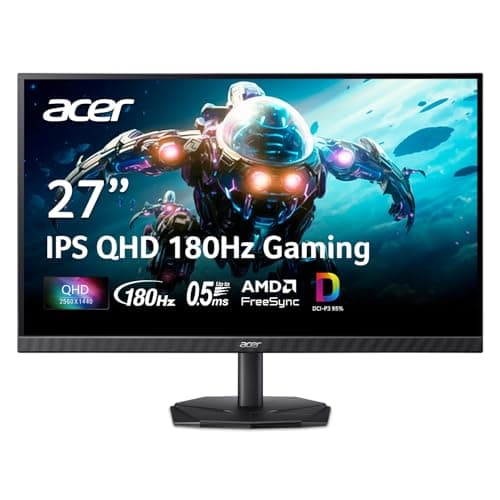
Two of the monitors here — the GIGABYTE GS27QA and the Acer Nitro KG271U — are 27-inch 1440p IPS panels that sit at the very top of this budget and dip into it on sale. They are on this page on purpose, because 1440p is the single most noticeable visual upgrade you can make, and if it lands in your budget it is tempting. But the honest question is not whether you can afford the monitor; it is whether your graphics card can afford the resolution. 1440p is roughly 78% more pixels than 1080p, and that entire cost lands on the GPU, not the display.
We wrote a whole explainer on exactly this trade — 1080p vs 1440p for gaming — and the short version is this: if your graphics card is entry-level or a few generations old, buy the fast 1080p LG or Acer and put the difference toward a GPU upgrade. If your card can genuinely drive 1440p at high frame rates, then the GS27QA is the more exciting monitor on this page by a wide margin, and the KG271U is the cheapest way into that resolution if you can live with a basic stand. The mistake is buying the sharp panel and then having to feed it a soft image.
IPS, VA and the panel decision in plain terms
Every monitor here is IPS except the KOORUI, which is VA, and the difference is the most important one on the spec sheet. IPS gives you accurate color, wide viewing angles and clean, fast motion, at the cost of mediocre contrast — blacks look gray in a dark room. VA gives you genuinely deep contrast and blacks that look black, at the cost of smearing on dark, fast-moving transitions.
The practical rule follows from what you play. For competitive shooters, take IPS every time — the KOORUI's VA smear is precisely the artifact that hurts you in a fast, dark scene, and it is the reason the LG and the two Acers rank where they do for that use. For dark, atmospheric single-player games, the KOORUI's VA contrast genuinely looks better and it is the cheapest 180Hz panel here — a real value pick if you are not chasing kills. You will not find a TN panel on this list worth recommending; the category has moved on, and IPS now delivers TN's speed without its washed-out color.
Refresh rate and size, without the marketing
Most panels here are high refresh, and that is the upgrade you feel most — the jump from a 60Hz office monitor to a fast gaming panel is transformative and everyone notices it. What you should not do is pay a premium for the last handful of Hz above the point your GPU can actually feed. A monitor rated far beyond the frame rate your graphics card produces is selling you a number you will never see. Match the refresh to the frames your system can realistically make, and let variable refresh smooth over the rest.
On size, 24 inches at 1080p and 27 inches at 1440p land at roughly the same pixel density, so neither looks coarse. What you should not buy is a 27-inch 1080p panel, where the same pixels stretched wider start to look soft — none is on this list for that reason. Stick to 24-inch 1080p or 27-inch 1440p, pick the one your graphics card can feed, and you cannot go far wrong.
The five at a glance, and who each one is for
Once you have settled the resolution-versus-GPU question and the IPS-versus-VA question, the field sorts itself. Here is where each panel lands.
- LG UltraGear 24G414B-B— the all-round winner. A 24-inch 1080p IPS panel with the height-and-pivot stand budget monitors usually delete, plus LG's better out-of-box tuning. The safe buy for most people, and the one that will not have you shopping for a monitor arm.
- Acer Nitro KG241Y — the cheapest IPS worth owning. The same fast 1080p IPS motion for less, with FreeSync that works on both AMD and NVIDIA cards. The saving comes straight out of the tilt-only stand, which sits low — fine if your desk is high, a problem if it is not.
- KOORUI 24in — the contrast value pick. A 1080p VA panel at the lowest price here, with 3000:1 contrast that makes dark scenes look far better than any IPS on the page. The trade is VA smear on dark, fast motion: excellent for atmospheric single-player, the wrong tool for a competitive shooter.
- GIGABYTE GS27QA — the stretch-to-1440p pick. A 27-inch 1440p IPS panel that makes the 1080p options look dated, at roughly the same pixel density as 24-inch 1080p. It only makes sense if your graphics card can actually drive 1440p; on an entry-level GPU it is the classic overreach.
- Acer Nitro KG271U — the cheapest way into 27-inch 1440p IPS, with wide DCI-P3 color and enough inputs to keep a console and a PC plugged in at once. As with the KG241Y, the money was saved on the stand, so check its adjustment range against your desk height first.
How to buy a gaming monitor under $150
Match the resolution to the graphics card, not the budget
This is the whole game at the entry tier, and it is where the money is most often wasted. Before you choose between a 1080p and a 1440p panel, work out what your card can realistically render. A cheap monitor you can actually feed beats a sharper one you cannot, every time. If your GPU is modest, the 24-inch 1080p LG or Acer is the smart buy and the saving belongs in your next graphics card. If your card is strong, the GS27QA's 1440p is the biggest visual jump on the page.
Let what you play decide IPS versus VA
For competitive shooters, buy IPS — the LG, the Acer Nitro KG241Y and the Acer KG271U all give you clean motion, and you avoid the dark-transition smear that a VA panel adds to exactly the scenes where you need to spot movement. For dark, atmospheric single-player games, the KOORUI's VA contrast genuinely looks better and costs the least. Decide which you play more of before the spec sheet decides for you.
Check the stand before you celebrate the price
This is where budget monitors quietly cut corners, and it is the LG's biggest advantage here: a stand with real height and pivot adjustment, where the Acer KG241Y is tilt-only and sits low, and the KG271U saves money in the same place. A screen that is too low will give you neck ache for years, and if you have to buy a monitor arm to fix it, the saving that made the cheaper panel attractive evaporates instantly. Factor the stand into the price, not as an afterthought.
Turn on Adaptive Sync — it is free
Every monitor here supports variable refresh rate, which syncs the display to your graphics card's output and eliminates screen tearing. It works with both AMD and NVIDIA cards now, it costs nothing, and it is the first setting you should switch on after unboxing. There is no reason to leave it off.
Ignore the response-time claims
Every monitor on this page claims some flavor of “1ms”. Those figures are measured under favorable conditions the manufacturer chooses, they are not comparable between brands, and we have no lab to verify a single one — so we have not ranked on them, and neither should you. The panel type and the refresh rate tell you far more about how a monitor actually moves than any response-time sticker.
When it is finally set up, calibrate the basics
A new panel out of the box is rarely at its best, and a few minutes with the on-screen menu — plus turning on variable refresh — is worth more than a spec upgrade. Our monitor setup guide walks through the settings that matter, and our 144Hz vs 240Hz explainer covers why chasing the very highest refresh rates has diminishing returns once your GPU is the bottleneck.
Do not future-proof the monitor ahead of the graphics card
It is tempting to buy the 1440p panel now and upgrade the GPU later, but that order costs you. Until the better card arrives you are running a sharp screen at a soft, upscaled resolution, having spent money on pixels you cannot yet light up. Buy the monitor your current card can genuinely feed, enjoy every frame of it, and let the next graphics card decide your next monitor. At the entry tier especially, a fast 1080p panel you can max out beats a 1440p one you have to hobble to keep playable.
Size is a decision, not a bonus
Bigger is not automatically better here. A 24-inch panel keeps the whole screen inside your field of view — which is exactly why so many competitive players prefer it — and it asks less of your graphics card. A 27-inch panel is more immersive, but only stays sharp at 1440p; a 27-inch 1080p screen spreads the same pixels thinner and looks soft, which is why none is on this list. Decide the size and the resolution together, not separately: 24-inch 1080p or 27-inch 1440p, matched to your GPU, and skip the in-between that looks like more monitor but is really just a blurrier one.
What not to pay for
“1ms” response-time claims. HDR badges on a panel with no local dimming, which at this budget means all of them — treat every HDR label here as marketing. Overclocked refresh rates a step above the panel's real rating. A 27-inch 1080p panel, which only spreads the same pixels thinner. Every one of these is a line printed to sell a monitor, not to make your games look or feel better.