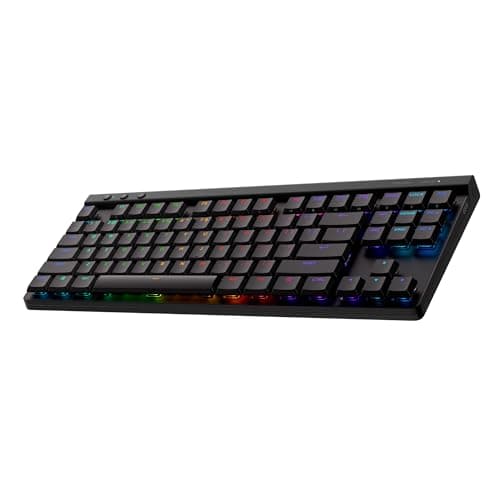
Keyboards are the peripheral where marketing and reality diverge the most. The box talks about polling rates and anti-ghosting, both of which have been solved problems for a decade. What you will actually notice, every single day, is how much desk the board eats, how the switches feel under your fingers, and whether the thing can be fixed when one key starts chattering. This page is ordered around those three.
Every price here is pulled live from Amazon and stamped with the date we retrieved it. We do not run a testing lab and never claim to — our methodology page states exactly what our scores are and are not.
Decision one: size, and what you give up
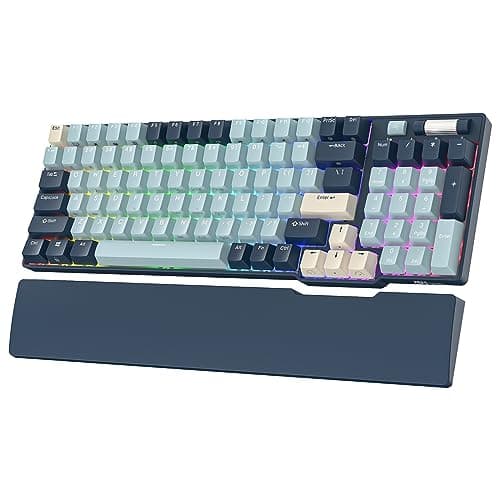
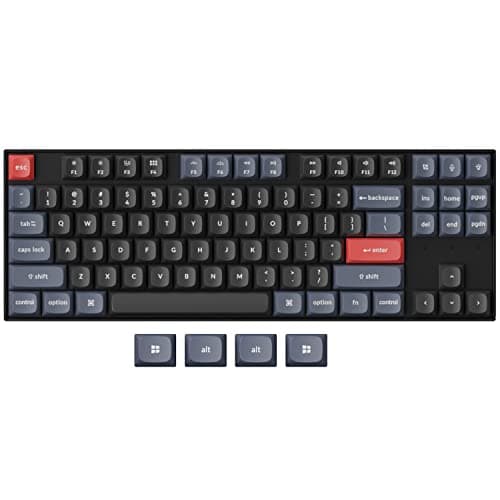
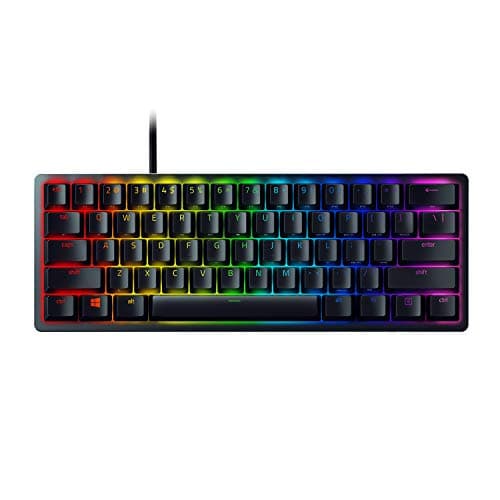
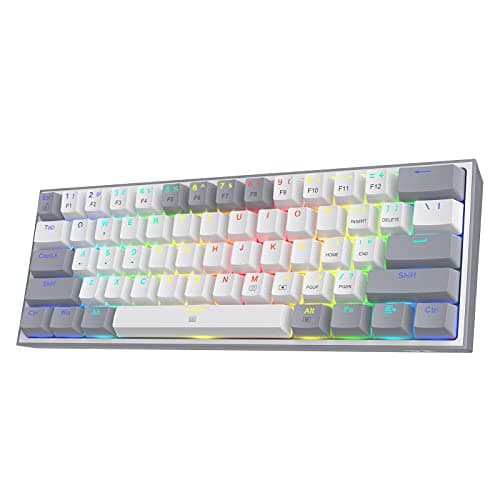
Layouts are named by how much of a full keyboard survives. Full-size (100%) keeps everything including the number pad. A 96% layout squeezes the number pad against the main block to save a couple of inches. Tenkeyless (TKL, about 80%) drops the number pad but keeps the arrows and the function row. A 60% keeps only the main block — no function row, no arrows, no navigation cluster — and puts all of it on a held-down layer key.
The gaming argument for a smaller board is real but narrow: a TKL or 60% frees several inches of desk, which lets you keep the mouse closer to your body and swing it further at low sensitivity. If you play shooters at low DPI, that is a genuine ergonomic gain. If you also use spreadsheets, a 60% will annoy you within a week. Our keyboard sizes guide lays out each layout side by side.
Decision two: switch feel, not switch marketing
There are three families worth knowing. Membrane boards push a rubber dome onto a contact sheet: cheap, quiet, mushy, and perfectly serviceable. Mechanical switches use an individual spring-loaded mechanism per key, which is why they feel consistent across the board and why they are repairable. Optical switches register a press by breaking a light beam, which removes the metal contact that eventually wears out and causes double-typing.
Within mechanical, the only split that matters to a buyer is linear versus tactile versus clicky. Linear switches travel smoothly with no bump — preferred for gaming because there is nothing to push past. Tactile switches have a bump at the actuation point, which most people prefer for typing. Clicky switches add a noise your household will have opinions about. Nobody aims better because of a switch, and anyone who tells you otherwise is selling switches.
Decision three: hot-swap, the feature that outlives the board
A hot-swappable keyboard holds its switches in sockets rather than soldering them to the board. Two consequences. First, when one switch starts registering double presses — the most common way a mechanical keyboard dies — you pull it out with a $3 tool and push a new one in, instead of replacing the whole keyboard. Second, you can change how the board feels without buying another one.
That is why hot-swap appears on three of the five picks here, including the cheapest. It is the single best durability feature in the category, it costs almost nothing to include, and it is the reason a $30 board can now outlive a $150 one.
Wireless, and when to ignore it
A keyboard is the one peripheral where wireless latency genuinely does not matter — your fingers are not tracking a moving target, and a proprietary 2.4GHz link is indistinguishable from a cable in use anyway. What wireless actually buys is a clean desk and the ability to move the board. Bluetooth-only boards are fine for typing and fine for most games; if you want one board for a work laptop and a gaming PC, triple-mode (Bluetooth, 2.4GHz and USB-C) is the feature to look for, and both the RK96 and the K8 Pro have it.
What to skip: RGB per-key lighting that costs you $40, proprietary software that must run at startup, and any keyboard whose keycaps are ABS when PBT is available. PBT keycaps resist the greasy shine that ABS develops within months on the keys you actually use.
Four questions, in this order.
1. Do you need the number pad?If yes, go full-size or 96%. If no, go TKL — it is the layout that suits the most people, and the mouse-room gain is immediate.
2. Linear or tactile?Linear if you mostly game, tactile if you mostly type, and tactile again if you are unsure — it is the more forgiving of the two for mixed use.
3. Hot-swap or not? At any price, prefer hot-swap. It turns a dead key from a new purchase into a two-minute repair.
4. Wired or wireless? Wired is cheaper and always works. Wireless is worth the premium if the board will move between machines. Latency is not a reason to choose either, on a keyboard.
If you want the price-led version of this decision instead, our best gaming keyboards under $50 page covers the budget end in detail, and under $100 covers the bracket above it.