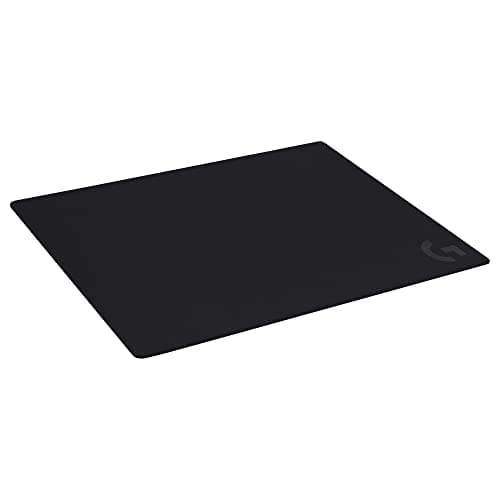
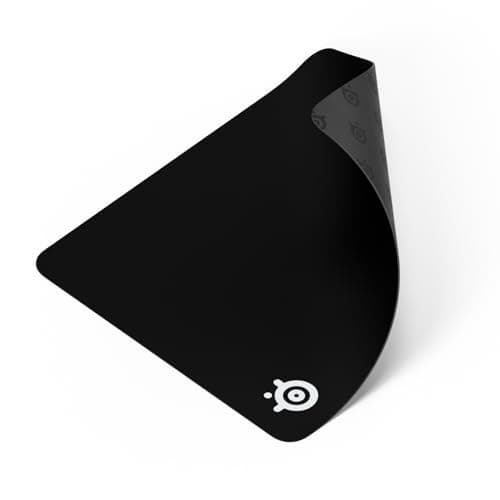
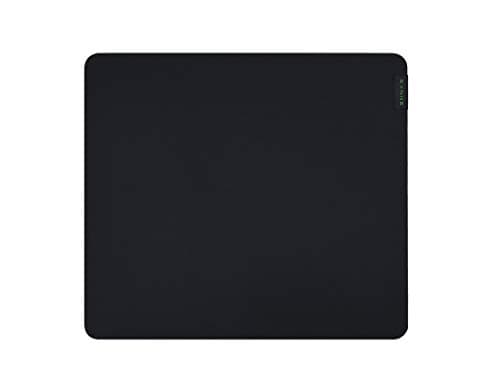
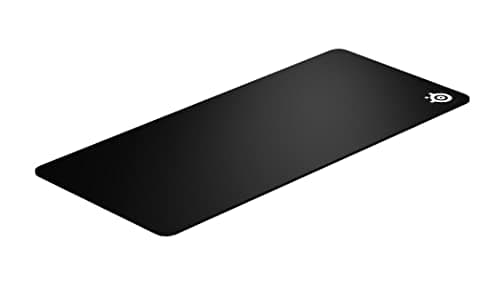
A large mousepad is not a luxury item for people with big desks. It is a requirement for anyone playing at low sensitivity. If you turn 180 degrees with a sweep of the forearm rather than a flick of the wrist — which is how most competitive shooter players aim — a standard pad runs out of surface mid-turn. You lift, reposition, and lose the shot. That is the entire problem an extended mat solves, and it costs less than almost anything else on this site.
Every price here is pulled live from Amazon and stamped with the date we retrieved it. We do not run a testing lab and never claim to — our methodology page states exactly what our scores are and are not.
Work out the size you need, do not guess it
There is a simple calculation. Your effective sensitivity is your mouse DPI multiplied by your in-game sensitivity, and it determines how many centimetres of mouse movement a 360-degree turn takes. Competitive shooter players commonly land somewhere between 25cm and 45cm per 360. A Large pad is roughly 45cm wide; an XXL desk mat is roughly 90cm. If your 360 distance is over 30cm, a Large pad means you are constantly starting turns near an edge.
You can measure yours in two minutes: put the mouse at the left edge of the pad, turn exactly once in game, and see where your hand finished. If the answer is “off the pad”, this page is for you. Our mousepad size guide walks through the same maths with examples, and setting DPI and sensitivity covers the other half of the equation.
Surface and friction: match it to your grip
Cloth pads are specified loosely, and the marketing words — speed, control, hybrid — describe a spectrum of friction rather than fixed categories. Lower friction lets the mouse coast, which suits flick-heavy aim and fingertip grip. Higher friction stops the mouse where you put it, which suits tracking aim and palm grip.
Every pad here is cloth, which is deliberate. Hard pads glide faster and last longer but transmit every texture into your wrist and chew through mouse feet; glass pads are fast, loud, and unforgiving of any aim that relies on micro-corrections. For almost everyone, cloth is correct — hard vs soft mousepads covers the exceptions.
The stitched edge is the durability spec
Cloth pads fail at the border. The weave frays, a thread lifts, and within a year the edge nearest your wrist looks chewed. A stitched edge — a sewn border around the perimeter — stops that, and it is the difference between a pad lasting one year and several. Two picks here list it explicitly.
The other durability factor is the base. A rubber base with real grip keeps a 90cm mat from creeping as you push against it, which matters more on a desk mat than a small pad simply because there is more surface to slide. Thickness is mostly comfort: around 2mm is the standard, thicker pads soften an uneven desk and raise your wrist slightly.
Washing one, so it lasts
Cloth pads get genuinely dirty — skin oil and dust pack into the weave and the glide goes sticky and inconsistent. They are also washable. Cold water, a drop of mild soap, hands only, no machine and no dryer, then flat to air dry fully before it goes back on the desk. A washed pad regains most of its original glide, which is why we would rather you cleaned a good pad than replaced a cheap one. There is a full walkthrough on how to clean a mousepad.
Three steps and you are done.
1. Measure your 360 distance. Under 25cm, a Large pad is fine. Over 30cm, buy an extended or XXL mat.
2. Measure your desk.An XXL mat is roughly 90cm by 40cm. Check it clears your monitor stand and any desk-edge trim before ordering — a mat that has to bend at one end will never sit flat.
3. Pick friction by grip. Fingertip and flick-heavy aim, go lower friction. Palm grip and tracking aim, go higher friction. If you genuinely do not know, the QcK surface is the middle of the category and the reason it has been the default recommendation for twenty years.
One thing not to pay for: RGB lighting around the border of a desk mat. It needs a cable, it adds cost, and it sits under your hands where you cannot see it.