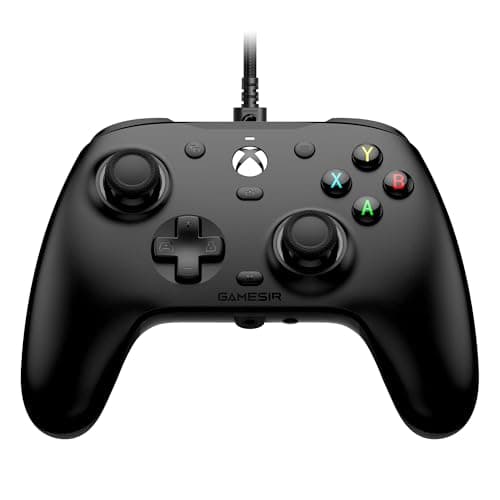
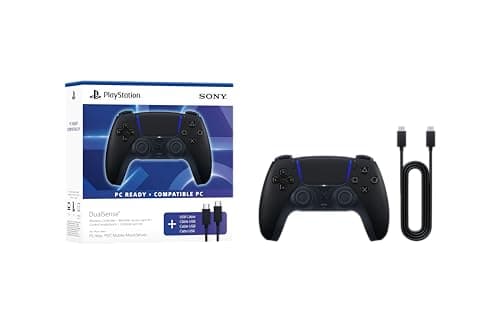
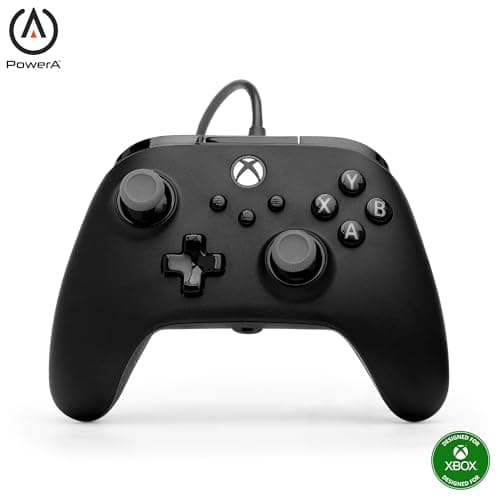
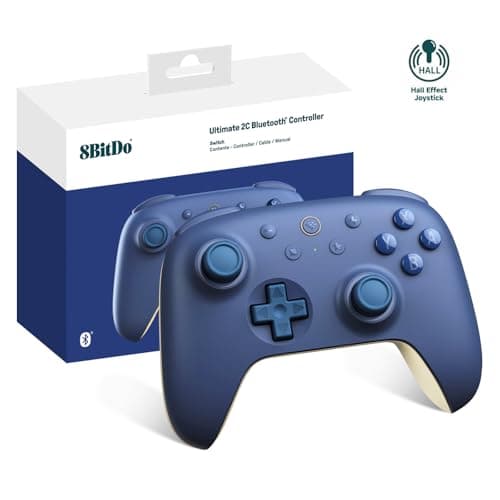
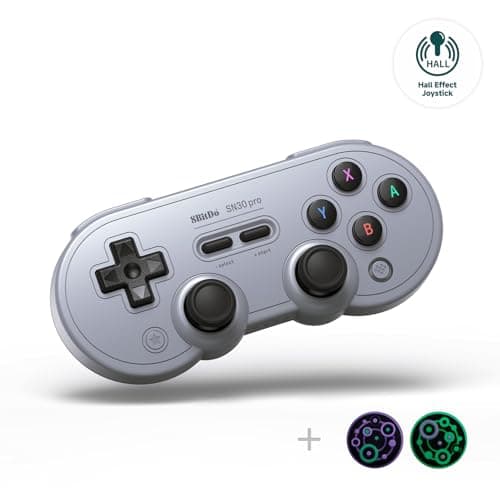
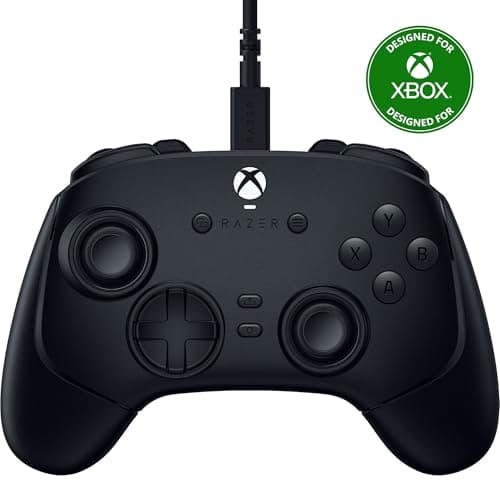
The sub-$100 controller bracket has quietly absorbed everything that used to justify a pro controller. Hall-effect sticks, remappable rear inputs, swappable faceplates, trigger stops, proper remapping software — all of it is now available below $100, usually on a licensed pad from a brand that will honour a warranty. What is still reserved for the expensive tier is adjustability: swappable stick tops, adjustable stick tension, and modular thumbsticks. Whether that is worth double the money is the entire question this page answers.
Every price here is pulled live from Amazon and stamped with the date we retrieved it. We do not run a testing lab and never claim to — our methodology page states exactly what our scores are and are not.
Wired is not a compromise in this bracket
Two of the picks here are wired on purpose, and that is the single best value decision available under $100. A cable removes the radio link, the battery, the charging circuit and the pairing software from the bill of materials, and every dollar saved goes into the parts you touch: the switches, the sticks, the triggers and the shell. It is why competitive players at events use wired pads even when wireless is allowed.
The cost is obvious — you are tethered, and couch play is awkward. If you play at a desk, take the wired pad. If you play on a sofa ten feet from the screen, do not; buy the wireless option and accept slightly less hardware for the money. Our wired vs wireless controller guide has the detail.
Hall-effect sticks: the one spec to insist on
Stick drift is how most controllers die. A conventional stick reads position with a wiper dragging across a resistive track; the track wears, the signal gets noisy, and your character walks on its own. A Hall-effect stick measures a magnetic field instead, so nothing touches and nothing wears through.
Four of the six picks here list Hall-effect sticks, and the cheapest of them is well under half the budget. There is no longer a price argument against buying drift-resistant — which makes it the first filter to apply, before brand, colour or button count. Our Hall-effect controller roundup covers every pad in the registry that has them.
Licensing, and why unlicensed Xbox pads do not work
On Xbox consoles, third-party controllers must be licensed by Microsoft to function at all — there is an authentication handshake, and an unlicensed pad is simply ignored. This is the one platform rule that catches budget buyers out: a cheap pad advertised as “Xbox-style” may work beautifully on a PC and do nothing on the console. Both Xbox picks here are explicitly licensed.
PlayStation and Switch are more forgiving in different ways. PS5 will take third-party licensed pads, but only the DualSense family delivers the adaptive triggers and fine haptics that PlayStation games are built around. Switch pads are generally permissive but vary wildly in whether they support wake-from-sleep and motion controls.
What you still cannot buy under $100
Three things, honestly. Swappable stick modules, so a worn stick can be replaced rather than the pad. Adjustable stick tension, which lets you dial resistance to your aim style. And a genuinely premium shell — the expensive pads use denser plastics and better-damped triggers, and you can feel it in the first thirty seconds.
None of those make you better at a game. They make a pad nicer to own and, in the case of swappable sticks, longer-lived. If you want to see what the extra money buys, the pro controller roundup covers the tier above. If you are shopping the other direction, the under $50 bracket is stronger than it has any right to be.
Four filters, in order.
1. Platform. PS5 means DualSense. Xbox means a licensed pad or it will not work at all. PC takes anything, with Steam Input available for remapping.
2. Hall-effect sticks. Insist on them at this budget. There are enough options that you do not have to compromise.
3. Wired or wireless. At a desk, wired gets you more hardware per dollar. On a couch, wireless, and look for a dongle rather than Bluetooth alone if you are on PC.
4. Back buttons.Only pay for them if you know the input you want to move — jump, crouch or ping. If you cannot name it, skip them and spend the money elsewhere.