Nearly everything printed on a gaming-headset box is irrelevant to what you will hear. “7.1 surround” is a software mode, not seven drivers. “50mm drivers” describes a diameter, not a tuning. “Gaming-grade audio” describes nothing at all. What decides whether you hear someone creeping up a staircase is the driver’s tuning, the seal the earcups make on your head, and whether you leave the virtual surround switched off. So this page starts with the mechanism and ends with the picks.
Every price here is pulled live from Amazon and stamped with the time we retrieved it. We do not run a listening lab and we never claim to — our methodology page states exactly what our scores are and are not.
How you actually locate a sound
Your brain places a sound using two cues and a filter. The two cues are interaural time difference— a sound from your left reaches your left ear a fraction of a millisecond earlier — and interaural level difference, where your head shadows the far ear and makes the sound quieter there. The filter is the shape of your own outer ear and head, which colors the sound differently depending on the direction it arrives from. That is the mechanism of sound localization, and it is why a plain stereo pair of drivers can convey direction at all.
Two things follow, and they are the whole reason this page exists. First, a headset that reproduces the mid-range cleanly and does not bury it under bass gives your brain better cues than a headset with a bigger driver and a boosted low end. Footsteps, reloads and cloth movement sit in the mid-range; a bass-heavy tuning masks exactly the band the information lives in. Second, the fit matters as much as the driver— a broken seal on one side changes the level difference between your ears, which is one of the two cues your brain is using. Our footstep audio explainer is the long-form version with the research cited.
Virtual surround: switch it off and listen again
Every system marketed as 7.1 or spatial audio on a stereo headset works by simulating a head-related transfer function — applying the filtering your own ear shape would have applied, had the sound really come from behind you. The catch is that the function is personal. It depends on the geometry of your head and ears, and a generic profile fitted to someone else’s measurements can smear the cues instead of adding them.
Some implementations are genuinely good and some make positional accuracy worse. Platform-level systems like Dolby Atmos for Headphones tend to be the better ones, and a headset vendor’s own “7.1” checkbox tends to be the worse. The only reliable method is to turn it off, play a map you know well, and turn it back on. If you cannot immediately tell which mode you are in, it is not helping you. Our virtual surround vs stereo guide goes through the testing method properly.
Open-back or closed-back is the real fork
This is the choice that changes the sound more than any brand decision. Closed-back earcups seal the driver against your head: they block outside noise, keep your audio from leaking to anyone nearby, and push bass harder because the air behind the driver is trapped. Open-back earcups are vented, which removes the pressurized cavity and produces a wider, more separated sense of space — usually better for placing a sound — at the cost of blocking essentially nothing and leaking your game audio into the room.
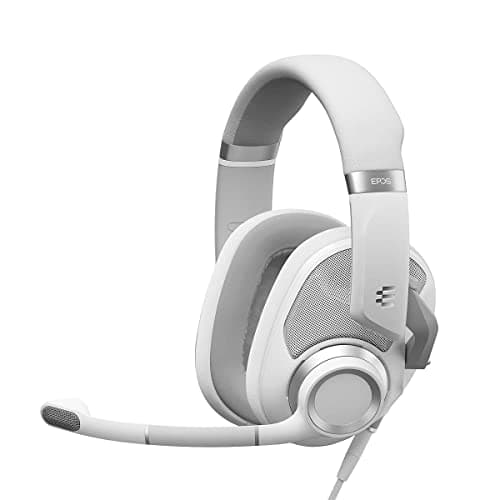
Open-back if you play competitively in a quiet room on your own. Closed-back if you share a space, play somewhere noisy, or use a microphone where your own game audio would leak into it. That is the entire decision, and it matters more than the price difference between any two headsets on this page. Our open-back vs closed-back comparison covers the edge cases, and best open-back headphones for gaming covers the enthusiast end where you add a mic separately.
Wired, 2.4GHz or Bluetooth
These are three different products wearing the same shape.
Wired 3.5mm has no latency worth measuring, no battery, no dongle and no software, and works on every device with a headphone jack including a controller. It is also the cheapest route to a given sound quality by a wide margin, which is why the overall pick here is wired.
2.4GHz wirelessvia a USB dongle adds a latency low enough that it is not a competitive handicap — this is what every serious wireless gaming headset uses. You are paying for the freedom and the battery management.
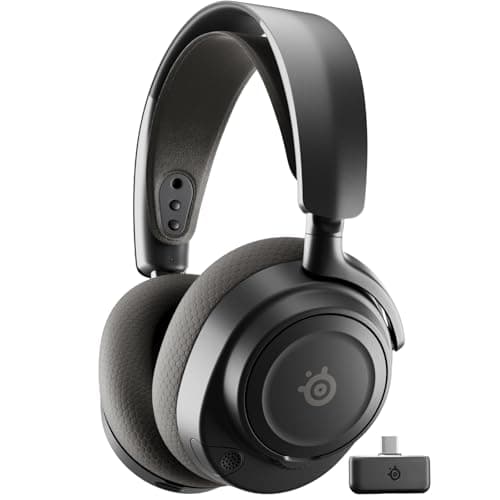
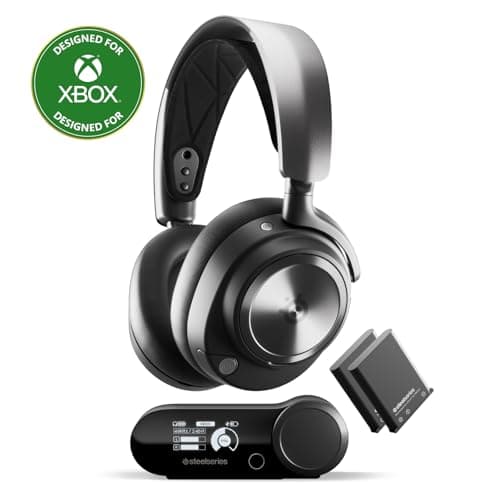
Bluetooth is the one to understand before you rely on it. Its buffering and codec negotiation introduce latency high enough to visibly desynchronize a gunshot from its muzzle flash. It is excellent for music, calls and a handheld on the couch, and wrong for competitive play. The better wireless headsets, including the Nova 7 here, run 2.4GHz for the game and Bluetooth simultaneously for everything else, which is the right answer rather than a compromise. Our wireless latency explainer has the numbers, and wired vs wireless covers the trade in full.
The microphone is not an afterthought, but it is not a studio either
A gaming-headset boom mic exists to make your voice intelligible over a game, not to sound good. Judged on that job, the differences between headsets are real but narrower than the marketing suggests: placement matters more than the capsule. A mic two finger-widths from the corner of your mouth, slightly off-axis so plosives do not hit it directly, will outperform a nominally better mic worn badly.
If people tell you that you sound distant or thin, the fix is almost always position, gain or the software noise suppression mangling you — not the hardware. Our mic background-noise guide and quiet-mic fixcover the usual causes. If voice quality is the actual priority, a separate microphone is a step change a headset cannot match — see best microphones for gaming — and best headset microphones ranks the ones that come closest.
Comfort is a specification, and it is the one that decides whether you keep it
A headset you take off after ninety minutes is worse than a cheaper one you forget you are wearing. Three things drive it: weight, clamp force, and whether the earcups go around your ears or press on them. Over-ear cups with enough internal depth avoid resting on your cartilage; on-ear pads do not. Glasses change the calculation again, because an arm under a firm pad creates a pressure point and breaks the seal that your localization cues depend on — best gaming headsets for glasses is the page for that, and most comfortable gaming headsets ranks on this criterion alone.
What you can safely ignore
Driver diameter. A 50mm driver is not better than a 40mm driver. Tuning decides the sound; diameter is a manufacturing choice.
Frequency-response ranges like “10Hz–40kHz”. Human hearing tops out around 20kHz and the figure is quoted with no tolerance, so it describes nothing measurable.
“7.1” on the box. It is a processing mode on a stereo headset, and it may be making your positional accuracy worse. Test it.
RGB lighting. It is on the outside of the cups, where you cannot see it, and it costs battery on a wireless model.
How we ranked these
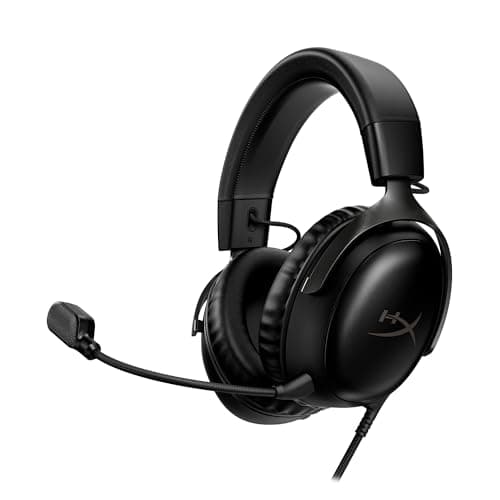
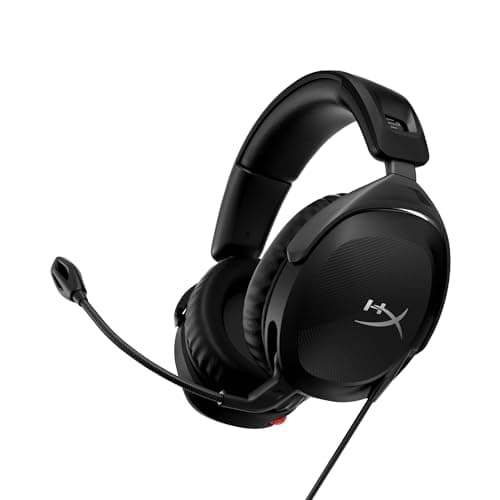
Scores are judgments from documented research — published specifications from HyperX, SteelSeries and EPOS, independent lab measurements from RTINGS where a model has been benched, and aggregated owner reports. They are not our own measurements, and no headset on this site has ever been described as tested by us.
The six picks below answer six different questions rather than six versions of one. Each links to the page where we go deeper on that bracket.
Buying checklist
1. Decide closed-back or open-back first. Shared room, noisy space or a microphone in use: closed. Quiet room on your own and competitive play is the priority: open. This changes the sound more than the next $100 does.
2. Then pick the connection. 3.5mm for the best sound per dollar and universal compatibility. 2.4GHz dongle for wireless you can play competitively on. Bluetooth only as a second connection alongside 2.4GHz, never as the only one.
3. Check it fits the device you actually play on. A USB-only headset will not work on a PS5 controller or a Switch in handheld mode. A 3.5mm headset works on everything. Our USB vs 3.5mm guide covers the compatibility traps.
4. Budget for comfort over features. Over-ear cups with real internal depth, moderate clamp, and under about 350 grams if you play long sessions. A feature list cannot rescue a headset that hurts.
5. Turn the surround mode off on day one. Play something familiar in plain stereo for an evening before you judge the headset. Then try the surround mode and keep it only if the improvement is obvious.
6. Skip the amplifier until you have a reason. Every headset on this page is easy to drive from a motherboard, a controller or a phone. A DAC or amp is for high-impedance open-back headphones, not for a gaming headset.